Features
Explore Agentastic’s interface for parallel agents, isolated worktrees, flexible splits, Chat and CLI modes, and rich terminals, then discover review, remote execution, and automation
Run coding agents side by side in a native macOS workspace. Keep tasks isolated, arrange chats, terminals, files, and browsers in splits, and review the results where the work happens. Start with the everyday interface, then explore remote execution and automation.
Interface#
Run agents in parallel, arrange the workspace around your task, and work in Chat or a fully featured terminal.
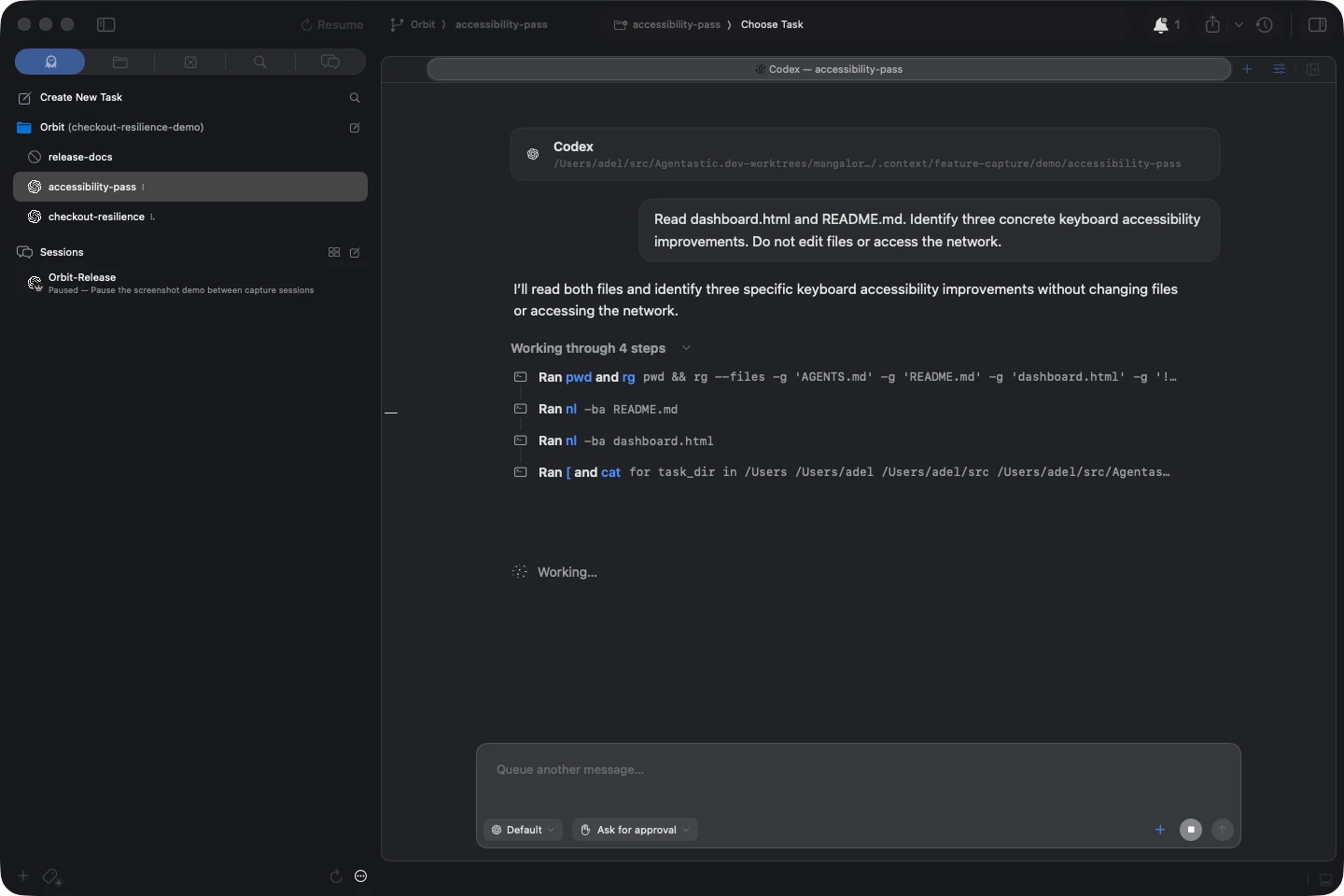
Parallel agents and isolation#
Run several agents at once, each in its own Git worktree, so they can edit, test, and commit without colliding. Add container isolation when a task needs its own tools and dependencies.
Set up worktrees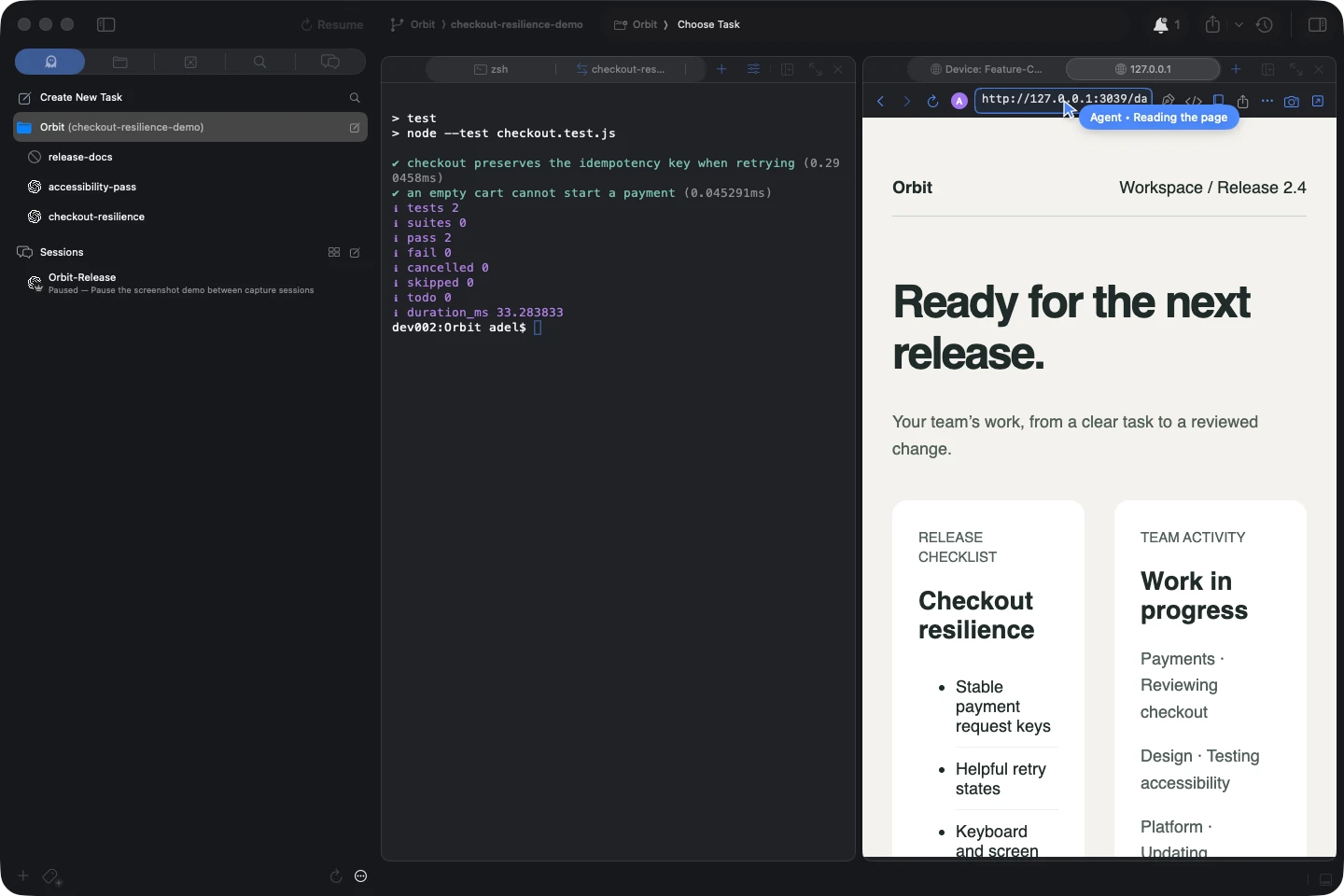
Split panes and flexible tabs#
Arrange files, browsers, terminals, chats, diffs, and boards in horizontal or vertical splits, then drag tabs to the exact place the task needs.
Work with editor splits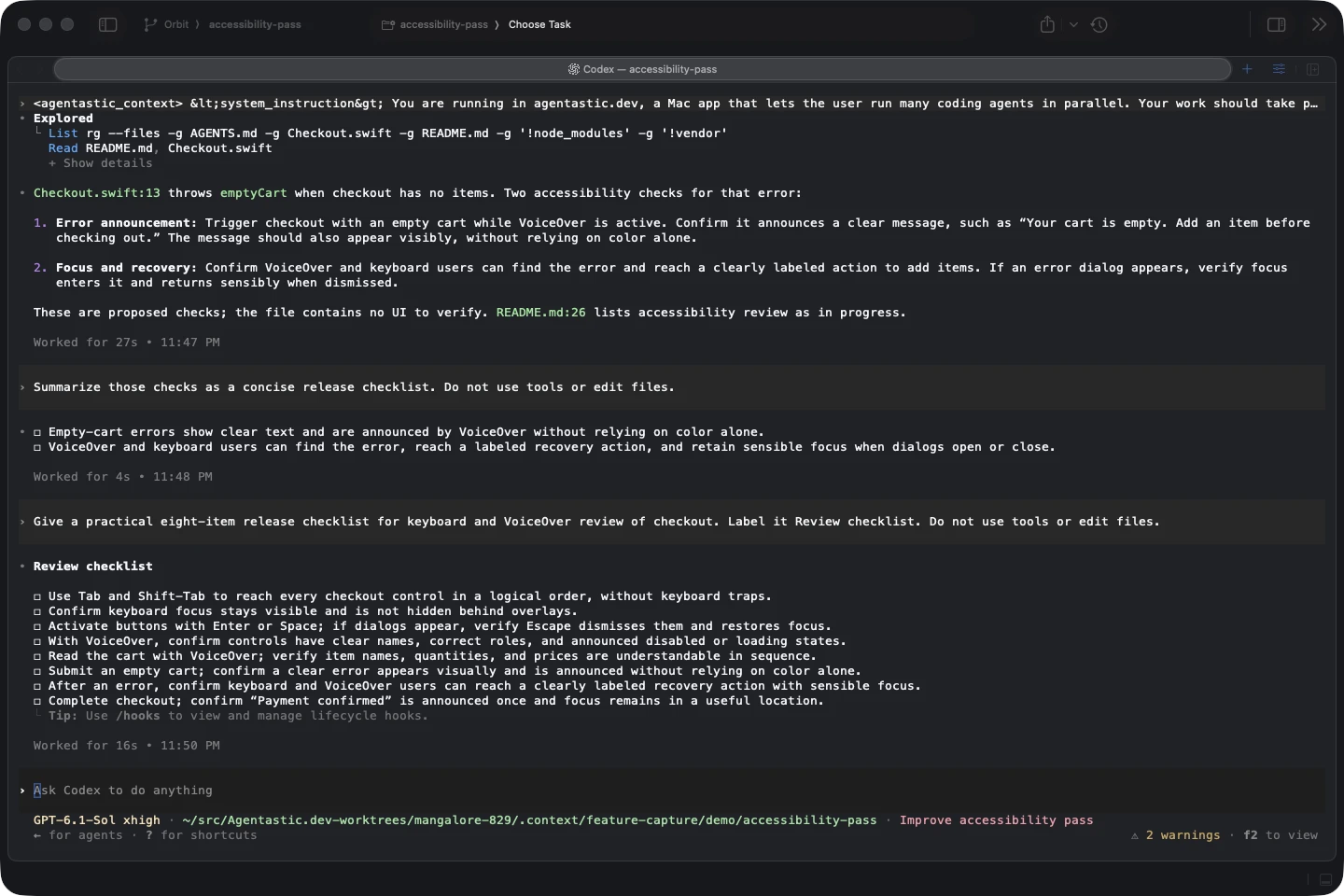
Every agent, Chat or CLI#
Bring Claude Code, Codex, Poolside, Gemini, Cursor, Copilot, OpenCode, or your own CLI. Use a real terminal for any agent, or structured Chat for supported agents, with native controls, tool calls, plans, and approvals.
Browse supported agents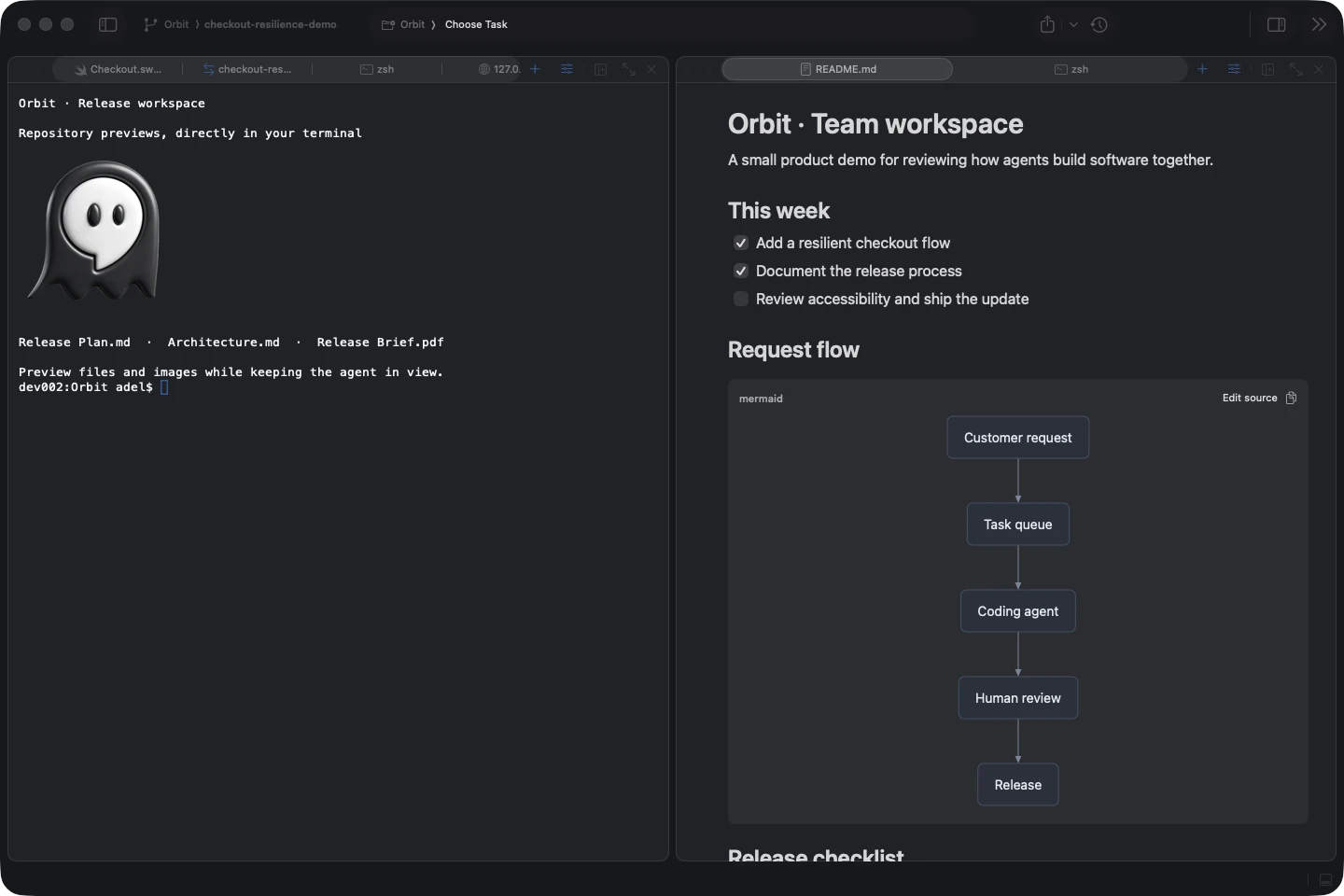
Best-in-class terminal support#
Preview images and syntax-highlighted files by hovering their paths, paste images into an agent's CLI, and open links without leaving your workspace. Choose Ghostty, WezTerm, xterm.js, or SwiftTerm, with your shell, shortcuts, and theme.
Explore the terminalAI and code review#
Understand what changed, ask for another opinion, and send precise feedback to the agent before you merge.
AI code review agents#
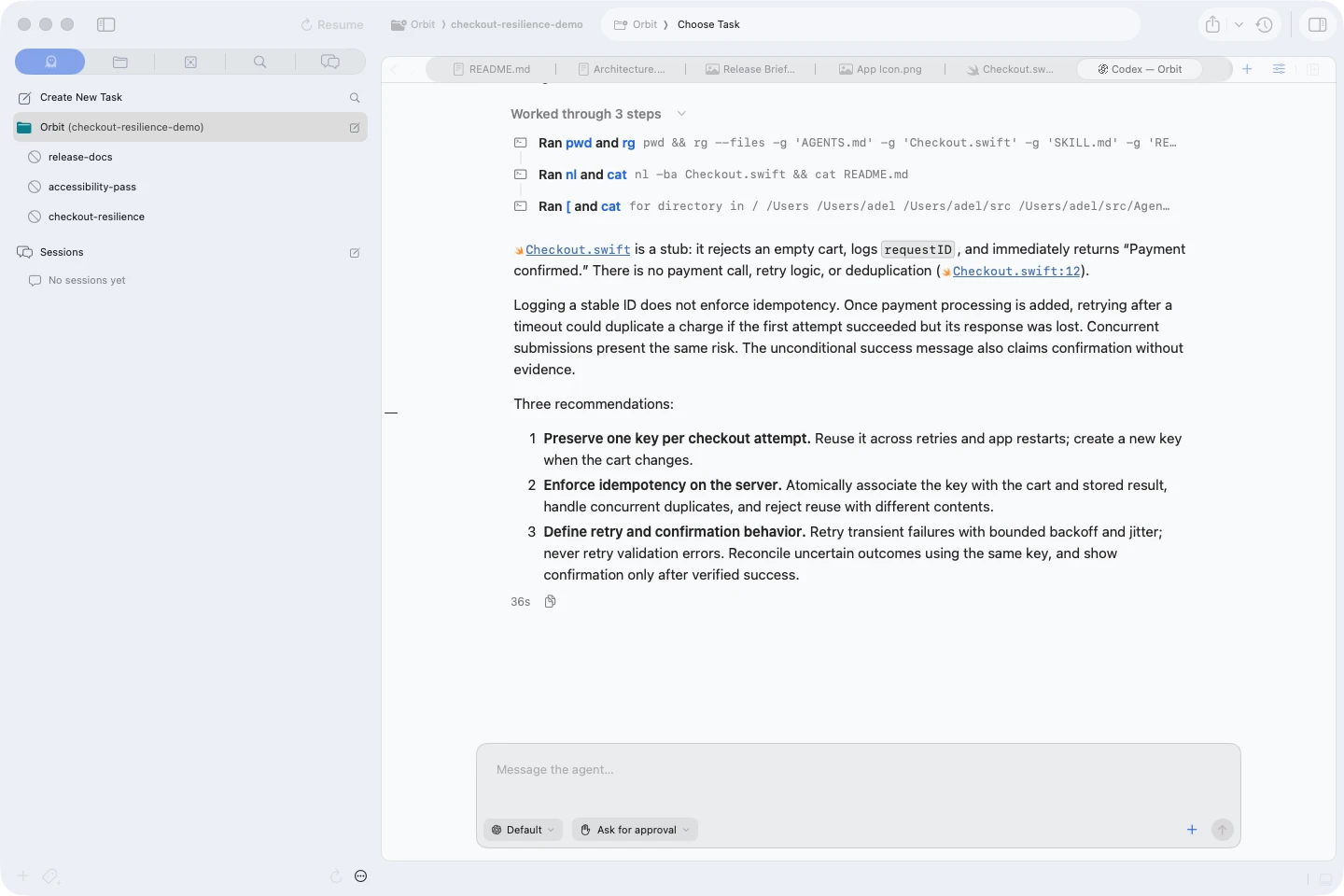
Run Claude, Codex, CodeRabbit, Greptile, or your own reviewer against a branch. Launch several reviewers in parallel for different perspectives before you commit or merge.
Explore AI code review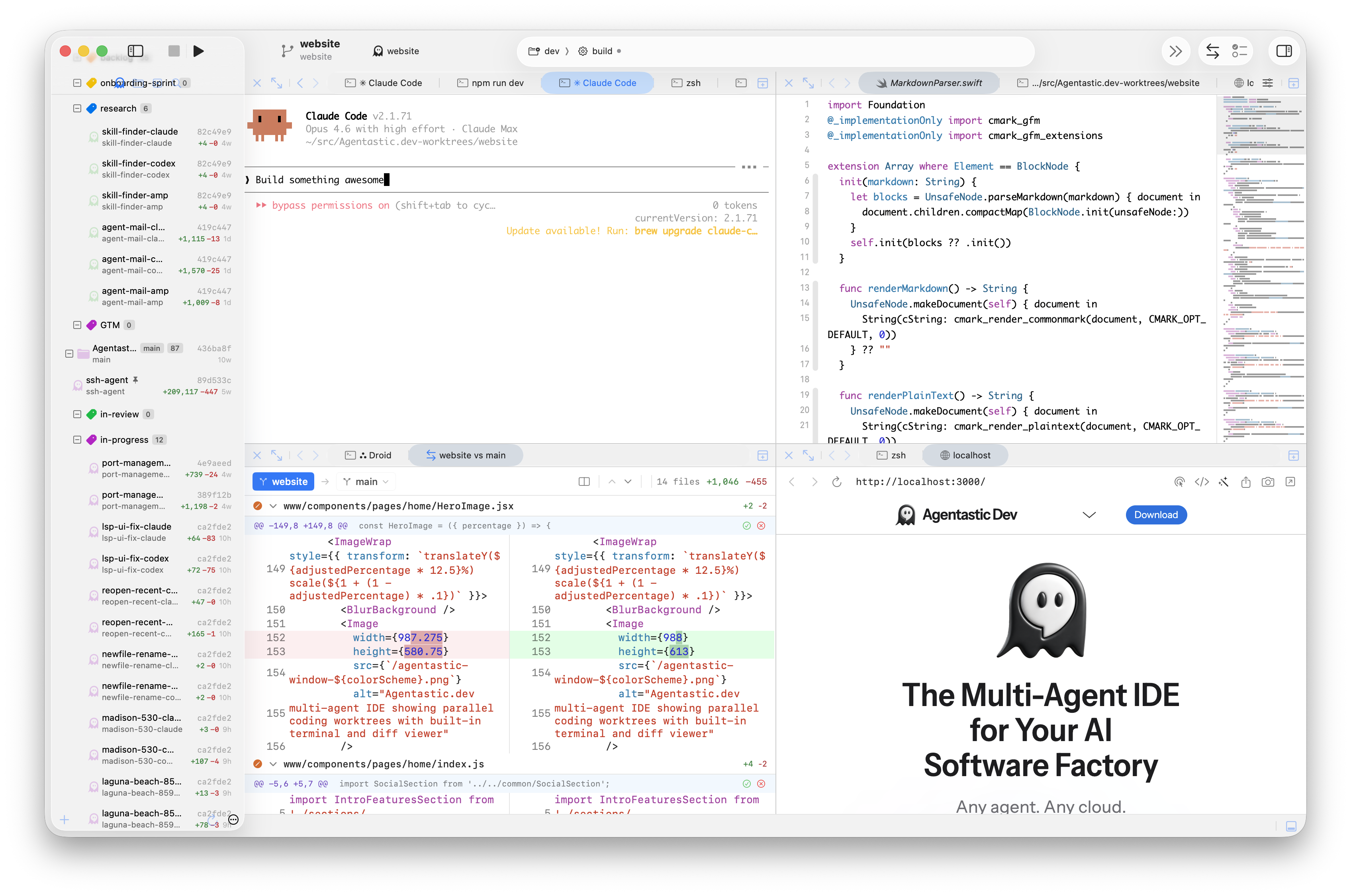 Image placeholder
Native pull request panels#
Read and edit the description, reply to review threads, watch checks, resolve conflicts with an agent, and merge without leaving the editor.
Work with pull requests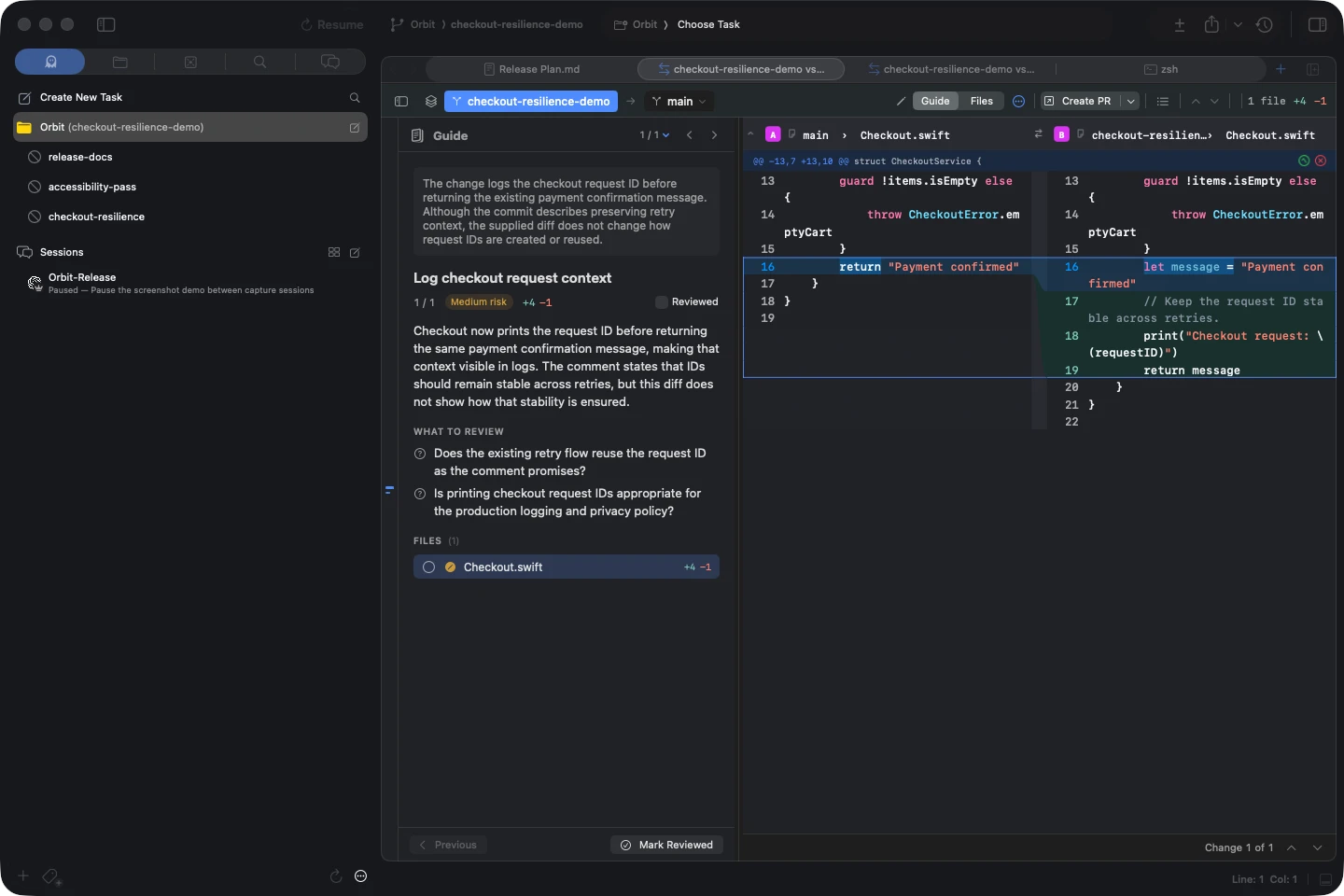
Guided diffs#
Turn a large diff into a short tour: an agent groups the changes into chapters, each with a narrative, a risk badge, and the questions that need your judgment.
Create a review guide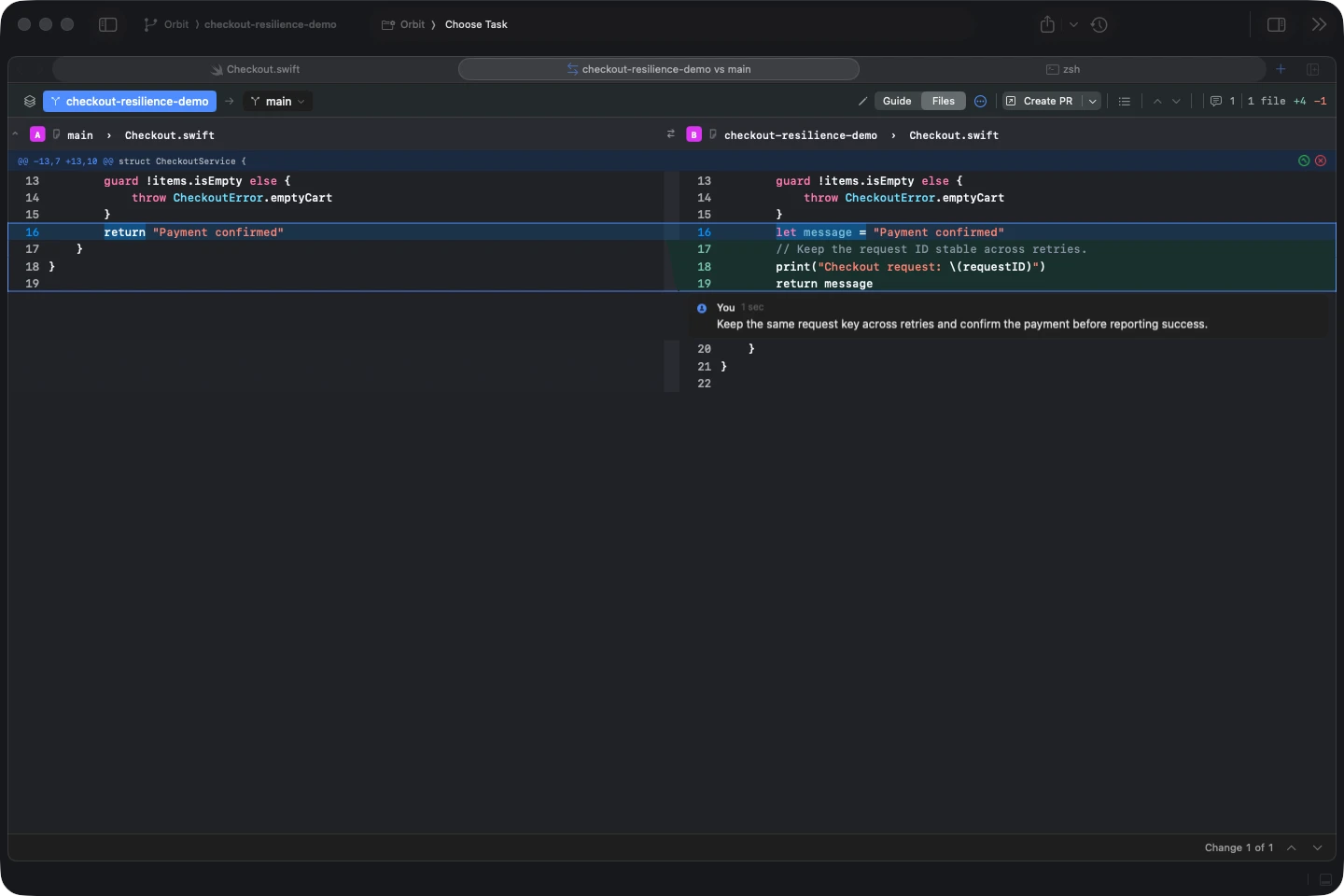
Diffs with annotations#
Inspect unified or side-by-side diffs, select a line or range, and leave a comment or send it straight to the worktree’s agent. Attach a screenshot, log, or reference file so the agent has the context to act.
Annotate a diffRepository previews#
Read the files and results your agents work with, then turn what you see into specific feedback.
Markdown previews and annotations#
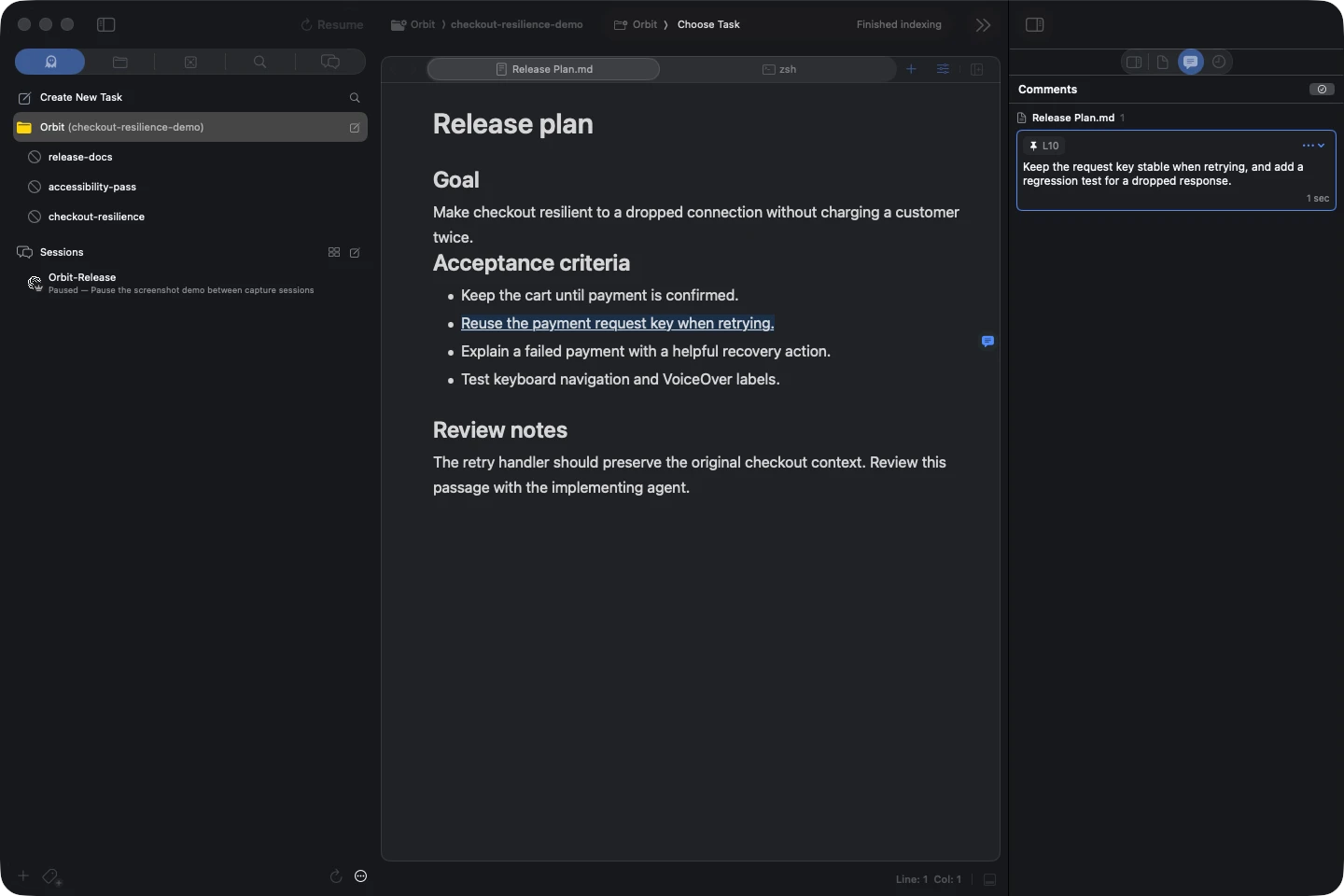
Read or edit Markdown as rich blocks, source, or a synchronized split. Select a passage to leave an annotation or send a request to an agent, with the file, quoted text, and surrounding context attached.
Edit Markdown documents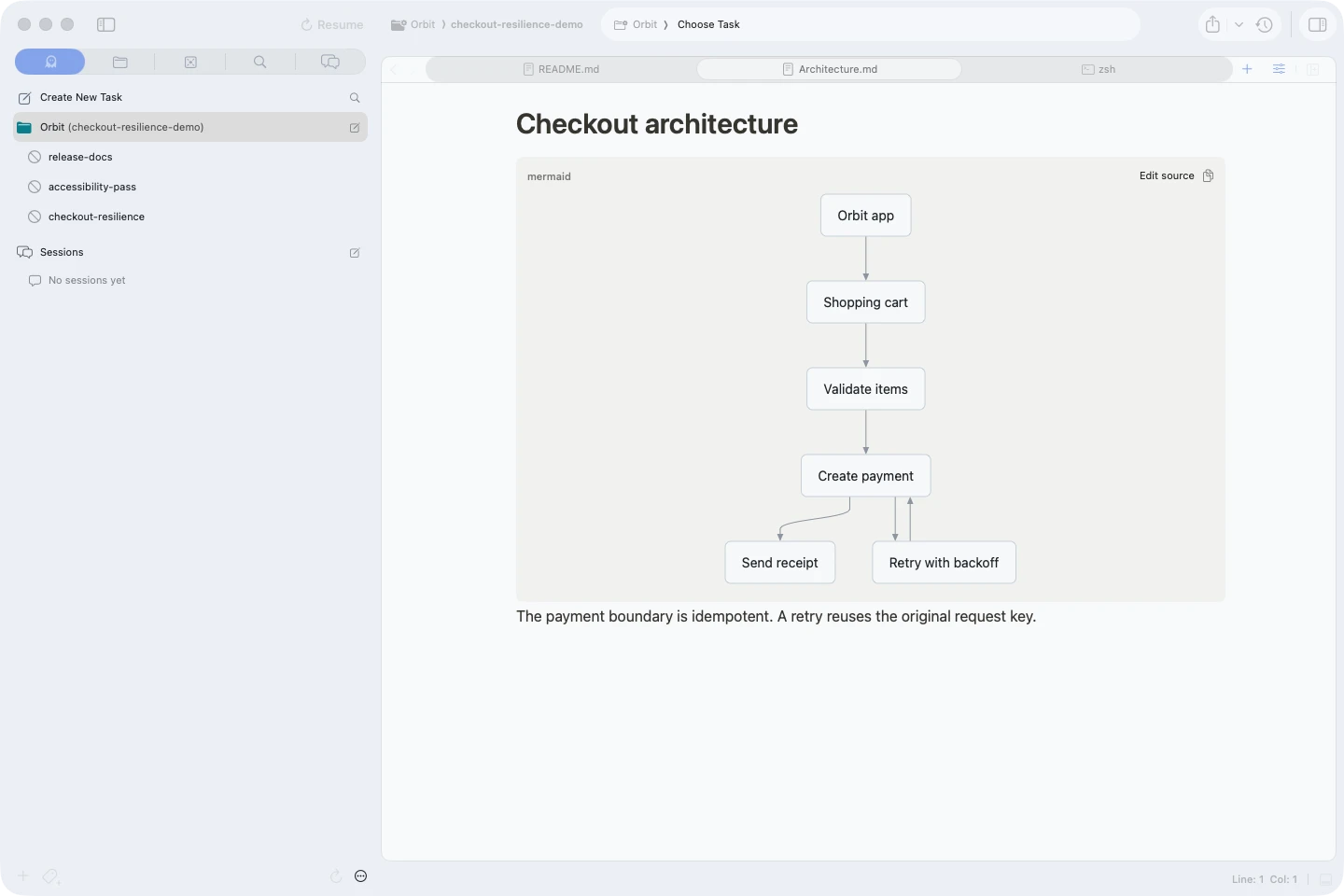
Mermaid previews#
Render flowcharts, sequence diagrams, and other Mermaid diagrams in Markdown and agent Chat. Open a diagram to zoom in, edit its source, or export it as an image or SVG.
Preview Mermaid diagrams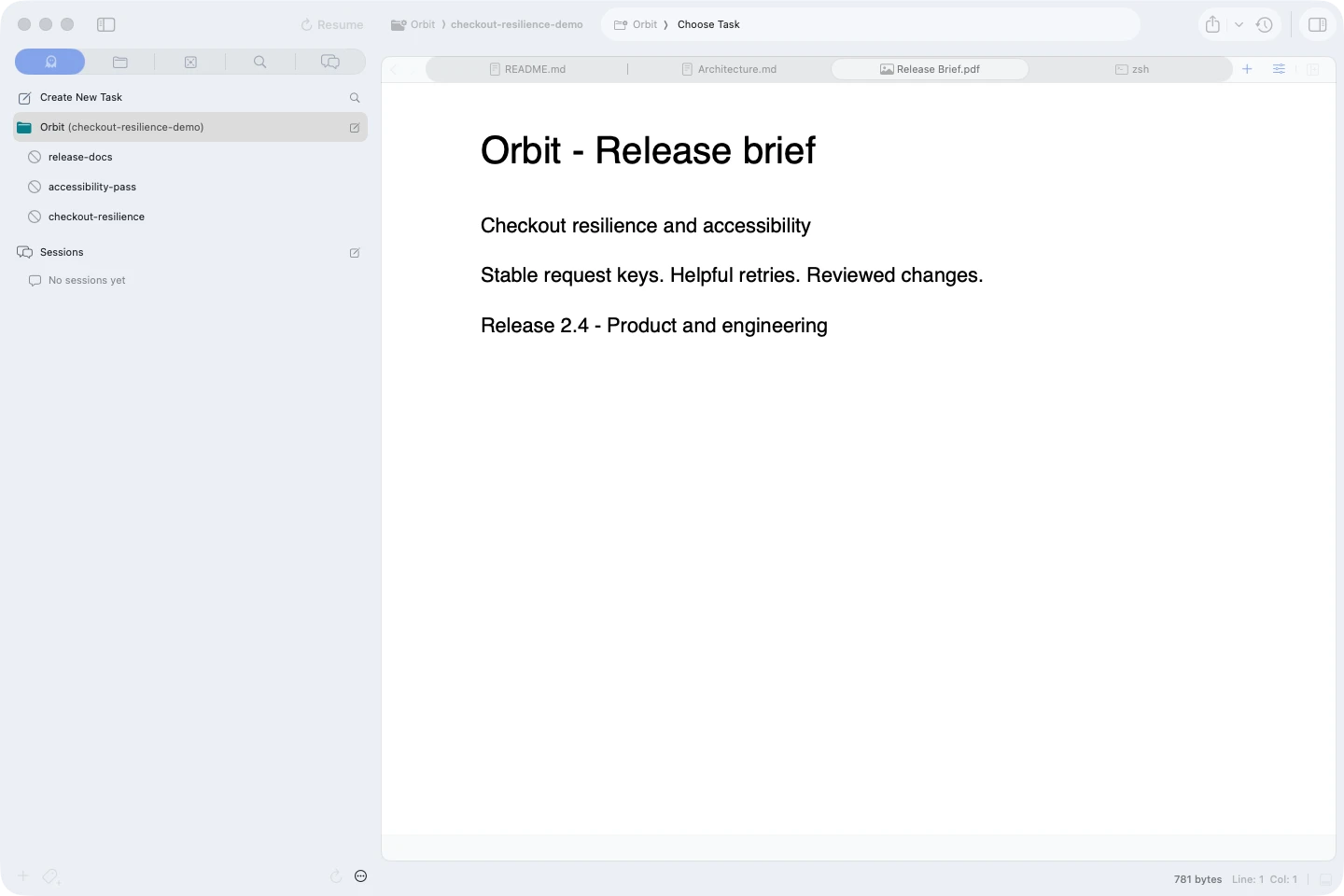
PDF previews#
Open a PDF from your repository and read it in the workspace, beside the files, conversation, or diff it explains. The native Quick Look preview keeps the document in the editor.
Preview repository files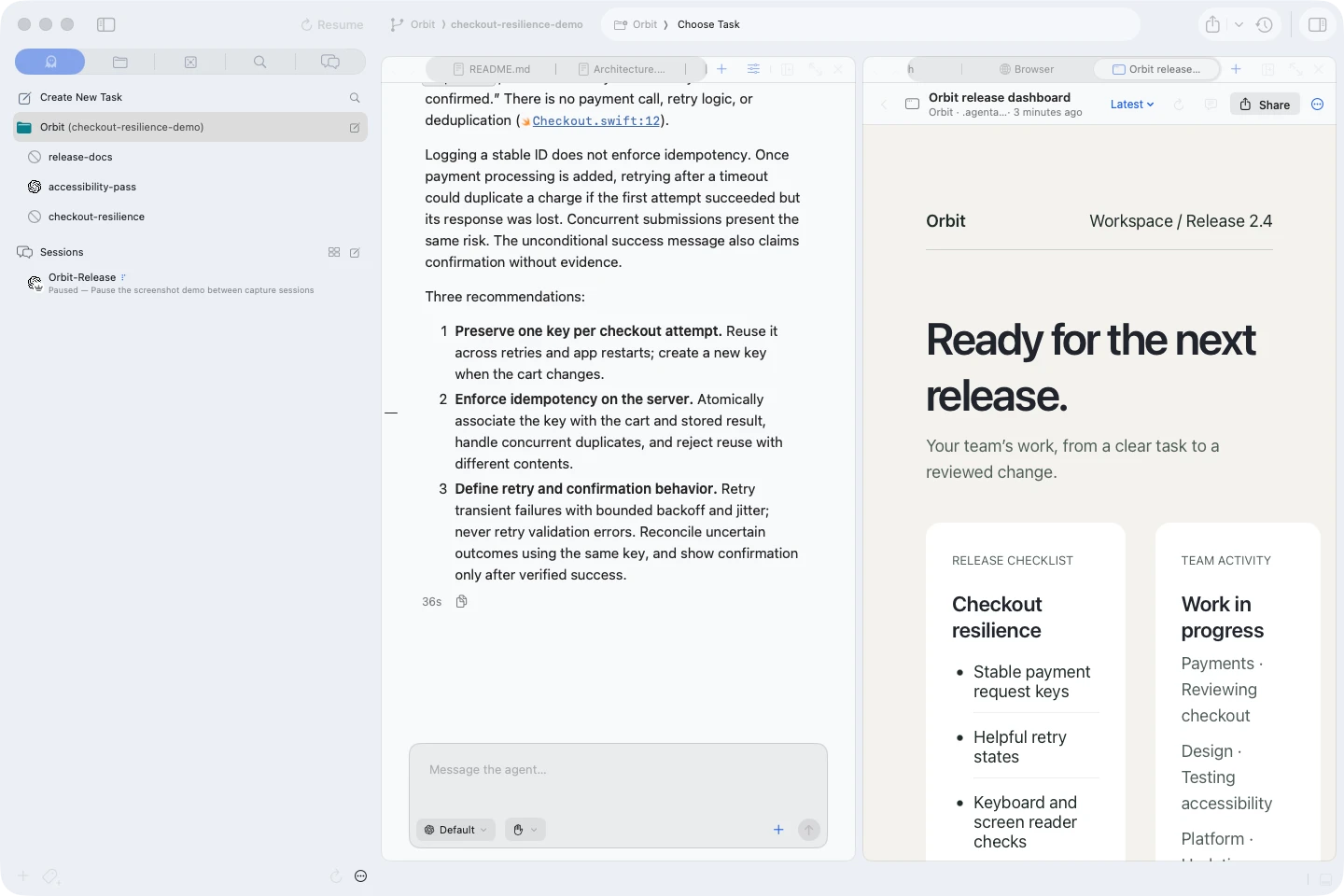
Pages and artifacts#
Agents publish reports, plans, diagrams, dashboards, and interactive pages beside the conversation. Keep every version, pin comments to the result, and send feedback back to the agent.
See what agents can show youImage and file previews in terminals#
Hover an image path to inspect a screenshot without opening another app. Hover a source reference to see syntax-highlighted code, or the working-tree diff at that line when it has uncommitted changes.
Preview terminal referencesDesign and sharing#
Point at what should change, give agents design guidance, and share the result for feedback.
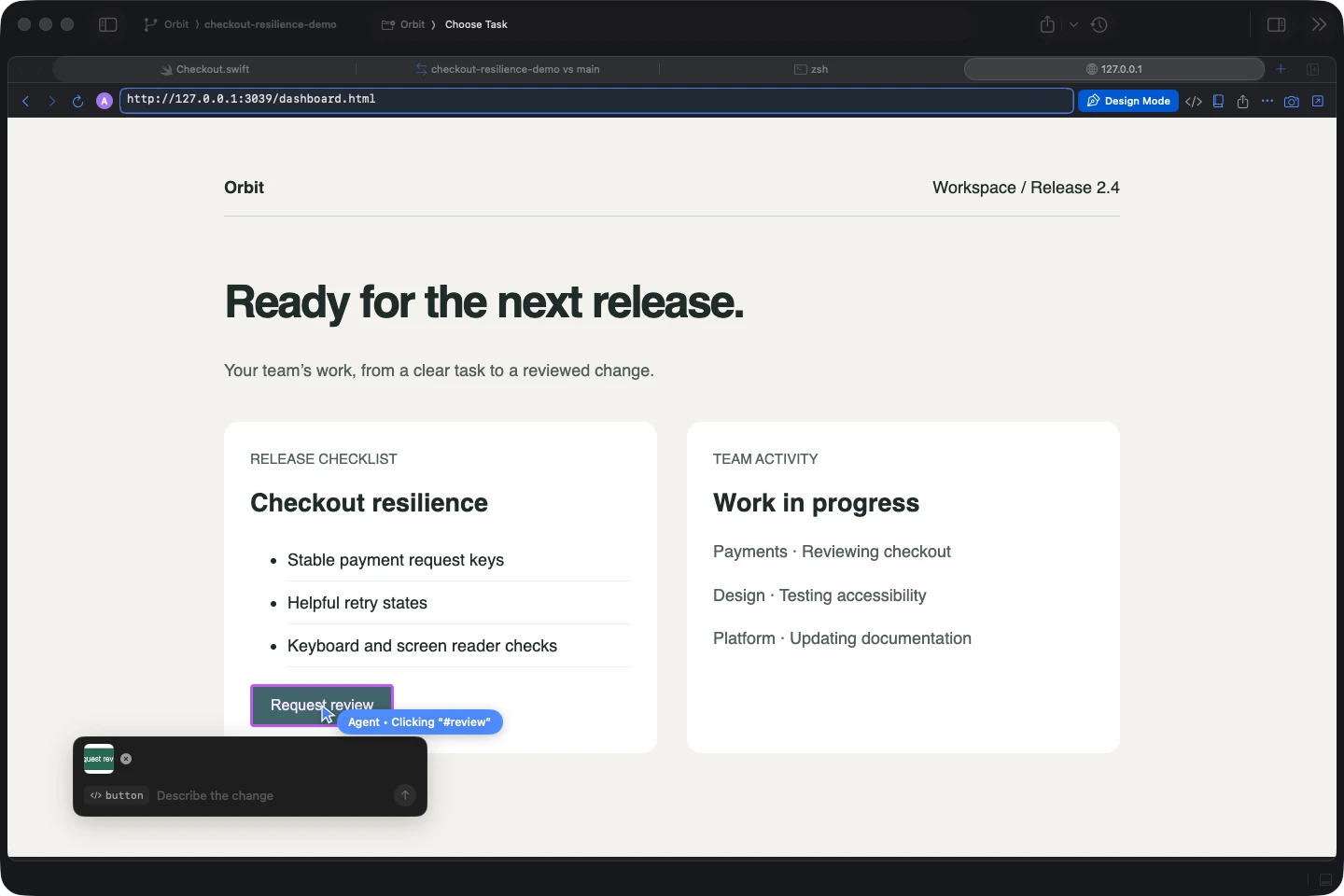
Design Mode#
Preview your app in the embedded Chromium browser, click an element, and describe the change right there. The agent receives its tag, selector, classes, and source location when available.
Explore the built-in browser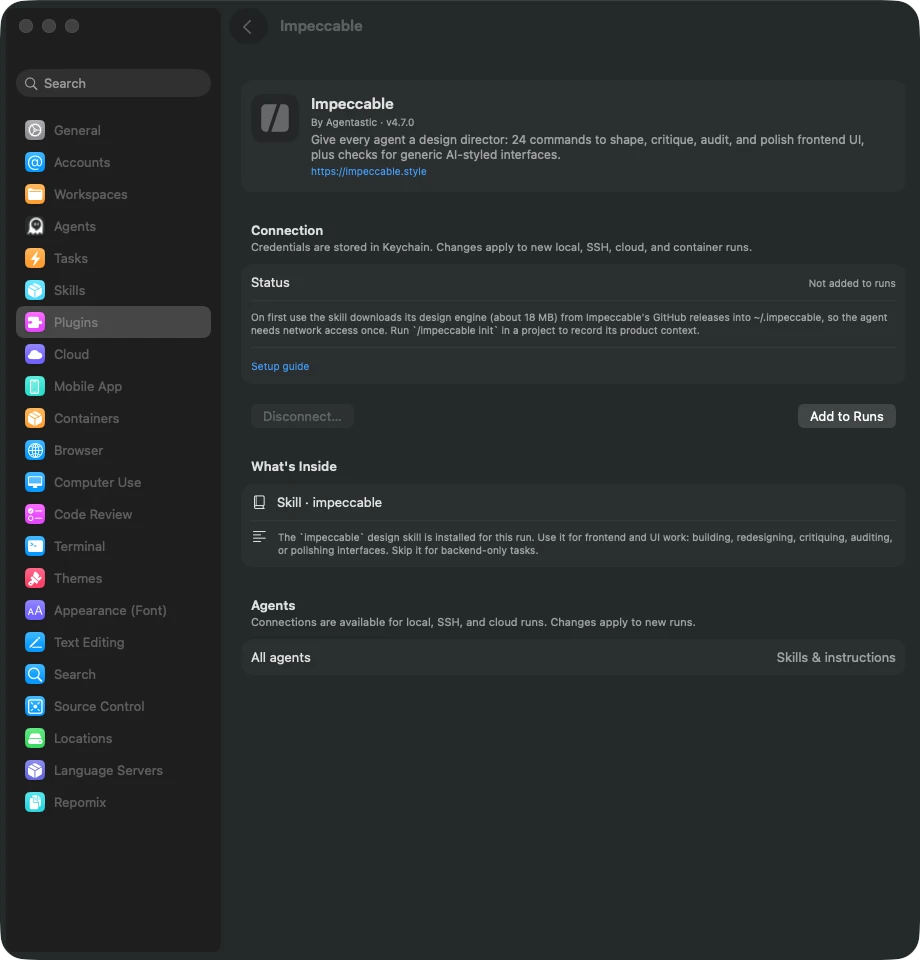
Impeccable design skill#
Give agents a design workflow for shaping, critiquing, auditing, and polishing interfaces. Enable Impeccable for a run to bring product context, design guidance, and interface checks into frontend work.
Use the bundled design skillImage placeholderShare live previews#
Share a local app from the built-in browser through a temporary public URL. Send someone the running page to try, then stop sharing when the review is done.
Share a live previewImage placeholderShare pages and artifacts#
Share a versioned artifact with a person, a team, or the web. Choose who can view, comment, respond, or edit its data, and let feedback flow back to the agent that made it.
Share an artifactImage placeholderShareable conversations#
Turn any chat into a page a teammate can open: a live page served from your Mac, or a lasting link on agentastic.com. Local paths are rewritten, and anything shaped like a credential is flagged before you publish.
Share a conversationBrowser, device, and computer use#
Let agents test the interface they build, with a live view beside the conversation.
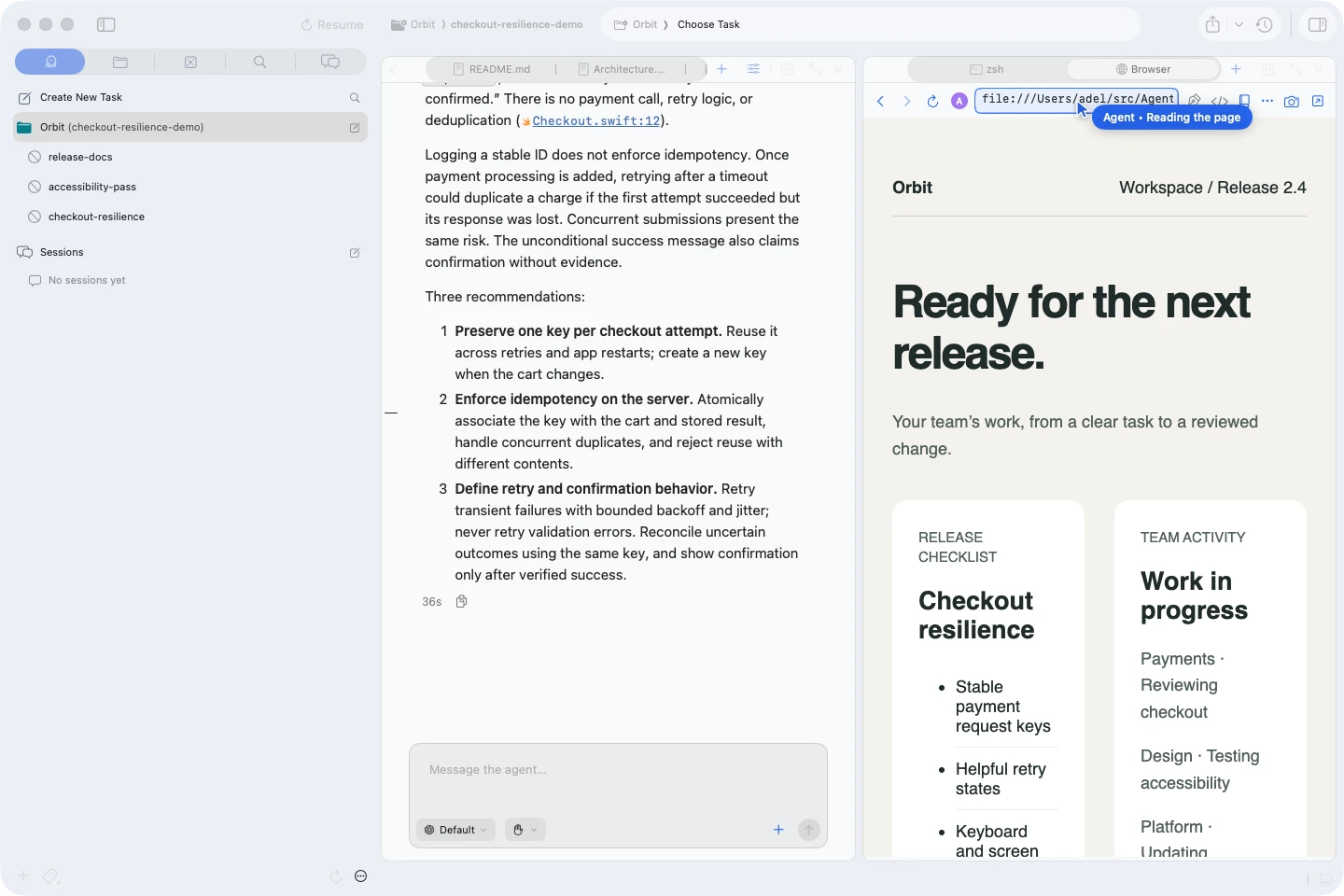
Browser Use#
Agents navigate the built-in browser, inspect the page, click controls, fill forms, and capture screenshots through the browser-use skill and dev browser commands. Verify the running app in the same workspace.
Let agents use the browserImage placeholderDevice Use#
Test iOS apps in simulators and Android apps in emulators. Agents inspect accessibility state, tap, type, swipe, and capture screenshots while you watch the device viewer, locally or on a connected execution host.
Explore device automationImage placeholderComputer Use#
Open a Mac's desktop, a Linux virtual desktop, or a VNC-connected VM in a tab. You and your agents click and type in the same screen, and capture screenshots or video as test evidence.
Explore computer automationBuild in one workspace#
Keep the editor, agent conversation, attachments, and project navigation together.
Image placeholderTerminal ↔ Chat#
Run an agent as a structured chat with approval cards, a pinned plan, sub-agent conversations, and mid-turn steering, or switch it to a real terminal. The conversation carries over either way.
Use agent Chat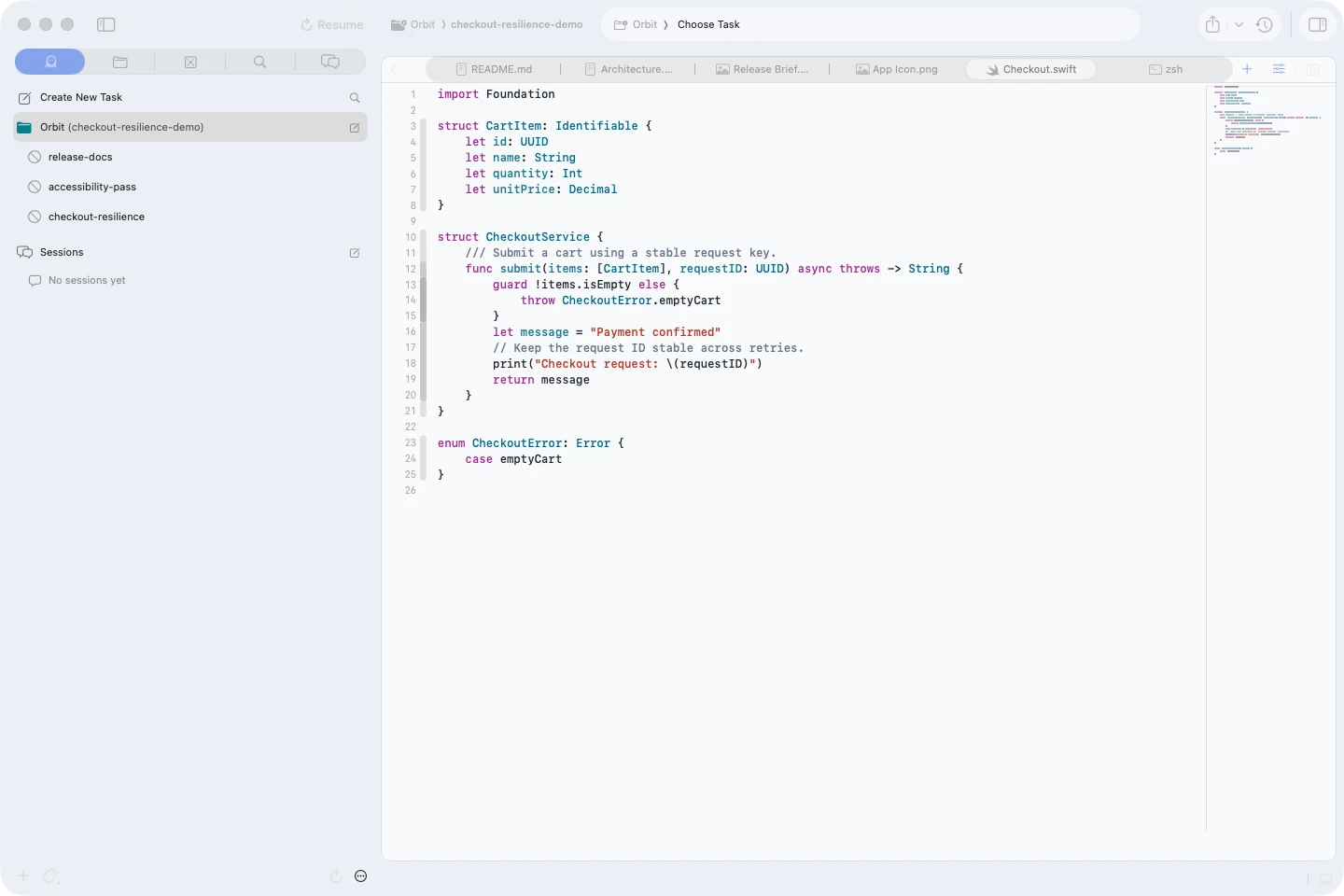
Built-in source code editor#
Edit directly with Tree-sitter highlighting, language servers, symbols, completion, diagnostics, project navigation, and support for 100+ languages.
Explore the IDE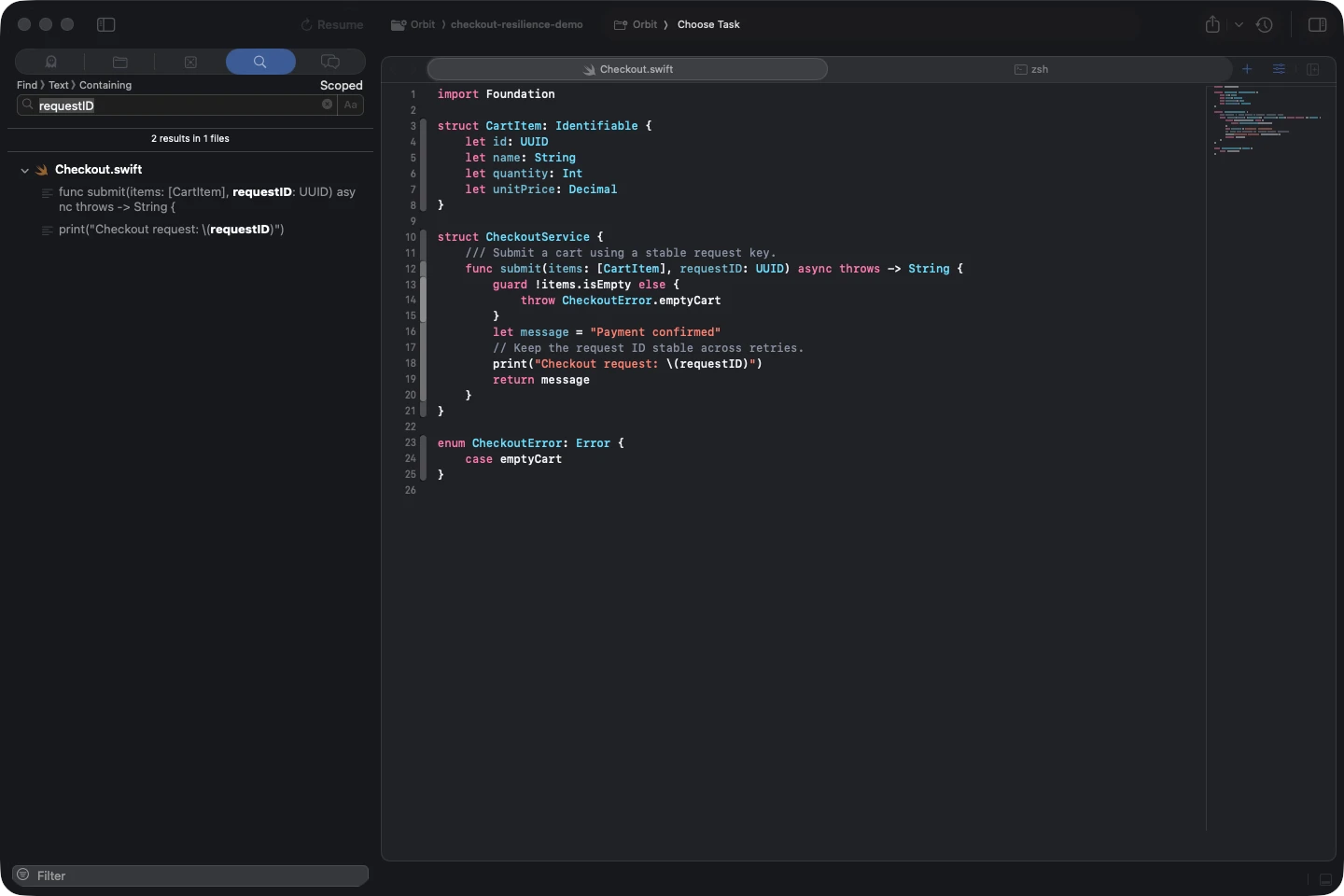
Code search#
Search and replace within a file or across the project, filter by path and pattern, preview matches, and jump straight to symbols.
Search a project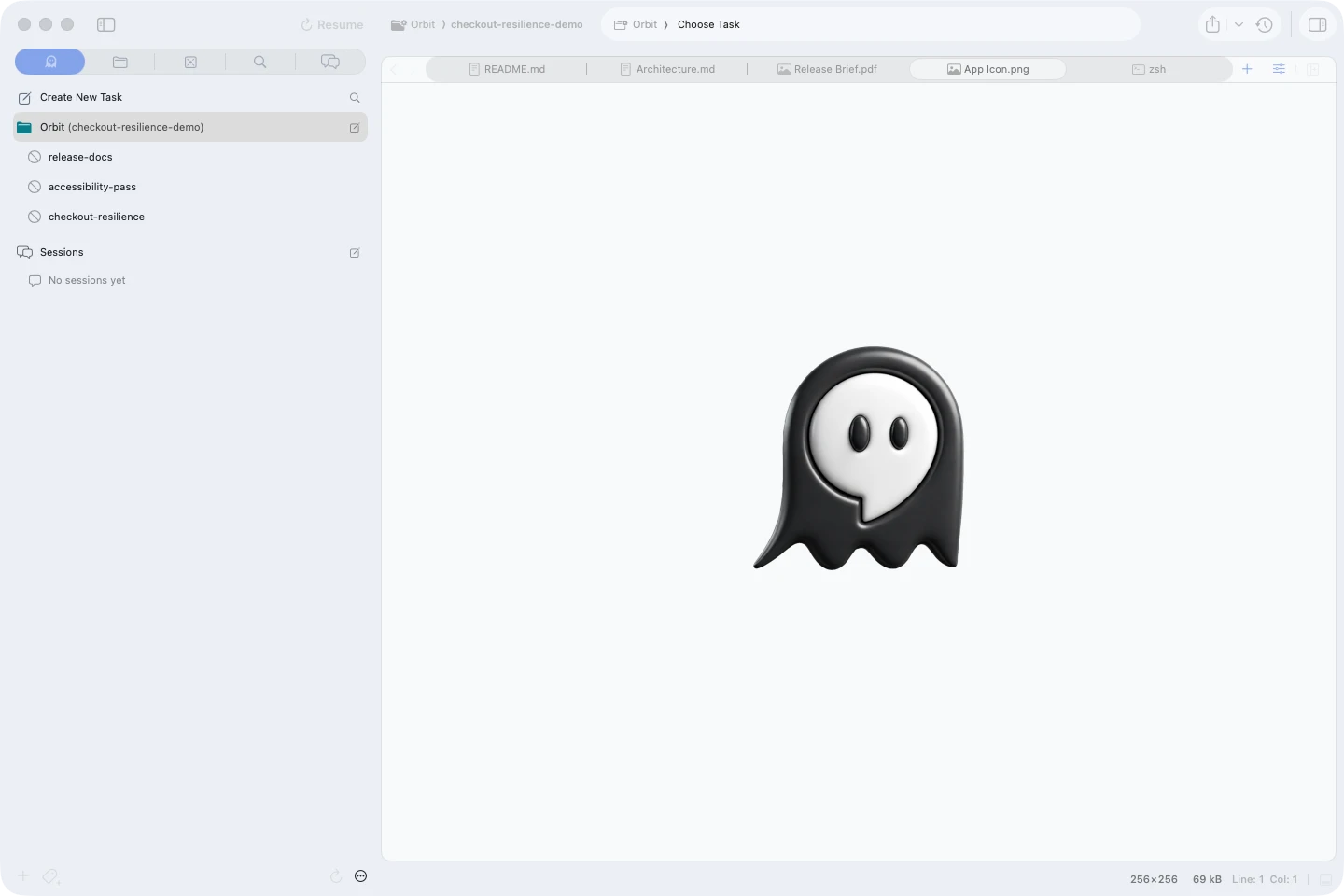
Images everywhere#
Drag, browse, or paste images into prompts, preview attachment chips before sending, and hover image paths printed in a terminal.
Attach images to a promptImage placeholderOpen in your favorite IDE#
Keep orchestration in Agentastic, then open any worktree in Xcode, VS Code, Cursor, Zed, JetBrains, a terminal, or a Git client installed on your Mac.
Open a worktree elsewhereRun and manage agents#
Launch the right agent for each task and keep the whole queue visible and easy to steer.
Agentastic coding agent#
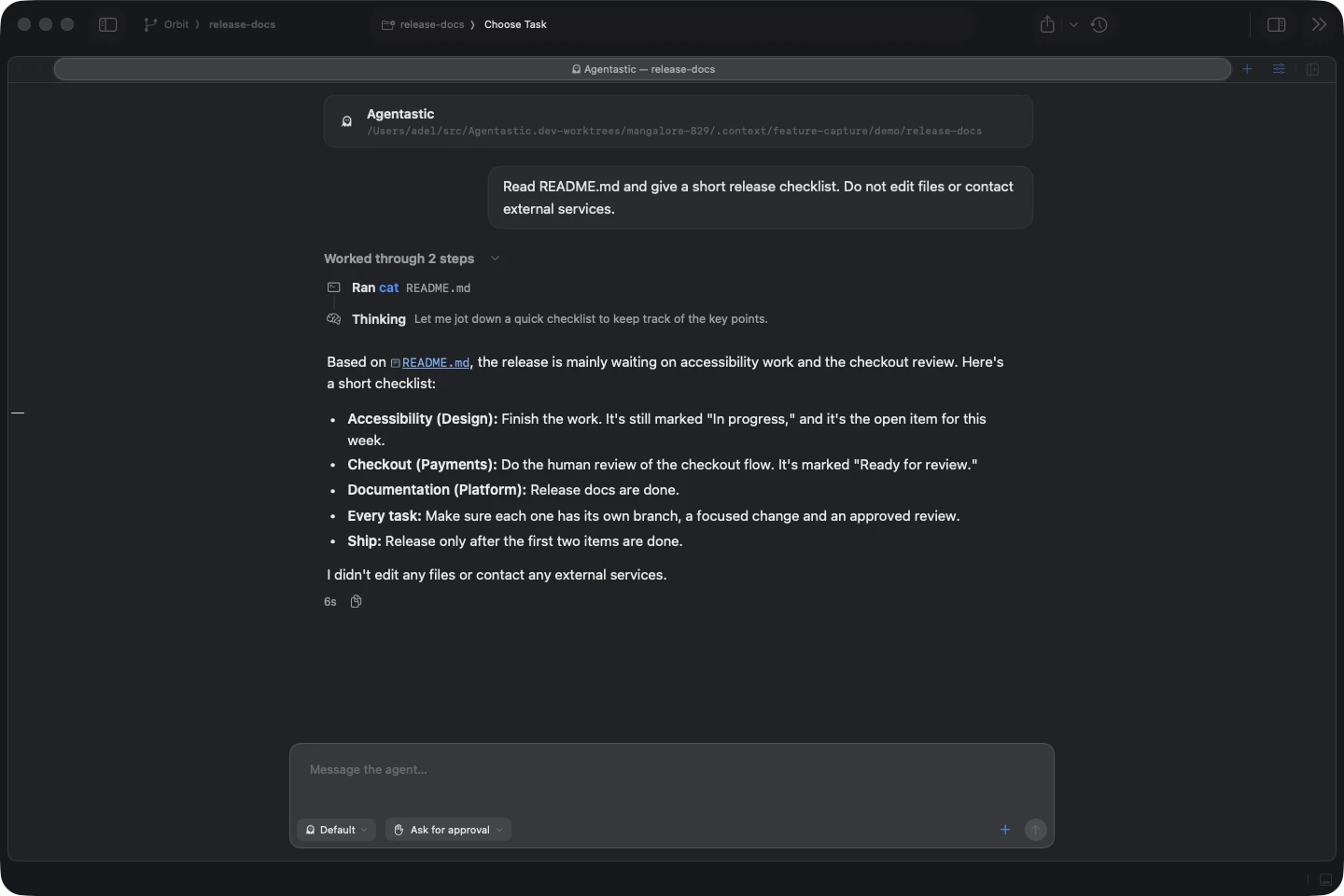
Our own coding agent is ready on first launch, with nothing to install. Run it on Agentastic's backend or plug in OpenAI, Anthropic, xAI, OpenRouter, and more, then switch models mid-session or let Auto choose.
Meet the Agentastic agent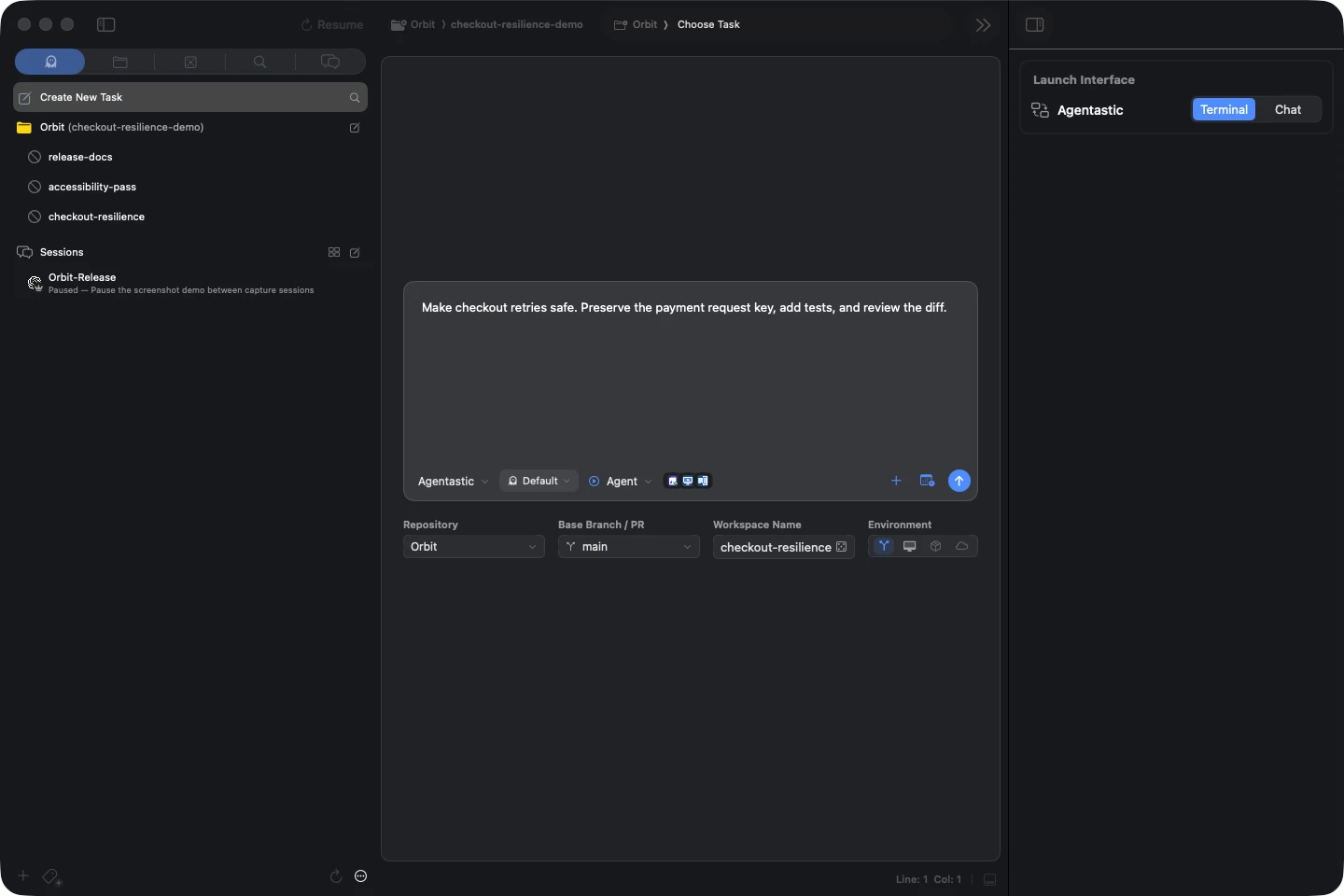
Agentic task launcher#
Create New Task (⌘N) turns a prompt into a configured agent, branch, worktree, run mode, model, and environment—or fans the same job out to several agents.
Launch from Agent Home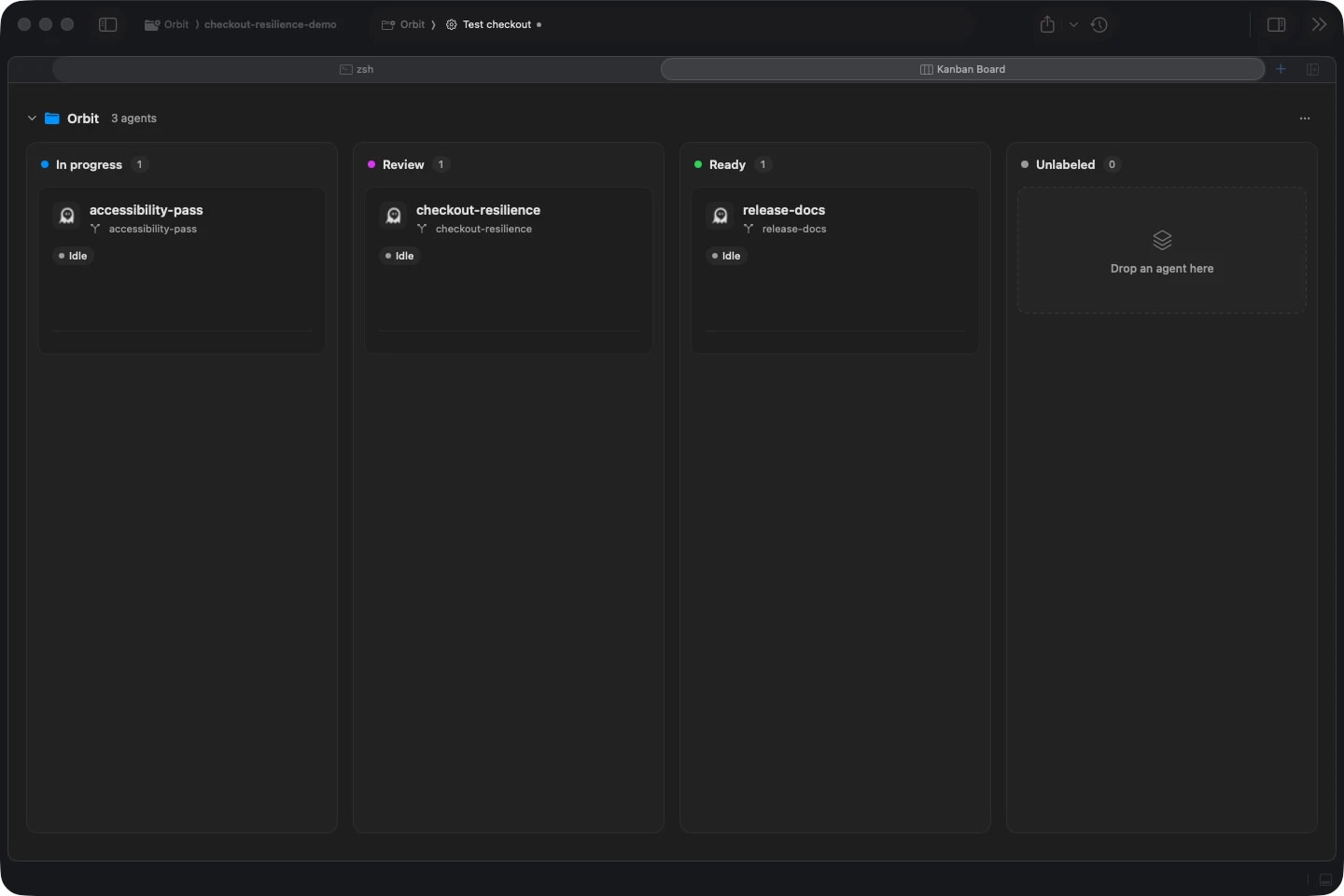
Kanban for agent work#
See worktrees as cards grouped by label, drag work between stages, preview live terminals, and jump into the agent that needs you.
Use the Kanban boardImage placeholderQuick navigation between agents#
Cycle workspaces with Ctrl+Tab, jump straight to the next agent that needs you with ⌘⇧U, or sort the sidebar by recent activity to keep your latest sessions on top.
See navigation shortcutsImage placeholderIssue-to-agent workflows#
Link a Linear or Sentry issue to a prompt, or @-mention one from Jira, GitHub, and other trackers, so the agent starts with the real problem and its worktree stays tied to the job.
Turn an issue into workMobile app#
New Leave your desk, not your agents. Pair the iPhone app with your Mac to answer, review, merge, and start work from anywhere. It's in public beta on TestFlight.
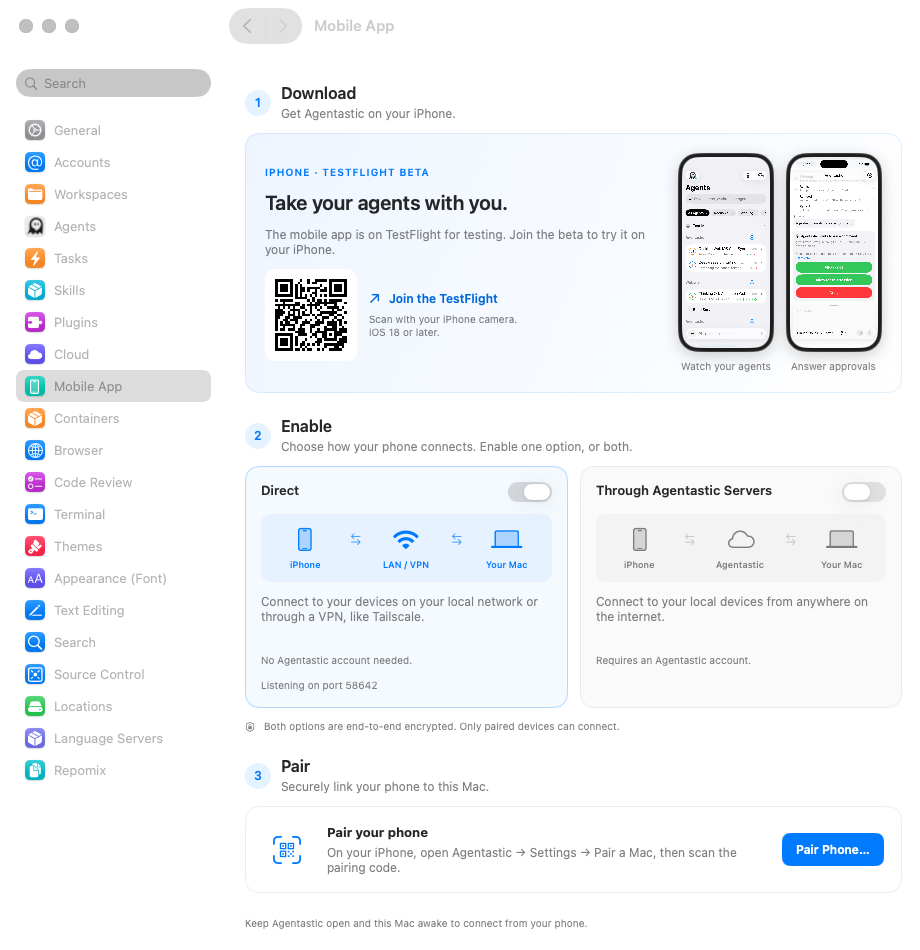
Your Mac, from anywhere#
Download the TestFlight beta, enable Direct for your local network or VPN like Tailscale, Through Agentastic Servers for internet access, or both, then pair your phone. Both options are end-to-end encrypted.
Pair your iPhone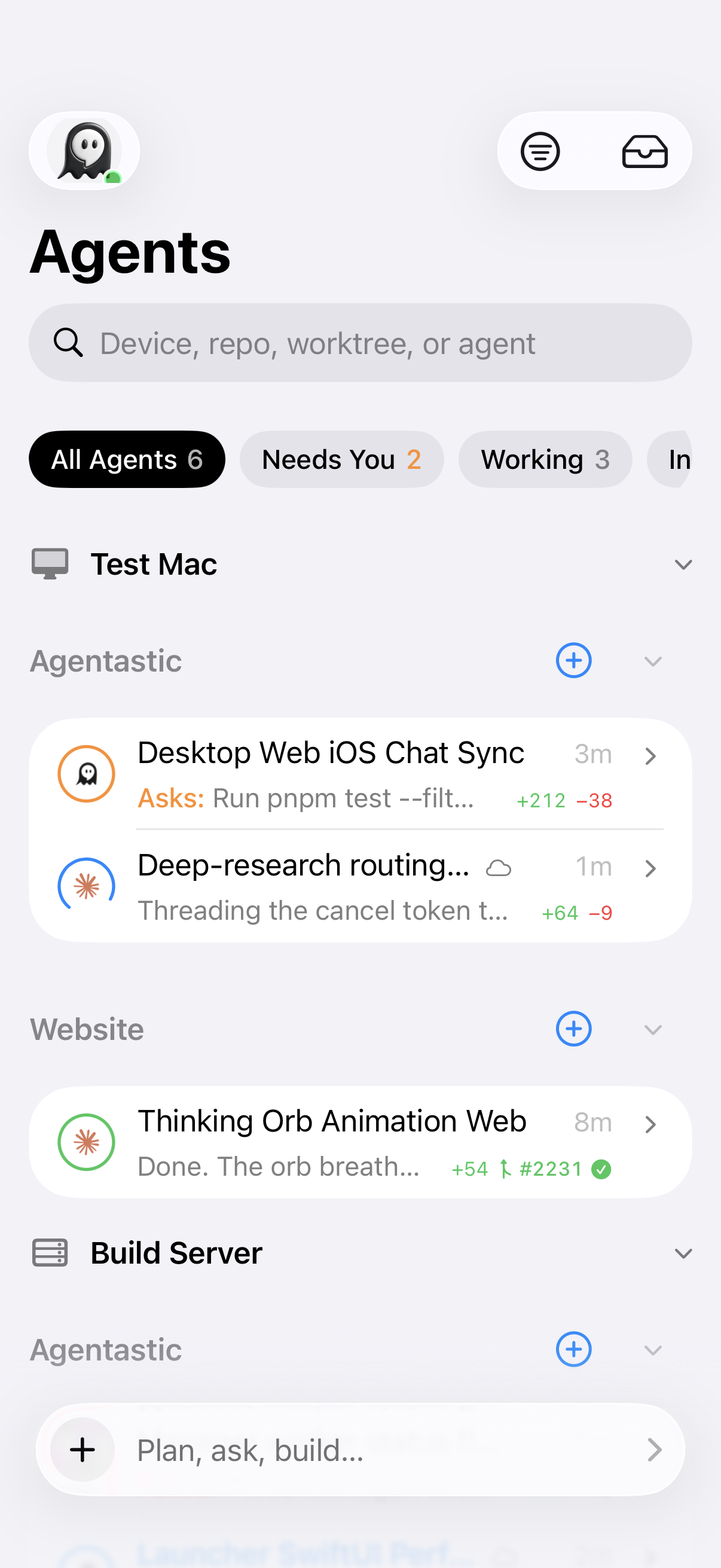
Every agent, sorted by urgency#
See every terminal agent and Chat session on your Mac, grouped by device, repository, and worktree, with errors and agents waiting on you at the top. Each row shows its branch, diff size, and pull request's CI result.
Watch the fleet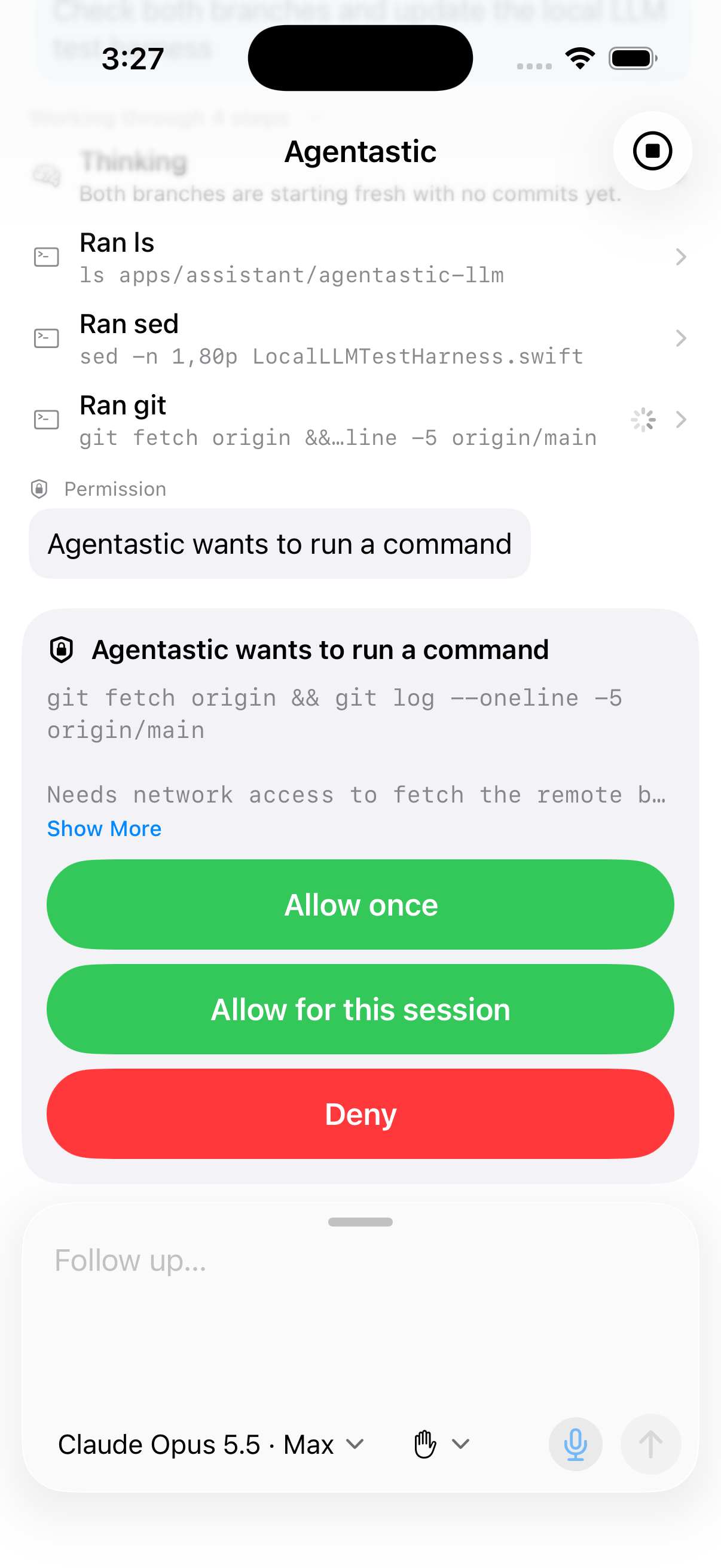
Answer, steer, interrupt#
Get a push when an agent needs you, then reply, answer its question or permission request, or interrupt the turn—in Chat or in a real terminal that draws TUI agents correctly. Everything waiting on you collects in the Inbox.
Answer an agent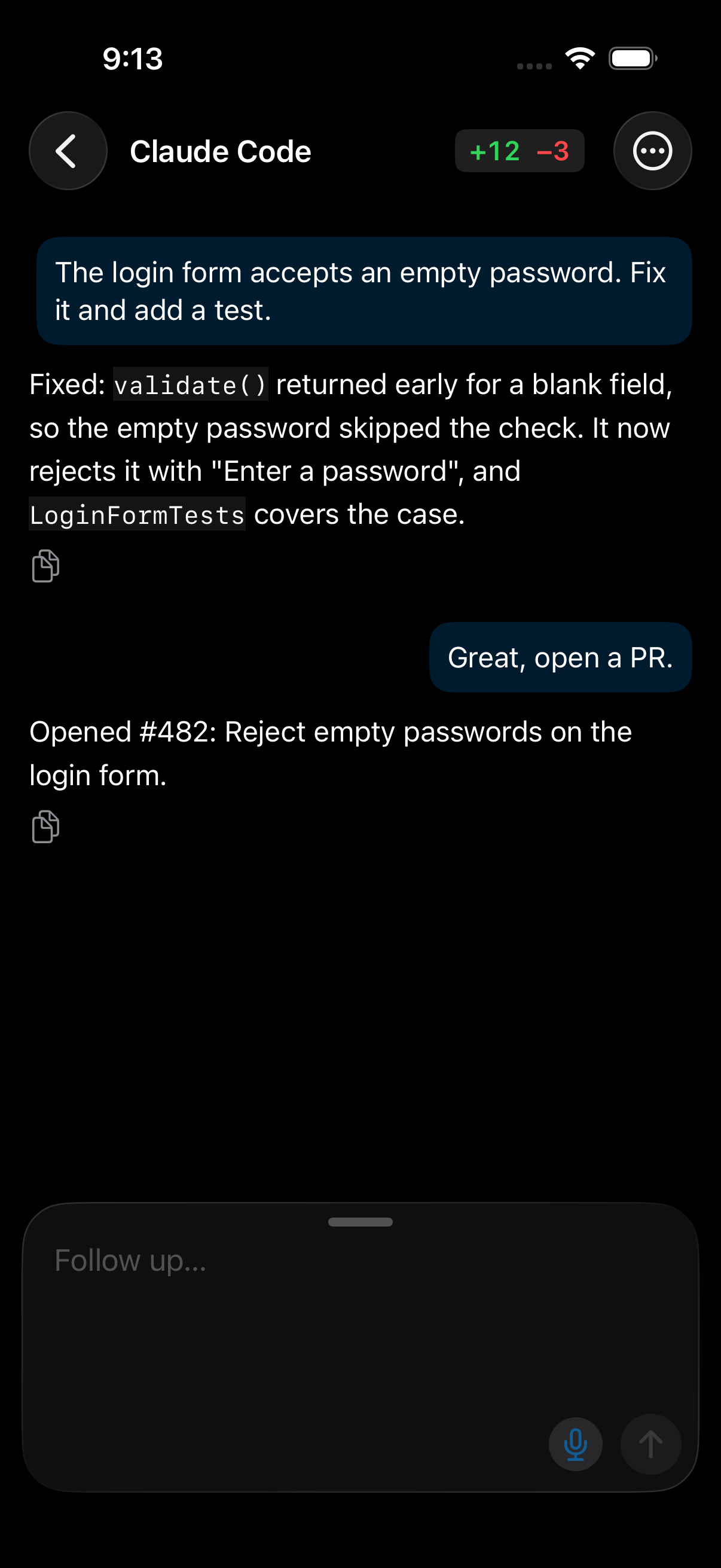
Review the diff#
Read every changed file on one scrolling page with syntax highlighting, switch between the whole branch and uncommitted work, and mark files viewed as you go.
Review changes on your phone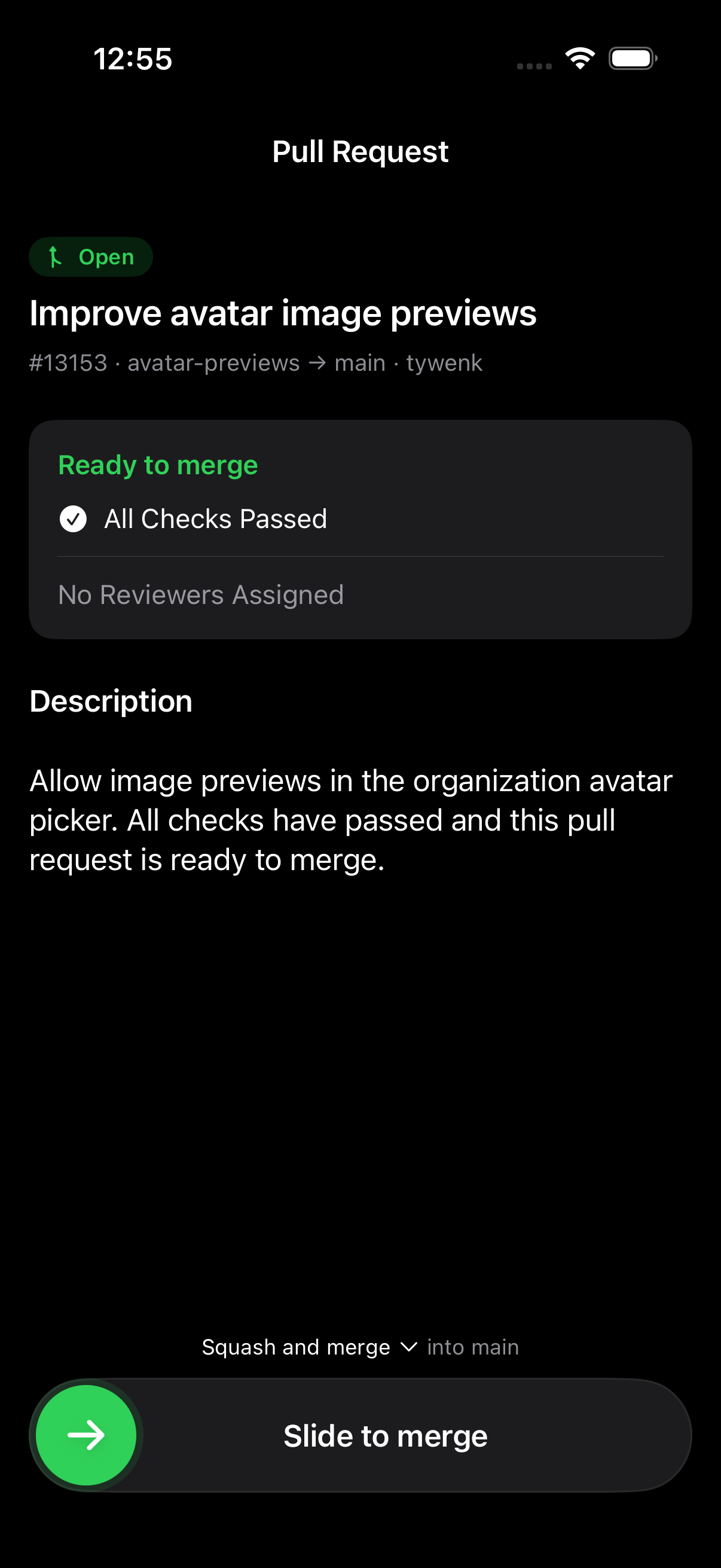
Slide to merge#
Open a GitHub pull request's checks, reviews, and conflicts on a page that keeps itself current, then slide to merge. The slider takes the color of CI, and the Mac checks again first, refusing if CI got worse since you looked.
Merge from your phone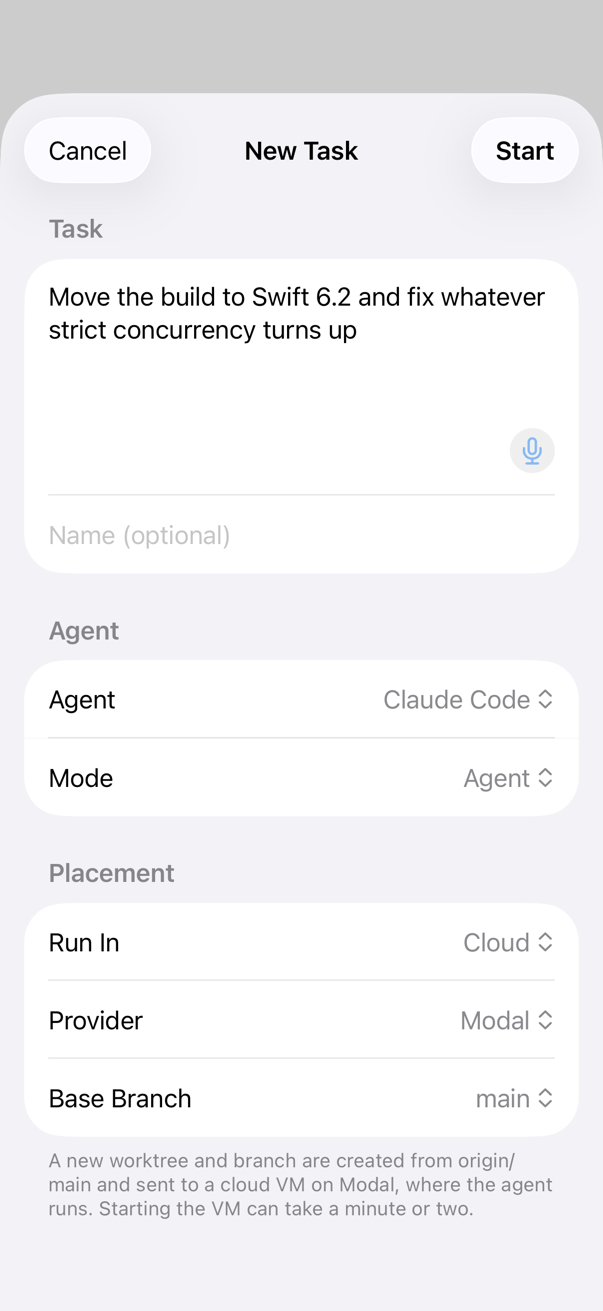
Start a task#
Describe the work, attach screenshots, and pick the repository, agent, model, and mode. Run it in a new worktree, one you already have, or a container or cloud machine; nothing starts until you tap Start.
Start a task from your phoneRemote, cloud, and containers#
Choose where each task runs: your own development machine, a cloud VM, or an isolated container.
Image placeholderPersistent Remote SSH#
Edit files, run agents, use remote terminals, forward ports, and reconnect to saved sessions on your own development machines.
Connect a remote machineImage placeholderCloud VMs#
Launch agents on Modal, Fly.io, Vercel Sandbox, Daytona, or E2B, let them keep working after your laptop closes, then sync the changes back down.
Configure cloud agentsImage placeholderContainer isolation#
Run an agent inside Docker or Apple Container with controlled mounts, networking, credentials, and a reproducible development image.
Choose a container modeExtend and automate#
Connect your stack, add reusable skills, and make repeated work a single action.
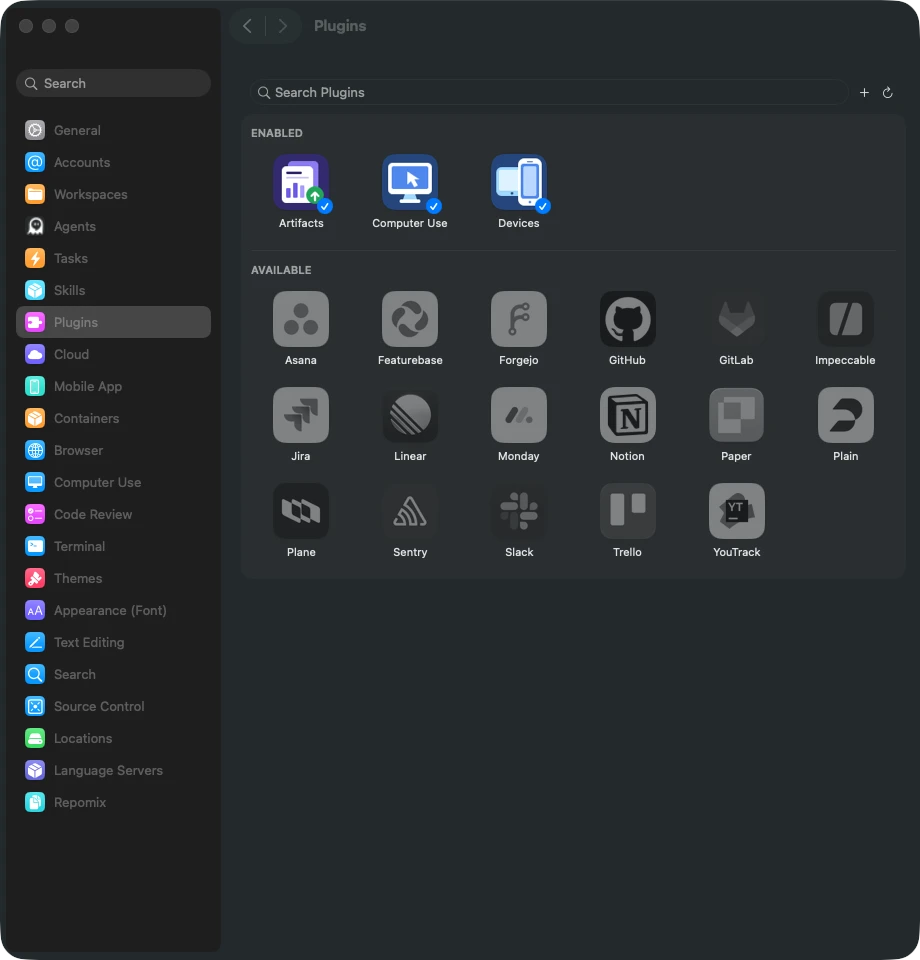
Plugins for GitHub, Linear, Sentry, and more#
Connect one of 73 built-in plugins, including Notion and Slack—or add your own—to deliver MCP tools, issue pickers, and instructions to every compatible agent.
Connect a plugin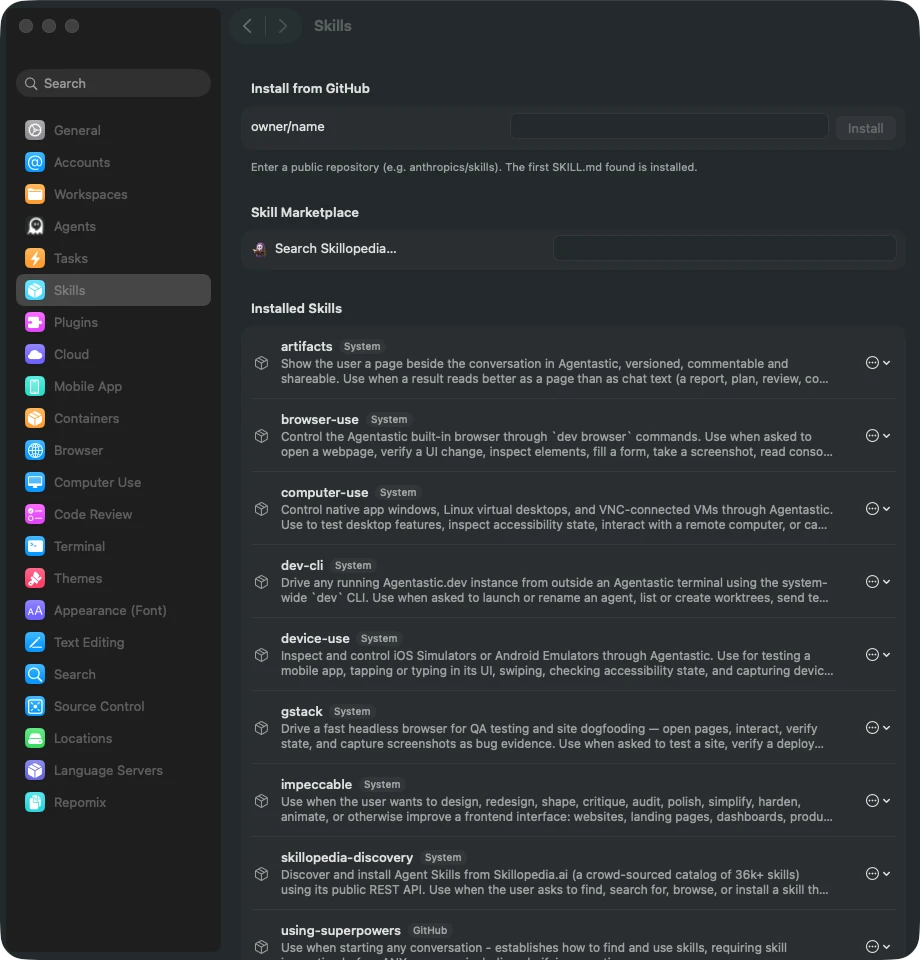
Skills and Skillopedia#
Install reusable agent capabilities once, discover more from Skillopedia, and attach the right skill to a launch with a slash command or picker.
Manage agent skills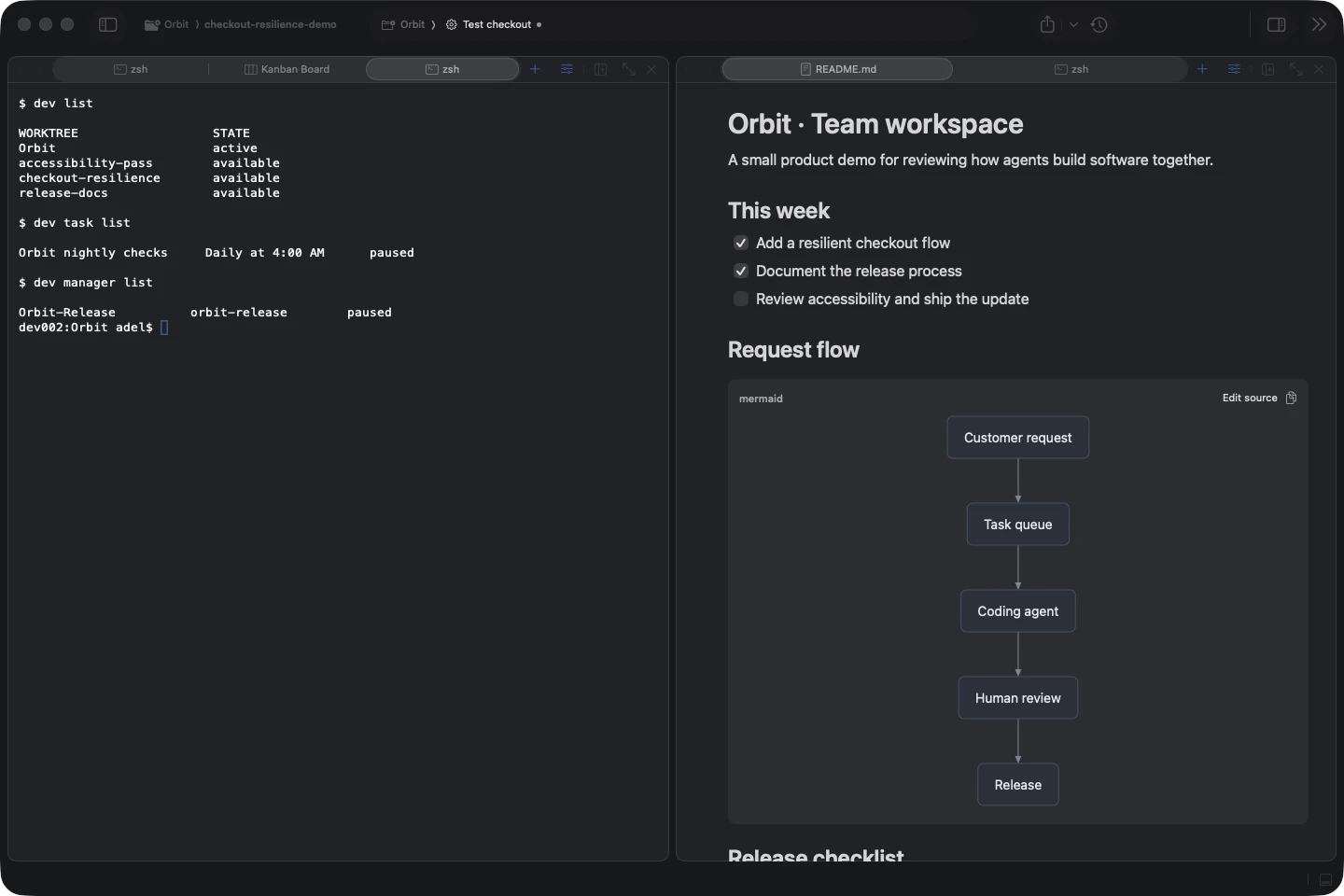
Dev CLI#
Let people, agents, scripts, dashboards, and bots create worktrees, submit tasks, inspect status, send follow-ups, drive the browser, and arrange panes.
Automate Agentastic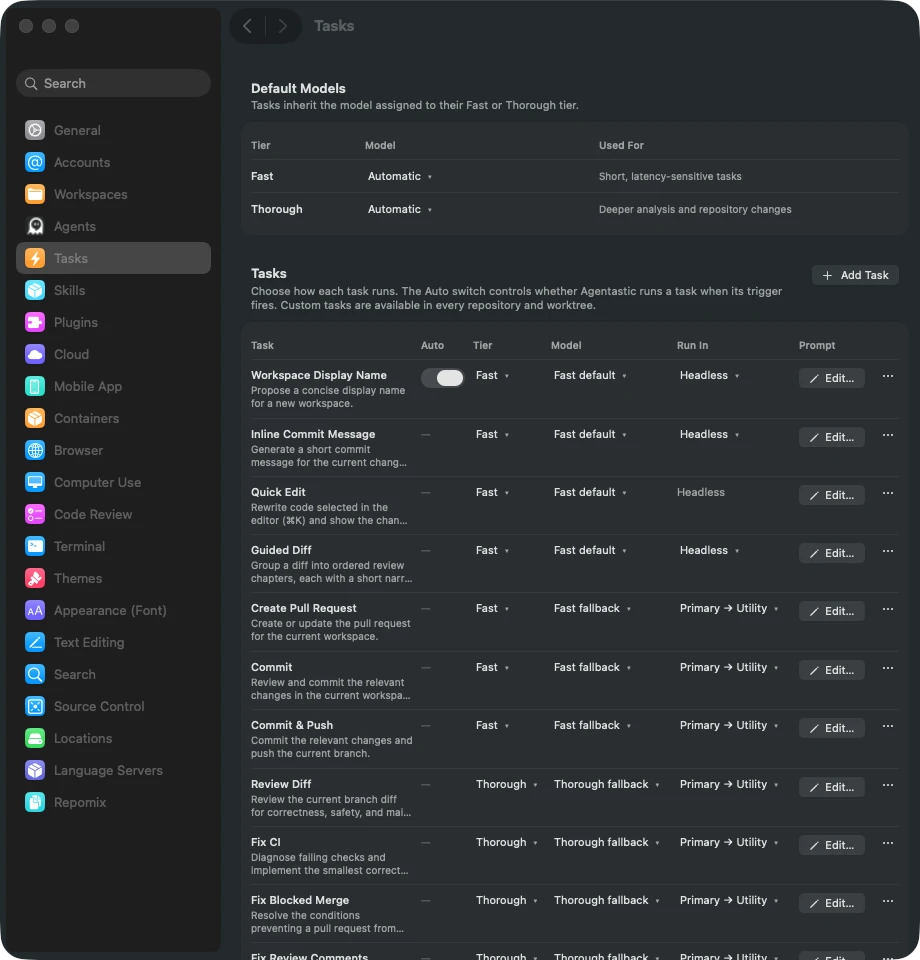
Agent-powered Actions#
Create a PR, review a diff, write a commit message, fix CI or conflicts, and name worktrees with built-in agent tasks—each with its own prompt and model—or add your own.
Customize Actions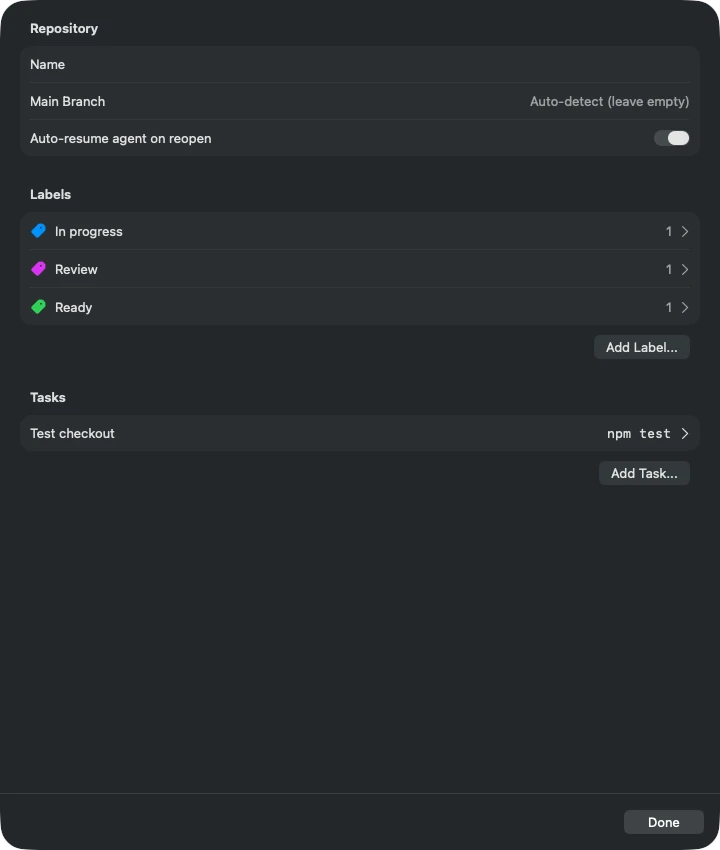
Workspace tasks and setup automation#
Define repeatable builds, tests, and dev servers, then bootstrap every new worktree with dependencies, environment files, and project-specific setup.
Configure workspace tasksImage placeholderSession and layout restoration#
Reopen windows, tabs, splits, worktrees, chats, and remote or cloud sessions where you left them after a restart or recovery.
See restoration behaviorSoftware factory#
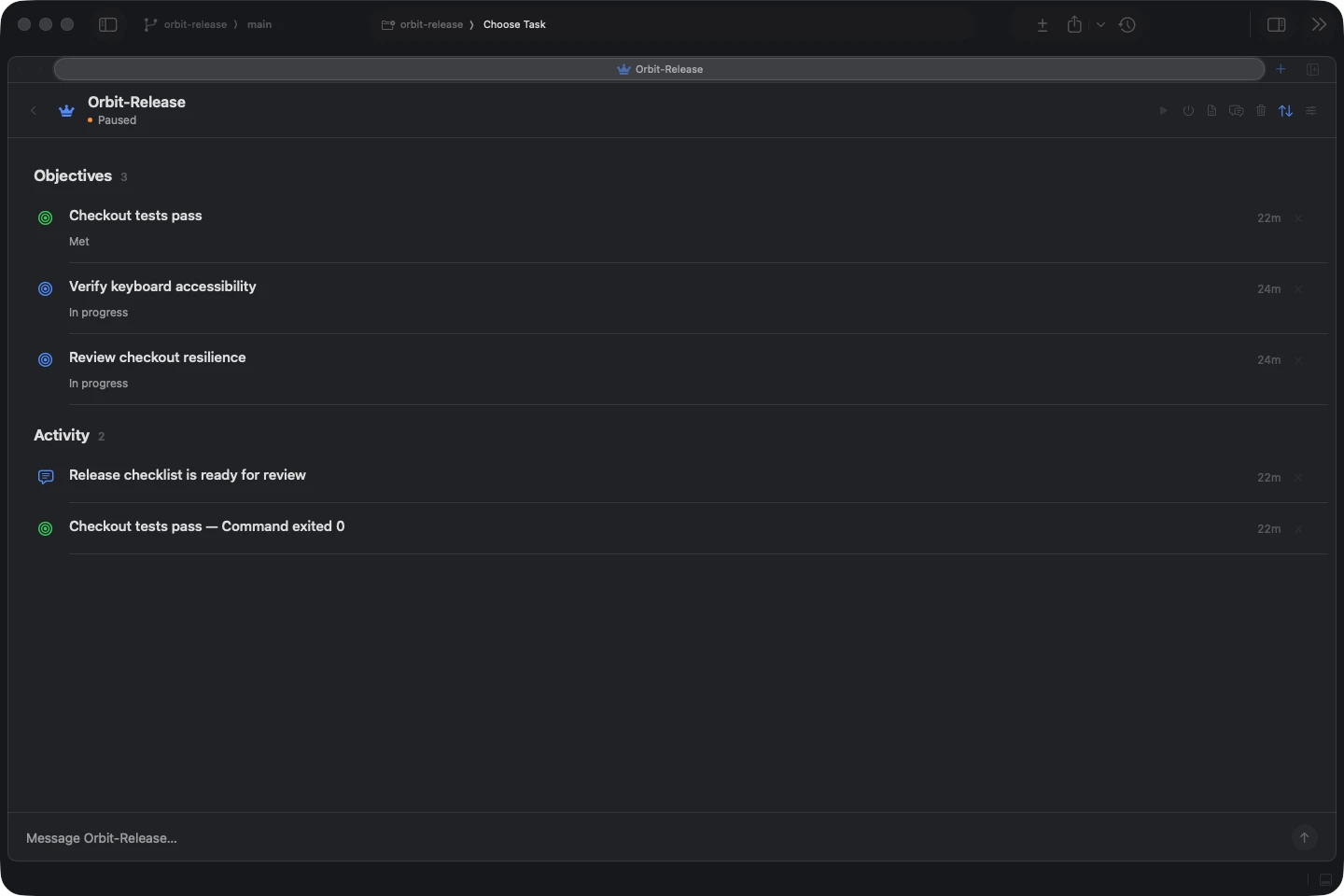
New Give a long-horizon Manager Agent a metric, a spec, or a standing responsibility. It turns that into objectives it can check, then steers agents for days or weeks to meet them.
Manager agents#
A project lead for a stream of work, running on Claude Code, Codex, or any agent you choose. It doesn't edit code itself: it wakes on a heartbeat, or when a worker finishes or a watched Sentry or Linear query turns up something new, and decides what to delegate next.
Set up a manager agentObjectives it can verify#
Every objective can carry a check: a shell command, a plugin query such as Sentry's unresolved issues, or a model's judgment. The manager's own claims stay proposals until a check or you confirm them.
See how objectives are verifiedA live feed of the work#
Managers launch workers in worktrees, containers, or the cloud, or adopt agents you started. The feed shows each worker's progress and the pull requests it opened, with anything that needs your answer at the top.
Read a manager's feed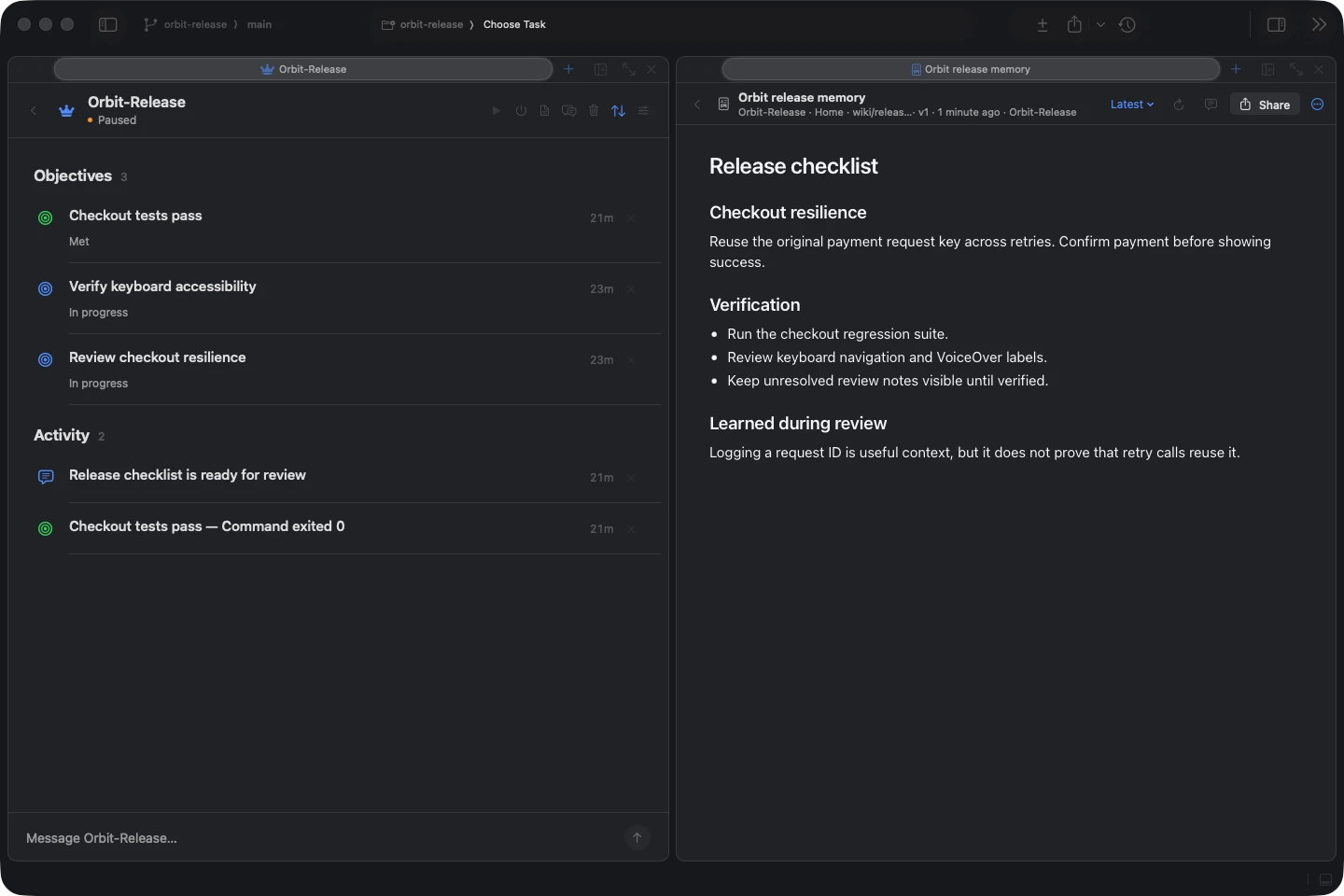
Memory you can read and diff#
Each manager keeps a git-backed Home with a wiki, mail threads, and every briefing and report, committed after each run. Everything it knows is a file you can open, edit, and diff.
See what a manager keeps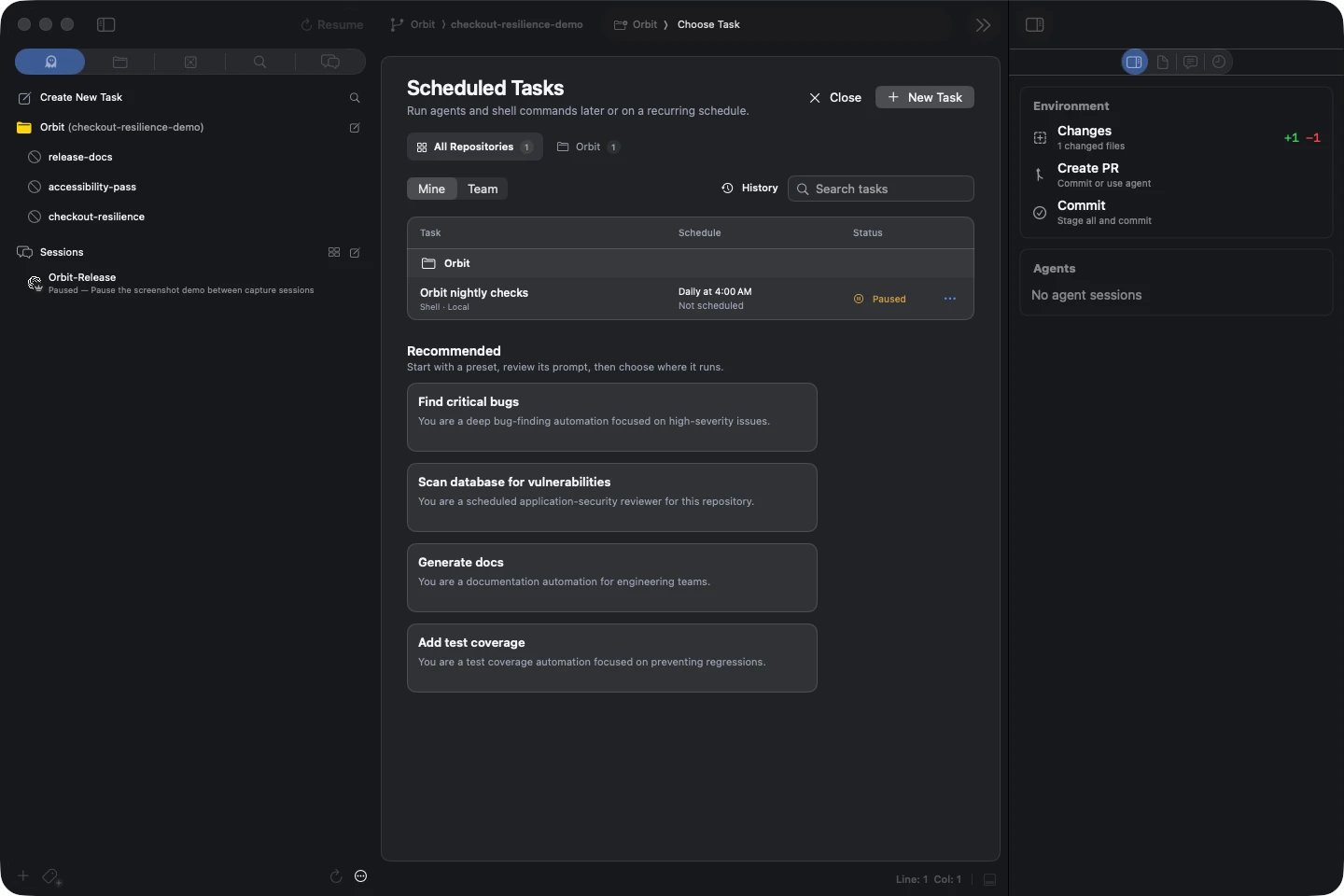
Scheduled agents#
Run nightly bug hunts, weekly docs passes, or any shell command on a schedule, with memory that carries between runs. Tasks on a Remote SSH host keep firing while your Mac sleeps.
Schedule an agent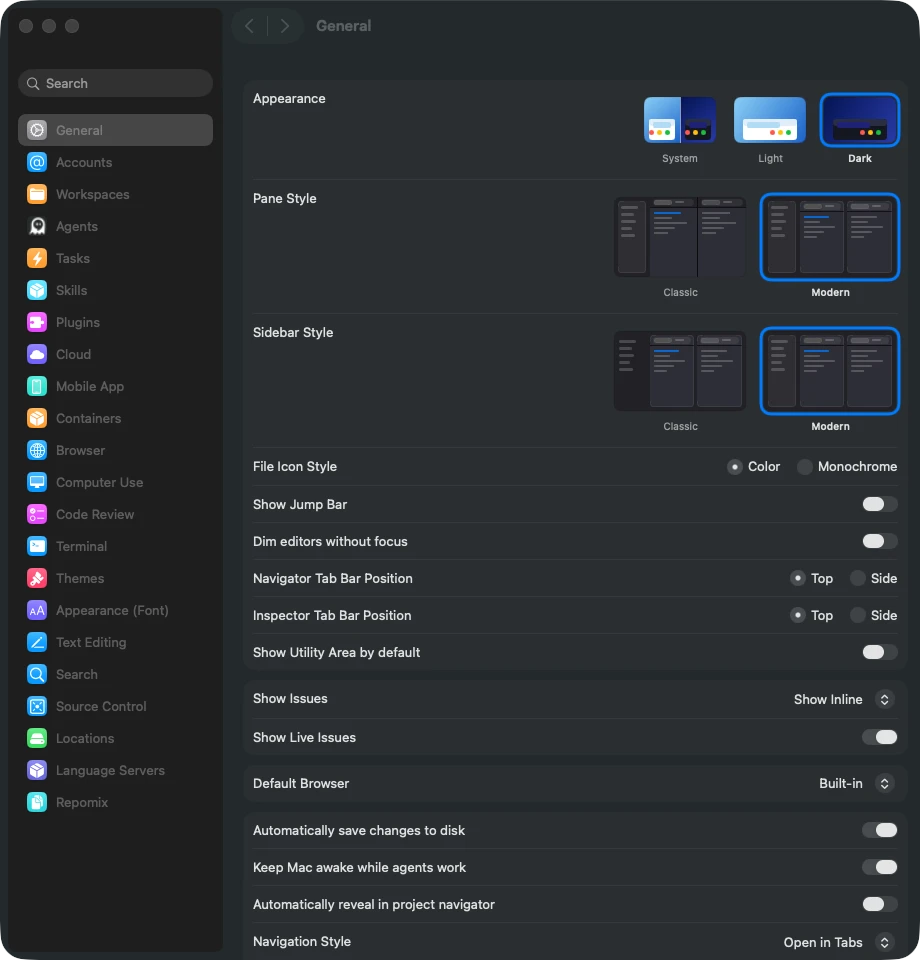
Keep your Mac awake#
While an agent is working, your Mac won't idle to sleep, so long runs keep going after you step away. The display can still sleep, and closing the lid still sleeps the Mac.
See the General settings