Stacked Pull Requests for Coding Agents
One branch per reviewable layer, one worktree per active task, and a clear pause before rewriting shared history.
Contents
- First decide whether the changes belong in a stack
- Run the local exercise
- Reproduce the shape in an existing project
- Give each worker a precise contract
- Register the existing branches with GitHub's extension
- Update a lower layer without racing the workers
- Review each layer and the assembled feature
- Merge deliberately and keep local state current
- Where Agentastic fits
- Frequently asked questions
Stacked pull requests keep dependent coding-agent changes small enough to review. Git worktrees provide separate places to edit those changes. Use both when a feature naturally forms a chain, such as a data interface, an endpoint using that interface, and a page calling the endpoint.
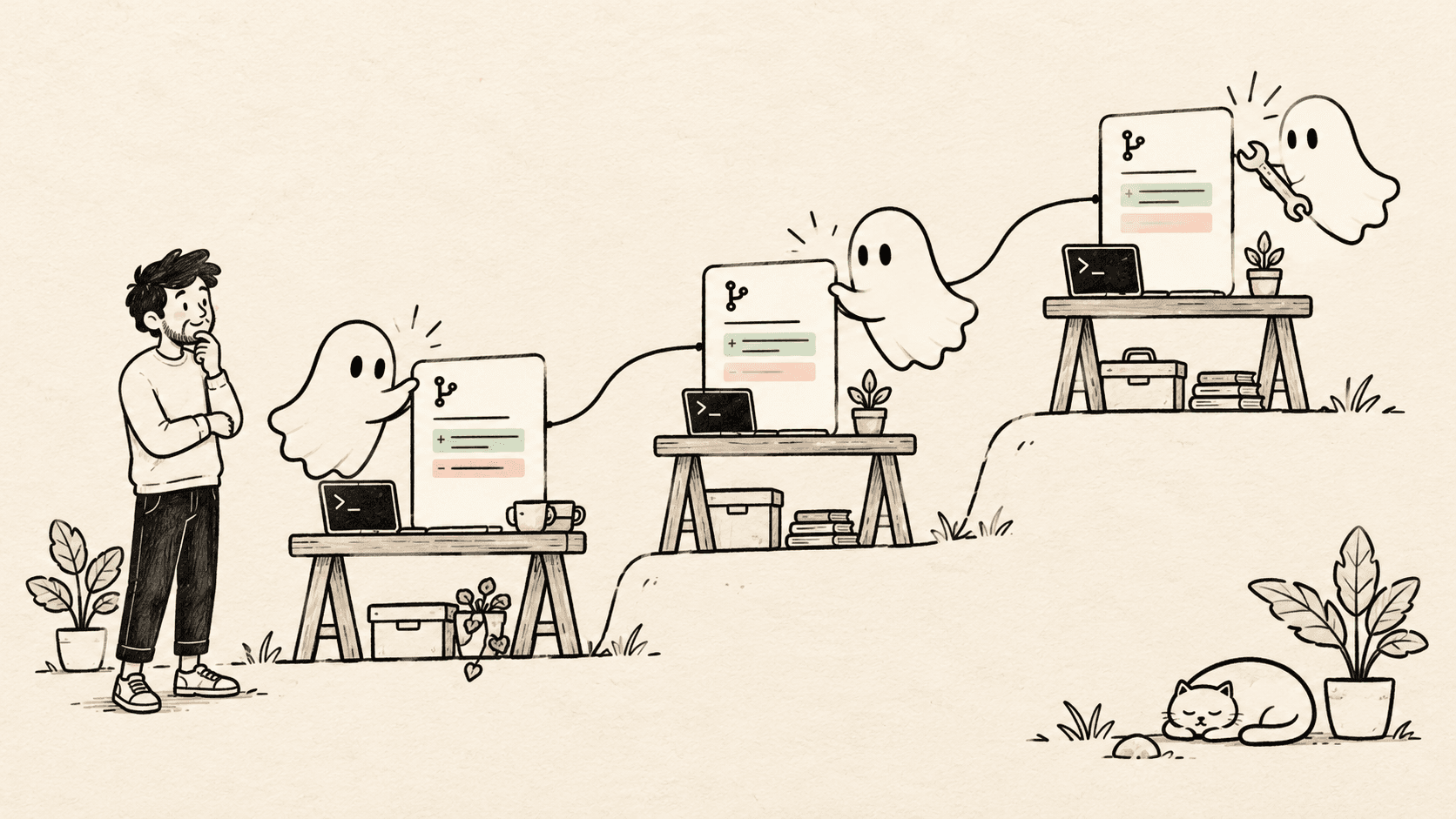
GitHub made stacked pull requests generally available on October 6, 2026, and announced worktree support in its gh stack extension. Availability covers github.com plans; the announcement described GitHub Enterprise Server support as forthcoming. GitHub release announcement.
This guide explains the dependency model, provides a downloadable local exercise, and walks through the GitHub commands. The exercise is deliberately small. It demonstrates Git relationships and application composition, not a production reporting service or measured agent productivity.
First decide whether the changes belong in a stack#
Independent fixes do not need a dependency chain. If one agent changes a help page while another fixes a separate parser bug, each can branch from main.
A stack fits work like this:
report-ui     → base: report-api
report-api    → base: report-model
report-model  → base: main
main
A base branch is the branch a pull request proposes to change. Setting the API request's base to report-model means its review focuses on the endpoint layer. It does not ask the reviewer to reconsider every line of the model layer.
The worktree directories are a separate arrangement:
report-project/repo/    main
report-project/model/  report-model
report-project/api/    report-api
report-project/ui/     report-ui
A branch records a line of development; a worktree is a checked-out directory. Linked worktrees share repository history but have their own working files and index. Git normally prevents checking out one branch in multiple worktrees simultaneously. Git worktree reference.
The result is three review scopes and three editing spaces. There is still one feature to integrate.
Run the local exercise#
The stack lab script creates a new temporary directory, a Git repository, and three linked worktrees. It uses Bash, Git, and Node.js; it installs no dependencies and makes no network requests.
Download and inspect the file, then run:
bash stack-lab.shThe script prints the new directory. Its three layers contain:
| Layer | Example responsibility | Interface passed upward |
|---|---|---|
| Model | Sum integer amounts in cents | totalCents(rows) |
| API-shaped function | Build a response object | { totalCents, currency } |
| Presentation | Format that response | A display string |
The “API” is a plain function so the exercise needs no server. Its checks cover an empty input, addition, response shape, and composed formatting. This keeps the Git lesson visible without pretending a few assertions establish production readiness.
From the printed main checkout, inspect the history and incremental changes:
git log --all --graph --oneline
git diff main...report-model
git diff report-model...report-api
git diff report-api...report-ui
git worktree list
The three-dot diff compares a branch to the shared ancestor with its base. The important question is whether each displayed patch contains the layer you intended. If the UI patch also introduces the model and API, inspect its ancestry and base before asking anyone to review it.
Reproduce the shape in an existing project#
Start from a clean checkout and a known base commit. Here, main is the integration branch; replace it if your repository uses another name.
Create the first worktree:
git worktree add -b report-model ../report-model mainImplement and commit the agreed model interface in that worktree. Then create the second from the model branch:
git worktree add -b report-api ../report-api report-modelAfter the API contract is committed, create the presentation branch:
git worktree add -b report-ui ../report-ui report-apiThese commands intentionally happen in stages. If all three branches are created from main before any work begins, the higher branches do not magically acquire future lower-layer commits.
A commit is a checkpoint for the next worker. It does not have to mean the lower layer is finally approved, but its interface should be coherent enough for another task to build on.
Use a repeatable worktree setup script for real applications. Each checkout may need dependencies, environment files, and a separate development port. The stack itself does not prepare those.
Give each worker a precise contract#
The most important handoff is the boundary between layers. Here is an illustrative task for the API worker:
Work only in the report-api worktree.

Base contract:
src/report-total.mjs exports totalCents(rows).
Each row has an integer amountCents. The result is an integer.

Task:
Add reportResponse(rows), returning totalCents and currency "USD".
Preserve the model interface. Add focused API-level checks.

If you need a model change:
Report the required change to the model owner. Do not rewrite their
commits or change the stack topology.

Completion:
Commit the API change, list the checks run, and identify any assumptions
the UI worker needs to know.
For a real endpoint, also specify authentication, authorization, response errors, and backward compatibility. A function signature alone is insufficient when behavior crosses a trust boundary.
While the model worker is implementing, another agent can inspect UI patterns or prepare test cases. Writing code against a provisional interface is possible, but record the assumption and expect rework if the interface changes.
Our parallel-agent workflow guide covers task boundaries in more detail.
Register the existing branches with GitHub's extension#
The GitHub steps require an authenticated GitHub CLI and a repository you can push to. They are separate from the offline lab. Check the repository's remote before submitting anything.
Install the official extension if it is not already installed:
gh extension install github/gh-stackFor an existing installation, update deliberately:
gh extension upgrade stackFrom the top layer's worktree, with report-ui checked out, adopt the three existing branches in bottom-to-top order:
gh stack init --base main report-model report-api report-ui
gh stack view
Review the displayed order. When you intend to publish the branches and open their pull requests:
gh stack submitThe extension links one pull request per branch and assigns the preceding branch as its base. Its current documentation also describes how existing branches are adopted and how the stack catalog is shared across linked worktrees. Official gh-stack documentation.
Do not run the publishing step merely to complete the local exercise. A temporary repository has no remote by design; keep it local unless you deliberately create an example repository.
Update a lower layer without racing the workers#
Suppose the reviewer requests a model change. The API and UI still depend on the older model commit. A rebase replays changes onto a different parent so the descendants include the revised dependency.
Before starting:
- Ask all affected workers to stop editing.
- Inspect every affected worktree with
git status. - Commit intended work or resolve unfinished edits explicitly.
- Record the branch tips if you need an audit trail.
Then use the extension's stack rebase:
gh stack rebaseWhen it reports a conflict, resolve it in the worktree it identifies. Stage only the resolved files, then continue:
gh stack rebase --continueIf you decide to abandon the operation:
gh stack rebase --abortThe current worktree workflow coordinates affected branch owners and rejects unsafe states. Its mutation lock coordinates extension operations; it cannot stop an arbitrary editor or agent from changing files. Keep workers paused until the operation and subsequent checks finish. gh-stack worktree workflow.
Conflict markers are only one kind of conflict. A clean rebase can still leave the UI expecting a field the API renamed. Run the combined feature's checks at the top of the stack after updating its parents.
Review each layer and the assembled feature#
Ask two different questions:
Does each layer justify itself? The model change should establish a sensible interface. The API should enforce its request and response contract. The UI should handle loading, empty, successful, and failed outcomes where applicable.
Does the assembled feature work? This requires checks against the complete dependency chain. Passing the model's unit tests says little about whether the page displays the right result for the current user.
Give reviewers a short map:
This request is layer 2 of 3.

Depends on:
The report-model change and its integer-cent total function.

Adds:
The reporting response contract.

Does not add:
The user-facing page, which is layer 3.

Evidence:
Relevant check commands and their outcomes.

Open question:
Any unresolved behavior that affects this layer or its descendants.
Use independent AI review to collect findings, then verify those findings. Multiple reviewers can share the same mistaken assumption, especially if the specification never states the required behavior.
Merge deliberately and keep local state current#
Review the stack in GitHub and use the repository's required checks and merge policy. A lower layer being ready does not establish that every descendant is ready.
After changes land upstream, the extension provides a synchronization command:
gh stack syncThis is a mutating operation: the documented flow can fetch, rebase, push, and synchronize stack state. Apply the same clean-worktree and worker-pause discipline as before. Inspect gh stack sync --help for the installed version before using it in automation. gh-stack synchronization reference.
When the feature is merged and no work remains, remove the unneeded worktrees through Git or your workspace manager. Stop their development processes first. Do not force removal to hide changes you have not inspected.
Where Agentastic fits#
Use Agentastic to keep the workers, terminals, source control, and diff review together. The stack commands above remain GitHub CLI operations. This guide does not imply that Agentastic supplies native stack creation, rebasing, or merge controls.
Start with two dependent changes and one agreed interface. Add a third layer only when the review boundary is clear. If the queue grows faster than anyone can inspect it, use the Scion-inspired bottleneck worksheet to identify whether more parallel work will help.
Frequently asked questions#
What is a stacked pull request?#
A stacked pull request is one change in a chain of dependent pull requests. The lowest targets the main branch; each higher request targets the branch immediately below it.
How do Git worktrees help with stacked PRs?#
Worktrees let you keep different branches checked out in separate directories. Agents can work on separate layers without switching a shared checkout, while the stack records their dependency order.
Can multiple agents edit a stack simultaneously?#
They can work on distinct layers after agreeing on the interfaces between them. Pause affected workers before rebasing or synchronizing the stack, because those operations can rewrite their branch history.
Does gh stack create worktrees automatically?#
No. Create the worktrees separately. The current extension can operate on branches distributed across linked worktrees, subject to its clean-worktree and recovery checks.
Does Agentastic manage GitHub stacks natively?#
This tutorial uses Git and GitHub's gh stack extension for stack management. Agentastic provides the agent workspaces, terminals, diffs, and review tools around that workflow.