How to Test Agent Skills: Loading, Quality, and Reliability
Separate skill discovery from task quality so a convincing demonstration does not hide an unreliable workflow.
Contents
- Separate the three things you are testing
- Define a small task with observable success
- Write the procedure and a bounded description
- Check discovery before measuring triggers
- Build positive, negative, and boundary prompts
- Run automatic selection and explicit execution as separate experiments
- Keep the baseline clean
- Grade structure with code and meaning with review
- Read failures at the right layer
- Preserve a held-out set and rerun regressions
- Use Agentastic for deliberate skill delivery
- Frequently asked questions
Test an agent skill in three stages: verify that the client can discover it, measure whether it loads for the right requests, and check whether it improves completed work against a baseline. Keep these results separate. A skill that loads reliably can still give bad instructions, and a useful procedure can remain unused because its description is unclear.
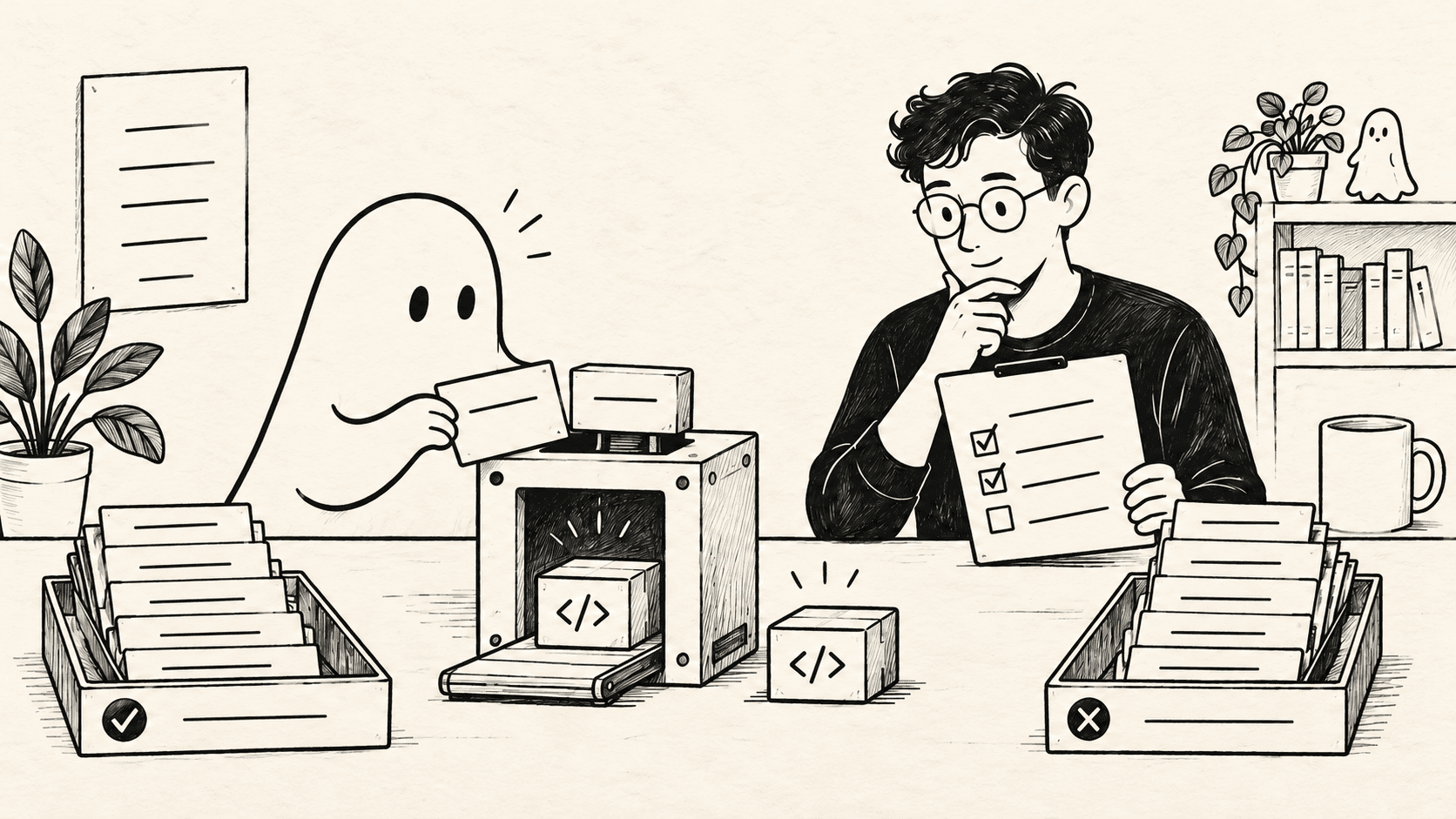
This guide uses a release-note drafting task with downloadable inputs, trigger cases, and an output checker. The deterministic checker was tested with Python 3.14.4 on October 15, 2026. The example does not contain observed agent activation rates or model comparison results.
Separate the three things you are testing#
A skill is a directory containing SKILL.md, potentially with supporting resources. The Agent Skills specification defines the format, including the name and description metadata. Client discovery and invocation behavior still need to be checked for the client you use.
For evaluation, distinguish:
| Layer | Question | Evidence |
|---|---|---|
| Discovery | Can this client see this installed skill? | Catalog, client diagnostics, or documented listing |
| Activation | Does it choose the skill for the intended request? | Trace showing the skill was loaded or invoked |
| Task outcome | Does using it produce a better result? | Output checks and independent review |
The official description guidance explains how a description affects activation. Test both relevant requests and nearby requests outside the skill's scope. Inspect actual client behavior rather than assuming that shared file formats mean identical triggering.
If you explicitly say “use this skill,” you are testing invocation and execution. You are not testing whether a normal request would cause automatic selection.
Define a small task with observable success#
Our example skill turns a change manifest into customer-facing release notes. Download changes.json. It contains three facts:
| Change ID | User-visible? | Supplied fact |
|---|---|---|
| C101 | Yes | A notification appears when a review finishes |
| C102 | No | Internal queue timer variables were renamed |
| C103 | Yes | The editor tab menu can copy the current file path |
The desired output is a JSON object with an entries array. Include each user-visible change exactly once, exclude internal changes, and write a short factual sentence for each entry. Do not invent benefits such as “twice as fast” or availability on platforms absent from the input.
This task has two kinds of acceptance criteria. A program can check the IDs, schema, duplicates, and empty strings. A human should check that each sentence preserves the supplied fact without adding unsupported claims.
That split prevents a common evaluation mistake: treating valid JSON as proof of useful content. A perfectly structured sentence can still be false.
Write the procedure and a bounded description#
Save the following as SKILL.md in a test skill folder, then register it through your client's documented discovery mechanism:
---
name: release-notes-from-changes
description: Draft customer-facing release notes from a structured change manifest. Use when the user asks for release notes or a user-facing change summary from that manifest. Do not use for editing the release-note generator or explaining release terminology.
---

Read the supplied change manifest.

If no manifest is available, ask for it. Do not invent changes.
For each change with user_visible set to true, write one concise entry.
Preserve its ID and describe only the supplied fact.
Omit internal-only changes.

Write the requested JSON output as:
{"entries": [{"id": "change ID", "text": "factual sentence"}]}

Do not modify the input manifest.
Before finishing, check for missing, duplicated, or invented change IDs.
Do not publish the notes or contact any external service.
The procedure names its input, output, boundary, and missing-input behavior. It leaves room for clear wording instead of requiring one exact sentence.
Record a content hash of the skill and its supporting files. If you edit the description later, give the revision a new identifier. Otherwise two “same skill” runs may actually use different instructions.
For a broader setup across clients, see AGENTS.md, CLAUDE.md, and SKILL.md. Keep the evaluation tied to specific tested versions rather than assuming every client exposes the same install path or activation trace.
Check discovery before measuring triggers#
Start one fresh diagnostic session. Confirm that the client lists the intended name and description, then explicitly invoke the skill once with the sample manifest.
This is a setup check. It establishes that the files can be found and the task can be attempted. Exclude it from automatic-trigger statistics because the explicit instruction already answered the selection question.
If discovery fails, inspect the installation path, filename, YAML formatting, client settings, and session lifecycle. Some clients may need a new session to refresh the available skills. Verify that behavior in the client's current documentation.
Also inspect which revision actually loaded. An old global copy can mask a broken project-local installation. Run the test in an isolated configuration instead of deleting or modifying your everyday skill library.
Build positive, negative, and boundary prompts#
Download the starter trigger cases. Its seven cases are a teaching set, not a representative benchmark.
Examples include:
| Prompt | Intended activation | What it tests |
|---|---|---|
| “Turn changes.json into customer-facing release notes.” | Yes | Direct task match |
| “What changed for users in this release? Use changes.json.” | Yes | Same intent with different wording |
| “Rename a variable in the release-note generator.” | No | Shared vocabulary, different work |
| “Validate the JSON syntax in changes.json.” | No | Shared input file, different outcome |
| “Write release notes, but there is no change manifest yet.” | Yes | Missing-input handling |
The last case should activate the procedure and ask for the missing manifest. It should not manufacture plausible release notes. Grade that behavior separately from ordinary successful-output cases.
Give the agent only the prompt and relevant input files, never the should_trigger labels or answer table. Those labels belong to the evaluator.
Expand the starter set with real requests from your team. Include terse requests, indirect wording, several near-misses, and cases involving adjacent installed skills. A description that works in an otherwise empty catalog may behave differently when three other skills mention release preparation.
Run automatic selection and explicit execution as separate experiments#
For automatic selection, keep the skill available but do not name it in the user prompt. Start a fresh session for every trial, submit the test request, and inspect the client's trace.
Record the actual evidence: a skill invocation, a read of the intended SKILL.md, or another activation event documented by that client. If the client exposes no trustworthy event, record activation as unknown. A sentence saying “I used the skill” is weaker evidence than an observable load.
Then run a separate task-quality comparison:
- No skill: same task and tools, with the skill absent.
- Explicit skill: the procedure is deliberately invoked.
- Automatic selection: the skill is available and selection is left to the client.
The explicit arm tells you whether the procedure helps when used. The automatic arm measures the practical experience of getting that help through discovery.
For this task-quality comparison, use the positive cases with a complete manifest and give every arm the same output contract. Otherwise, a good Markdown answer from the no-skill baseline would fail a JSON checker for a requirement it never received. Append this shared task-quality brief to each request:
Read changes.json without modifying it. Write report.json as a JSON
object with exactly one top-level key, "entries", containing an array.
Each entry must have exactly "id" and "text" string fields.
Include every user-visible change ID exactly once and exclude all
internal-only changes. Write nonempty customer-facing text supported
by the manifest; do not invent behavior, scope, or performance claims.
This states the acceptance criteria without supplying the skill's procedural checklist. Keep the natural prompts unchanged for the separate activation experiment. Grade missing-input handling and negative cases separately; they should not be forced through a release-note output checker.
Start with three fresh repetitions per case and arm if affordable. Preserve raw outcomes rather than turning three observations into a confident universal percentage. Repeat counts describe consistency on these prompts, not every future request.
The official skill evaluation guide recommends comparison with a no-skill or previous-version baseline and checking outputs with appropriate assertions. Our three-arm design adds an explicit separation between selection failures and execution failures.
Keep the baseline clean#
A baseline should have the same model version, client, reasoning setting where applicable, tool permissions, input files, and execution budget. Only the tested skill condition changes.
Ensure the no-skill environment cannot discover another copy through user-level configuration, project files, or a plugin. Start with no conversation history from developing the skill. Remove generated outputs between runs, and keep previous attempts outside the agent's accessible environment.
The model may already know how to write good release notes. That is a useful baseline result. The question is whether your procedure adds reliability, reduces review work, or handles your project-specific contract better.
Do not copy the entire skill into the baseline prompt. That compares packaging mechanisms, which is a valid different experiment, but it cannot show the benefit of the procedure itself.
Grade structure with code and meaning with review#
Download the output checker and example valid report. Run:
python3 check_report.py changes.json report.example.jsonThe example report passes. The checker verifies the top-level structure, required fields, unique IDs, exact set of user-visible changes, and nonempty text. It rejects omitted visible changes, duplicate IDs, and inclusion of the internal-only change.
For an agent run, replace report.example.json with its actual output. Keep the checker outside the agent's editable environment during comparative trials, and preserve a digest of the input to verify that it was not changed.
Mechanical checks are deliberately limited. The following text could pass the schema while failing factual review:
{"id": "C101", "text": "Review notifications now arrive twice as fast on every platform."}Neither speed nor platform support appears in the manifest. Mark the entry factually incorrect and record the specific unsupported claim.
A human rubric can ask whether each entry preserves the supplied behavior, avoids invented scope, and reads clearly to a customer. Review outputs without revealing which configuration produced them when practical. Keep accepted wording flexible; exact string matching would reject valid paraphrases.
Read failures at the right layer#
Use an empty result table until you have actually run the sessions:
| Case and repetition | Condition | Activated? | Mechanical checks | Factual review | Minutes |
|---|---|---|---|---|---|
| positive-1, trial 1 | Automatic | Record evidence | Record | Record | Record |
| positive-1, trial 1 | Explicit | Confirm load | Record | Record | Record |
| positive-1, trial 1 | Absent | Not applicable | Record | Record | Record |
If explicit execution succeeds but automatic selection fails, investigate discovery or the description. If both skill arms fail the same content check, investigate the procedure or input contract. If every arm fails, inspect the task, checker, and environment before blaming the skill.
Track false activation on negative cases separately from missed activation on positive cases. A single accuracy number can hide an overly broad description when most test prompts happen to be positive.
Also compare time and consumption. A procedure that adds several checks may improve quality while increasing cost. Use the accepted-change cost method to put that tradeoff in context.
Preserve a held-out set and rerun regressions#
Split your realistic prompts into a development set and a held-out set before revising the skill. Keep both positive and negative examples in each, and group close paraphrases so nearly identical requests do not appear on opposite sides.
Use development failures to improve the description or procedure. Inspect the held-out set at a declared checkpoint. Once its failures start guiding edits, it has become development material; create a fresh held-out set for the next independent assessment.
Keep previously successful cases as regression checks. Re-run them after changing the skill, its helper scripts, client version, model, or surrounding skill catalog. Record what changed so a failure can be traced to a meaningful revision.
Use Agentastic for deliberate skill delivery#
Agentastic's Skills library can attach a selected skill to a launch and deliver it into the worktree using the supported agent's convention. This is useful for the explicit-execution arm.
Attachment may also add a launch note indicating that the skill was chosen. Treat that as part of the experimental input. It is not the same condition as a skill quietly available for automatic discovery. For a natural-trigger experiment, use the client's documented discovery setup and inspect the complete launch prompt.
Download Agentastic to organize separate test workspaces and review outputs. Start with the release-note fixture, then use the same discovery, activation, and outcome checks for your own harness engineering procedures.
Frequently asked questions#
How do I test whether an agent skill is triggering?#
Install the skill in an isolated test environment, submit realistic prompts without explicitly naming it, and inspect the client's trace for a skill load or equivalent activation event. Include prompts where the skill should not load, and repeat fresh sessions to measure variability.
Is successfully loading SKILL.md enough to pass an evaluation?#
No. Loading is a discovery outcome. Separately check whether the agent completed the task correctly, respected the scope, and improved on a baseline without the skill. A loaded skill can still produce incorrect work.
How do I create a fair no-skill baseline?#
Use the same model, client, task files, permissions, and budget in a fresh environment where the skill is absent from every discovery path. Do not let the baseline inherit a previous skill conversation, generated output, or global copy of the skill.
Why should skill tests include negative prompts?#
A skill that loads for every vaguely related request can waste context and redirect the task. Near-miss prompts, such as editing a release-note generator rather than writing release notes, reveal whether the description draws a useful boundary.
Does this guide include observed skill activation rates?#
No. It includes reusable trigger cases, example input and output, and a deterministic checker. The checker was tested locally; no agent activation or comparative task-quality results are claimed.