Spec-Driven Development in an Existing Repository
A practical walkthrough from a bounded request to a reviewable change, without rewriting the application around a new process.
Contents
- Choose a change with a clear boundary
- Install and initialize from a reviewable baseline
- Check the agent integration
- Write a small constitution grounded in the application
- Specify behavior before choosing implementation details
- Resolve the awkward cases while changes are cheap
- Plan against the repository you actually have
- Turn the plan into tasks with dependencies
- Check the active feature before every handoff
- Implement in stages and preserve an independent check
- Handle changed requirements as a visible change
- Keep the amount of process proportional
- Frequently asked questions
You can introduce spec-driven development in an existing repository one feature at a time. Start with the behavior you want to add, record what must remain true, and use the specification to connect planning, implementation, and acceptance.
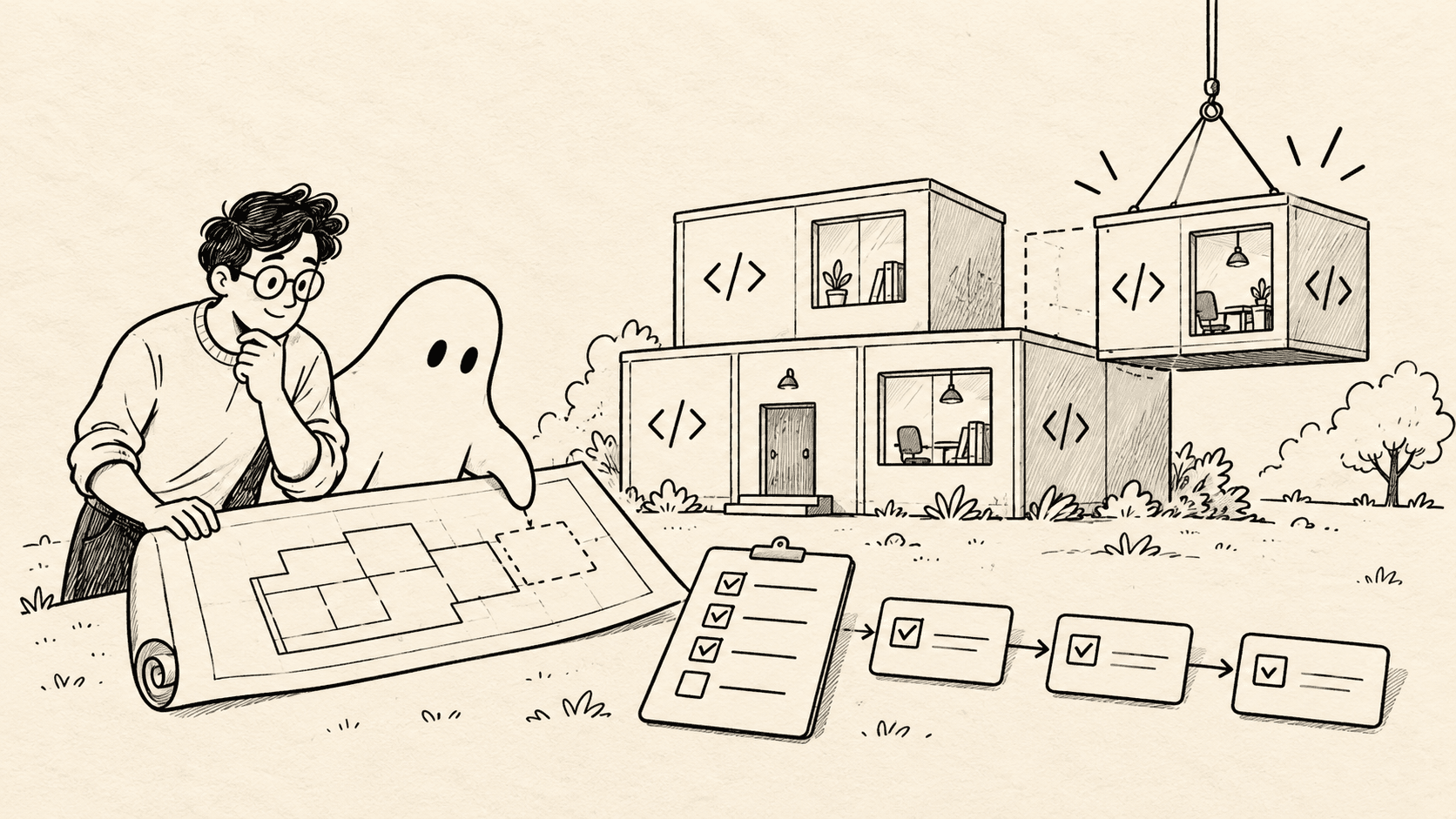
GitHub's Spec Kit supplies a workflow and agent integrations for doing that. Its existing-project guide recommends a reviewable baseline and initialization in place; it does not require rewriting the application from specifications. Spec Kit adoption guide.
This walkthrough uses an illustrative task-board feature: let a project member switch between active and archived tasks. The repository and implementation details below are examples to adapt, not an application we claim to have generated and tested.
You can download the original feature specification template and acceptance-case worksheet. They contain requirements and expected outcomes, not experimental results.
Choose a change with a clear boundary#
“Improve task management” is too broad. “Add an archived-task filter to the existing project task list” is a useful starting point.
Assume the application already has:
- A project-scoped task list.
- An existing authorization check.
- An
archived_atfield. - Pagination and a stable result order.
- An established way to display loading and request failures.
These are assumptions to inspect, not instructions to invent. If the field does not exist or archival means something different in the application, revise the proposal before generating a plan.
Ask an agent for a short discovery pass:
Inspect the existing task-list flow without changing application code.
Locate the route, query layer, authorization checks, list component,
pagination behavior, and relevant tests.

For each finding, cite the file and symbol.
Separate verified behavior from assumptions and unanswered questions.
Do not propose a new framework or rewrite the feature.
Read the cited code. The discovery report is a map, not proof that every statement is right.
Install and initialize from a reviewable baseline#
The commands below follow official documentation reviewed on October 15, 2026. They were not run through a complete agent-generated application build for this article.
Spec Kit requires Python 3.11 or later and supports installation through uv. This example pins the published v1.2.0 release rather than silently tracking the repository's main branch. Installation guide, v1.2.0 release.
uv tool install specify-cli --from git+https://github.com/github/spec-kit.git@v1.2.0
specify version
In your application repository, inspect git status and save existing work before continuing. Create a branch for the adoption:
git switch -c docs/spec-kit-adoption
specify init --here --force --integration claude
git status --short
git diff
Here, --force permits initialization in a non-empty directory and can replace conflicting managed files. Review newly added files as well as the tracked diff. Do not use the flag as a substitute for preserving work. Existing-project initialization.
Commit the setup once its contents are understood. The initialization and the eventual application feature are separate review concerns.
Check the agent integration#
The examples below use Claude Code's skills integration. Spec Kit currently installs its skills under .claude/skills; its Codex integration uses .agents/skills.
| Step | Claude Code skill invocation | Codex skill invocation |
|---|---|---|
| Define behavior | /speckit-specify | $speckit-specify |
| Plan implementation | /speckit-plan | $speckit-plan |
| Generate tasks | /speckit-tasks | $speckit-tasks |
| Implement | /speckit-implement | $speckit-implement |
These are inputs to the agent's chat, not shell commands. Use the invocation for the installed integration. The Spec Kit reference also uses dotted command notation in some documentation; do not assume every client accepts identical syntax. Spec Kit integration reference. OpenAI's own skills guidance also demonstrates the dollar-prefixed invocation in Codex.
To use Codex as the initial client, substitute --integration codex during initialization. To add it to an already initialized project, inspect the current integration guidance and use:
specify integration install codexKeep shared specifications under review when more than one agent consumes them. Adding another integration does not justify letting two workers revise the same plan concurrently.
Write a small constitution grounded in the application#
A constitution records standing project principles. For an established application, it should preserve decisions the codebase already depends on.
Use the skill in chat:
/speckit-constitution

Preserve the existing project-authorization boundary and public API
defaults. Use existing query and UI patterns. Add focused regression
coverage for behavior we change. Avoid framework or dependency changes
unless the feature requires them and the reason is reviewed.
The command is part of Spec Kit's documented project setup. Quickstart.
Avoid turning this file into an inventory of every preference anyone has expressed. “Prefer simple code” offers little help when a task requires a tradeoff. “The task list must apply the existing project-access rule before returning records” identifies a concrete property to preserve.
For repository instructions versus reusable procedures, see AGENTS.md, CLAUDE.md, and SKILL.md.
Specify behavior before choosing implementation details#
Now describe the feature:
/speckit-specify

Add an active/archived filter to the existing project task list.
Omitting the filter must preserve today's active-only behavior.
The filter must never broaden project access.
Changing it resets pagination to page one and survives a page reload.
Unsupported filter values use our existing invalid-query response.
Do not add archive actions, bulk operations, or cross-project search.
Review the resulting requirements as if another person will implement them without the conversation.
A useful requirement can be assigned an identifier:
| ID | Requirement | Evidence to ask for |
|---|---|---|
| R1 | No parameter preserves the current default | Legacy request regression |
| R3 | Archived mode returns archived tasks | Mixed active/archived fixture |
| R5 | Access remains project-scoped | Another project's records are never exposed |
| R6 | Filtering precedes pagination | Multi-page fixture and count check |
| R7 | Filter changes reset pagination and update the URL | Browser navigation journey |
The downloadable template includes the full set, R1 through R8. The identifiers make it possible to discuss a missing check precisely rather than saying “the feature needs more tests.”
Resolve the awkward cases while changes are cheap#
Run the clarification step with the issues that discovery exposed:
/speckit-clarify

Focus on pagination, invalid query values, authorization behavior,
and the difference between an empty result and a failed request.
For this example, resolve questions such as:
- Does “archived” mean
archived_atis set, or is there another lifecycle rule? - Does the response's total count describe the filtered set?
- What happens when the user switches filters while viewing page five?
- Does unauthorized access use a forbidden or not-found response today?
- How should a failed request differ from a valid empty list?
The answers belong in the specification. Leaving them only in chat invites a later worker to make a different choice.
Keep unanswered questions visible. An agent can make a plausible default look finished without resolving the product decision.
Plan against the repository you actually have#
The technical plan is where implementation choices belong:
/speckit-plan

Use the existing route, query abstraction, and list component identified
in discovery. Parse the status parameter with our existing validator.
Keep authorization in its current enforcement layer.
Apply the predicate before pagination and count calculation.
Reuse the existing URL-state and error-display patterns.
Identify exact tests to extend. Do not add a new state library.
Ask the plan to explain where each requirement is enforced. If the UI hides inaccessible tasks but the API returns them, the plan has not preserved the access boundary.
Also inspect the proposed size. A filter may need changes in several layers; it should not become a generic query-language project unless the product request calls for one.
A good plan contains enough repository detail to constrain implementation, while remaining easy to update when inspection reveals an incorrect assumption.
Turn the plan into tasks with dependencies#
Generate tasks, then inspect their ordering:
/speckit-tasksAn illustrative task map might be:
T1: Define the status parameter and response expectations.
T2: Extend the query and count behavior. Depends on T1.
T3: Add API and authorization regressions. Depends on T1 and T2.
T4: Add the UI filter and URL state. Depends on T1.
T5: Verify the complete user journey. Depends on T3 and T4.
T2 and T4 can overlap after the contract is stable. T5 cannot establish integration correctness before both are ready.
Run the consistency analysis before implementation:
/speckit-analyzeSpec Kit documents this as a read-only check across the specification, plan, and tasks. Its convergence step later checks implementation against those artifacts and can append remaining tasks. Neither result substitutes for your acceptance evidence. Agentic SDD reference.
Use separate worktrees for independently editable tasks. If changes form a dependency chain, our stacked-PR tutorial explains how to keep the review slices coherent.
Check the active feature before every handoff#
Current Spec Kit selects the feature through .specify/feature.json, with SPECIFY_FEATURE_DIRECTORY as an override. Switching a Git branch alone does not select a new feature. Feature selection in the quickstart.
This matters when an agent moves between tasks or you create a new worktree from a branch containing existing Spec Kit state.
Before dispatching a worker, identify:
Worktree:
Base commit:
Active feature directory:
Specification revision:
Assigned task IDs:
Checks required:
Files or decisions owned by another worker:
Have the worker confirm the selected feature and task scope before editing. A correct implementation of the wrong specification is still wasted work.
Implement in stages and preserve an independent check#
Start with a bounded phase:
/speckit-implement

Implement the query/API tasks and their focused regression checks.
Stop before the UI work. Report changed files, requirement IDs covered,
commands run, failures, and unresolved assumptions.
After review, continue to the UI and integration tasks. Keep the acceptance worksheet available to a separate reviewer. The implementing agent should not silently change the expected outcomes to fit its code.
For the sample feature, inspect more than the happy path:
- An old client sends no status parameter.
- The first archived page is computed from a mixed dataset.
- A user attempts to access another project's records.
- A malformed filter reaches the API directly.
- An empty response and a failed response produce different UI states.
Map observed evidence back to each requirement. “Tests pass” is incomplete unless you know which behavior those tests exercise.
Handle changed requirements as a visible change#
Suppose the request expands to include an “all tasks” option. That affects the allowed parameter values, counts, UI labels, and existing invalid-value tests.
Update the requirement first and record why it changed. Then revisit the plan and task dependencies. Ask which earlier assumptions became invalid.
Do not merely tell the active agent “also support all” and leave the written specification describing two options. That creates two competing definitions of success.
After implementation, run:
/speckit-convergeReview any newly proposed work, rerun the relevant checks, and perform normal code review. A convergence message is an agent assessment of completeness; your acceptance decision should include actual evidence.
Keep the amount of process proportional#
A small typo fix rarely needs this full sequence. The workflow earns its cost when a change has ambiguity, compatibility requirements, access rules, or several workers whose assumptions must agree.
In Agentastic, keep the specification open in the Markdown editor, assign bounded tasks to separate agent workspaces, and review the resulting changes together. Manager Agents can coordinate longer work, but the responsibility for clear requirements and acceptance remains visible.
This is a practical extension of agentic engineering: give agents a precise target, make their evidence inspectable, and change the plan when the facts change. The broader software factory workflow can then reuse that reliable unit of work.
Frequently asked questions#
Can I use Spec Kit with an existing project?#
Yes. Initialize it in the repository, review the generated files, capture the rules that matter, and apply the workflow to the next bounded change. You do not need to reconstruct the entire application as specifications.
What is spec-driven development?#
It is a workflow that makes expected behavior and constraints explicit before implementation, then uses those artifacts to plan work and judge the resulting change.
Does a specification replace tests?#
No. A specification states the intended behavior. Tests and other verification provide evidence that the implementation satisfies it.
Can the same specification be used with Claude Code and Codex?#
Yes. Spec Kit has integrations for both. Their skill paths and invocation syntax differ, so verify the selected integration and keep the shared feature artifacts consistent.
Does switching Git branches select the active Spec Kit feature?#
The current documentation says feature selection is recorded in .specify/feature.json or overridden by SPECIFY_FEATURE_DIRECTORY. Changing the Git branch alone does not select a different feature.
When is a full specification workflow unnecessary?#
A small change with obvious behavior and a focused regression check may need only a clear issue. Use more structure when ambiguity, compatibility, permissions, or coordination make mistakes expensive.