Take Claude Code With You: How the iPhone Connection Works
A practical setup guide, followed by the security boundaries behind the connection.
Contents
- Choose how your phone reaches your Mac
- Set up the Mac and iPhone
- Connect through Tailscale
- Connect through the Agentastic relay
- What end-to-end encryption means here
- Approvals and notifications are part of the workflow
- What happens when the connection drops?
- Troubleshoot the layer that failed
- Frequently asked questions
You can supervise Claude Code from an iPhone while the actual work stays on your Mac. In Agentastic, the Companion app connects to that Mac, shows its tasks, and lets you read output, answer questions, approve individual actions, and review changes. Your phone does not become the machine that builds the project.
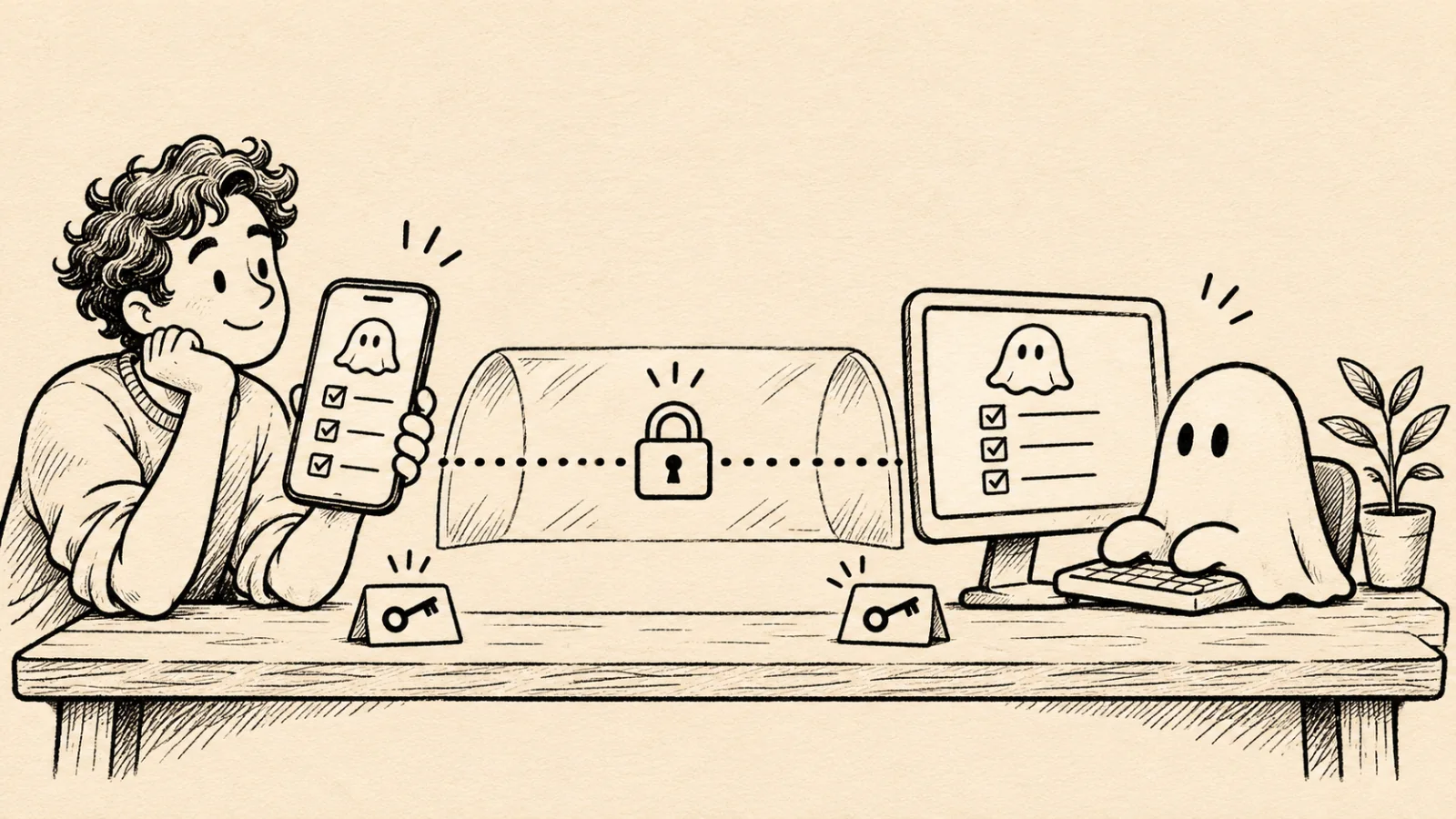
This guide covers Agentastic Companion, including how its direct and relay connections work. For a comparison of phone apps, use our Claude Code on iPhone buyer guide. Anthropic also offers its own Remote Control: start claude remote-control in a project and connect through the displayed link or QR code. That is a separate connection system with its own account requirements.
Product steps and implementation details below were checked on November 13, 2026. Agentastic publishes this guide about its own product.
Choose how your phone reaches your Mac#
| Connection | What you need | Where it works | Agentastic account |
|---|---|---|---|
| Direct over local network | Reachable Mac and iPhone on the network | Usually the same home or office network | Not required for direct pairing |
| Direct over Tailscale | Tailscale on both devices, with access allowed between them | Anywhere both can reach the tailnet | Not required for direct pairing; Tailscale has its own account |
| Through Agentastic Servers | Mac signed into Agentastic and connected to the relay | Internet connections, including cellular | Required on the Mac |
You can enable direct access and the relay together. Companion tries direct addresses first, including the last successful direct address, then falls back to the relay. With only the relay enabled, the Mac does not open the direct Companion listener.
“Direct” here describes Companion connecting to the Mac's address. It does not guarantee that every underlying network packet takes a peer-to-peer route. Tailscale can use its own DERP or peer relays when a direct network connection is unavailable. Those are distinct from Agentastic's application relay. See Tailscale's connection types.
Set up the Mac and iPhone#
Start a small Claude Code task inside Agentastic on your Mac before pairing. Verify that it works there: a phone connection cannot fix missing provider credentials or a project that fails to build locally.
- On the Mac, open Settings → Mobile App.
- Follow the download step to install Agentastic Companion through TestFlight. The public beta requires iOS 18 or later.
- Enable Direct, Through Agentastic Servers, or both. For the relay, sign in under Settings → Accounts, then wait for the relay status to show Connected.
- Choose Pair Phone… on the Mac.
- On the iPhone, open Companion's Settings → Pair an Instance and scan the pairing code. If scanning is inconvenient, use Copy Link on the Mac and Paste Link on the phone.
- Open the paired instance and find your Claude Code task. Check the repository and worktree before sending a follow-up.
There are two different QR codes: one installs the TestFlight app; the other pairs your phone with your Mac. Scanning the installation code does not grant access to your tasks.
The pairing invitation expires after ten minutes and is single-use. Generate a fresh one if it expires. Keep the invitation private: even though it does not contain your account access token, it participates in granting a device access.
Connect through Tailscale#
Install Tailscale on your Mac and iPhone and connect both to the same tailnet, or an explicitly shared arrangement permitted by your network policy. Enable the VPN connection on the phone. On the Mac, enable Direct in Mobile App settings.
Pair while Tailscale is connected so the Mac can advertise its current reachable addresses. You do not need Tailscale Funnel, a public IP address, or a router port-forward for this private connection. If your tailnet uses access policies, allow the phone to reach the Mac's Companion listener. Use the endpoint shown by Agentastic rather than assuming a fixed port: the implementation can select a different port when the preferred one is occupied.
Test before leaving: turn off Wi-Fi on the iPhone, leave Tailscale connected over cellular, and open a task. If you enabled both routes, a successful connection alone does not prove Tailscale works; the Agentastic relay may have provided the fallback. To test the VPN route specifically, temporarily disable Through Agentastic Servers on the Mac and repeat the check, then restore your preferred settings.
Tailscale handles private network reachability; Companion still authenticates and encrypts its own session. Tailscale's encryption documentation explains the separate network encryption layer.
Connect through the Agentastic relay#
The relay is useful when you do not want to maintain a VPN on your phone. The Mac makes an outbound connection to the service; your iPhone reaches it through the relay. You do not expose a public listener on the Mac.
Enable Through Agentastic Servers, wait for Connected, and pair the phone. If you paired before enabling the relay, reconnect over the direct route so the phone can learn the new connection information. A phone with stale relay credentials may need a fresh pairing after a relay reset.
The relay forwards the Companion connection. It does not move Claude Code, your build tools, or the repository onto a hosted development machine. The Mac must remain reachable.
What end-to-end encryption means here#
Companion encrypts the application traffic between the paired iPhone and Mac, including terminal and chat messages. The same secure channel is used over a local network, Tailscale, or the Agentastic relay.
The implementation has four relevant stages:
- Pairing pins the Mac's identity. The pairing payload includes the Mac's public key and connection candidates. The phone stores that key, so a different machine at an old IP address cannot simply impersonate your Mac.
- Each connection derives session keys. The phone generates an ephemeral X25519 key. It combines that with the Mac's static X25519 key through key agreement, then HKDF-SHA256 derives separate keys for each traffic direction. Fresh nonces and the negotiated handshake participate in the derivation.
- The transport is bound to the handshake. The chosen protocol version, direct-or-relay transport, and relay host identifier are included in the transcript. A disagreement produces different keys, causing encrypted messages to fail authentication.
- Frames are encrypted and ordered. ChaCha20-Poly1305 protects each application frame. Direction-specific counters are checked on receipt; replayed or reordered encrypted frames are rejected.
The initial handshake contains public information and is not itself a private application message. Authentication and subsequent application messages travel through the encrypted channel. The relay does not receive the phone-to-Mac session keys.
There is an important limitation: the current handshake uses a static Mac key, not fresh ephemeral keys at both ends. Fresh session keys alone do not guarantee forward secrecy against later compromise of that static private key. Someone who obtains that key and recorded the relevant traffic could derive past session keys. Protect the Mac and its credential storage accordingly.
Encryption also has a boundary. Your Mac and phone can read the content they display. Claude's model service still receives the requests your agent sends to it under your provider configuration. The relay can observe routing and connection metadata such as traffic timing and sizes, even when it cannot decrypt application content. This is a transport privacy property, not a claim that every service involved collects no data.
Approvals and notifications are part of the workflow#
Enable Companion notifications if you want to know when an agent needs a decision. Notification content uses a separate per-device key established through pairing; the phone's notification extension decrypts the payload for display. Apple and the notification relay still handle delivery metadata. Once decrypted, notification visibility also depends on your iOS preview settings.
Try a harmless task that asks a question before making a change. Confirm that the phone shows the request in the correct task, submit an answer, and watch the Mac continue. Use the in-app approval detail when you need context. A notification's Allow Once action is deliberately narrower than permanently allowing a command category.
Do not treat “waiting for approval” as an error to eliminate. It is an opportunity to check the command, target directory, and effect before the agent proceeds. The Companion app checks that a response still refers to the pending request rather than applying an old notification to a new action.
What happens when the connection drops?#
A lost phone connection and a stopped agent are different events. Your Mac may continue running Claude Code while the phone is offline. Conversely, a cached task visible on the phone does not establish that the host is still running.
The Mac must remain awake with Agentastic running. The Mobile App setting Keep this Mac awake while your phone needs it can prevent idle sleep when plugged in and the relevant Companion conditions apply. It does not override closing the laptop lid. On battery, plan around normal sleep behavior. See the Companion guide for the exact keep-awake rules.
For work on an SSH host, the remote process may outlive the Mac's connection, depending on how you launched it. Companion still needs the Mac as its bridge. Read session persistence and resume before assuming that reopening a task restores an interrupted process.
Troubleshoot the layer that failed#
| Symptom | First check |
|---|---|
| TestFlight opens but no Mac appears | Scan the separate pairing code from Pair Phone… |
| Pairing invite rejected | Generate a fresh, unexpired invitation |
| Works on Wi-Fi, fails on cellular | Check the phone's VPN connection or enable and verify the Agentastic relay |
| VPN devices are online but Companion fails | Check tailnet access rules, the advertised listener endpoint, and the Mac firewall |
| Previously paired phone cannot use relay | Reconnect directly to refresh configuration, or pair again after a relay reset |
| Task appears offline after closing the lid | Wake the Mac and reopen Agentastic if needed |
| Old approval notification no longer works | Open the current task; the request may already be answered or cancelled |
If you lose your phone, use Settings → Mobile App on the Mac to revoke its access. Remove the device when you want any future access to require pairing again. Treat phone pairing as authorization to control development work, not merely permission to receive a dashboard.
Frequently asked questions#
Does Claude Code run locally on my iPhone?#
In this setup, Claude Code runs on your Mac or a development host reached through Agentastic. The iPhone is a controller for tasks, conversations, approvals, terminals, and code review.
Do I need Tailscale to use Agentastic Companion?#
No. Direct connections work on a reachable local network or private VPN. The optional Agentastic relay works over the internet without setting up a VPN or forwarding an inbound port.
Can the Agentastic relay read my terminal output?#
Companion encrypts application messages between the paired iPhone and Mac. The relay forwards encrypted frames and does not hold their session keys. It can still observe connection metadata, including routing identifiers and traffic timing.
Will closing my MacBook keep Claude Code available on my phone?#
Closing the lid normally puts the Mac to sleep. Companion cannot control a sleeping Mac. Its plugged-in keep-awake setting does not override lid-close sleep.