What Is an Agentic Development Environment?
"Agentic Development Environment" showed up in June 2025 when Warp relaunched as one. Since then, JetBrains has described its Air product as an agentic development environment, Orca calls itself an agent development environment, and half the dev tools on Twitter added "agentic" to their landing page.
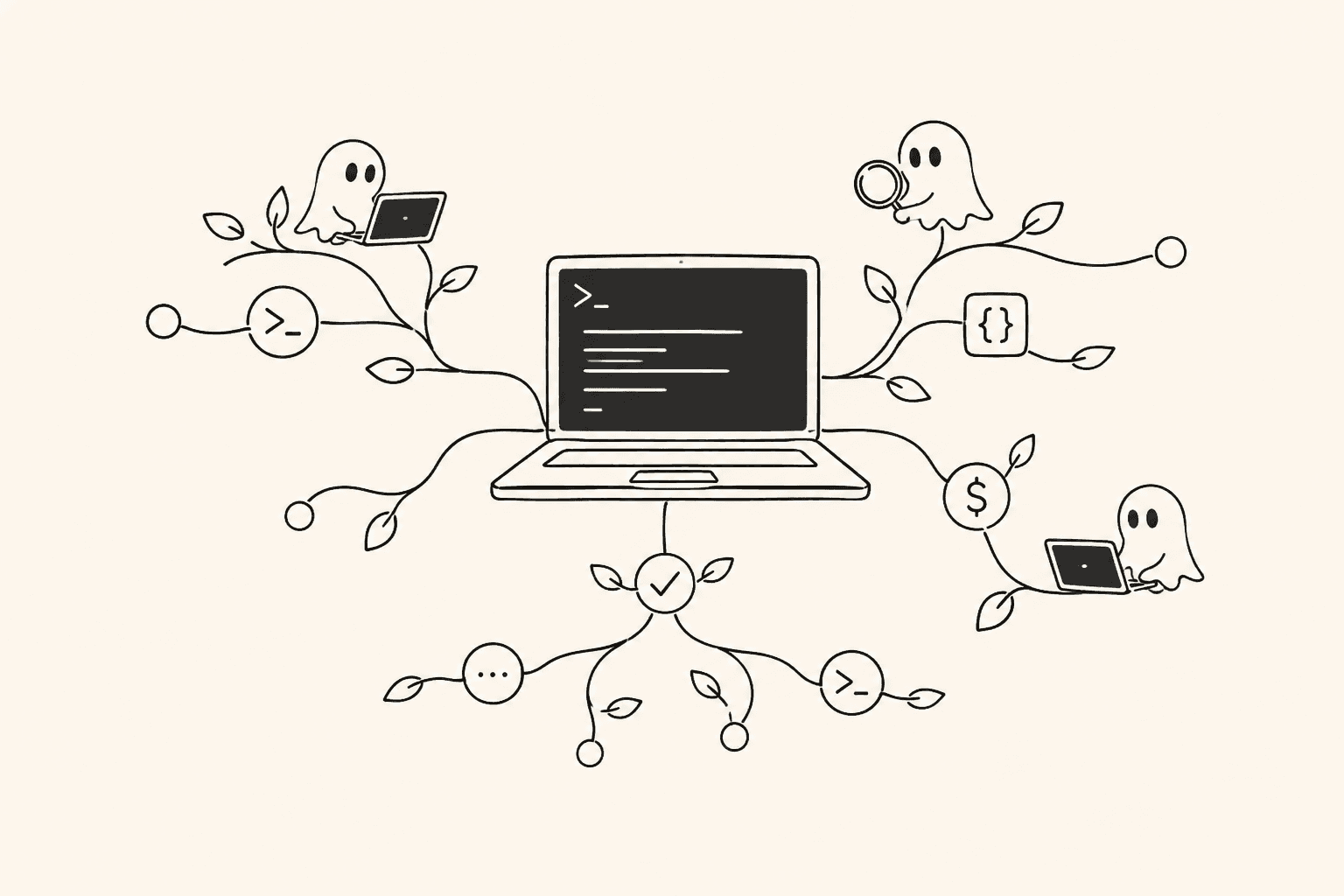
The term is already losing meaning. So before it becomes completely useless, let's pin down what we think it means, why the category exists, and what Agentastic.Dev does about it.
The problem that created the category#
Here's a thing that happens every day. You open an editor. You fire up Claude Code in a terminal. You give it a task. It starts working. Great.
Now you want to run a second agent on a different task. You open another terminal. Second Claude Code instance. Both agents are now editing files in the same working directory. One runs npm install. The other is mid-build. One reformats utils.ts. The other is halfway through editing it. Your workspace turns into shared mutable state, and both agents start failing in ways that have nothing to do with your actual problem.
You could manage this yourself. Create worktrees manually. Open separate terminal windows. Track which agent is doing what in your head. Merge things by hand. People do this. It works, kind of, the way juggling chainsaws works if you're careful enough.
The category exists because that manual coordination doesn't scale. When you go from one agent to three, or five, or ten running in parallel, the orchestration overhead eats the productivity gains. You need something purpose-built.
So what is it?#
An ADE is a developer tool where the primary workflow is: describe work, assign it to agents, let them run in isolated environments, review what they produce.
That sounds simple. The complexity is in the infrastructure underneath. For this workflow to actually work, you need:
Isolation that's physical, not just logical. A git branch is a pointer. Two agents on different branches still share the same node_modules, the same dist/ folder, the same ports. A git worktree is an actual separate directory. That's the minimum. For heavier work, Docker containers give you full runtime isolation: separate filesystem, separate services, separate everything.
Parallelism as the default. One agent doing one thing is just a fancy terminal. The leverage comes from running multiple agents concurrently on different tasks, each in its own isolated workspace, none of them stepping on each other. One's adding a feature, one's fixing bugs, one's writing tests. They all finish, you review three diffs. That's the pitch, anyway. Getting there requires the isolation to actually work, which is why this stuff matters.
Environment setup that happens automatically. An agent dropped into a bare checkout will spend half its token budget figuring out that it needs to run npm ci and set up a .env file before anything works. A good ADE runs your setup script (we use .agentastic/setup.sh) when it creates a workspace, so the agent starts in a working environment every time. This is unglamorous but it's probably the single biggest factor in whether agents succeed or waste your money.
A way to see what's going on. Five agents running in five terminals is five things you have to keep in your head. An ADE gives you a surface to see all of them: what's running, what's done, what failed, and what's ready for review. Agentastic's navigator keeps worktree, attention, diff, pull-request, and activity state attached to the task that owns it.
A path from "agent finished" to "code is merged." Agent output needs to flow into your actual workflow. Branches become PRs. Diffs get reviewed. CI runs. An ADE connects the agent's work to the rest of your development process instead of leaving you to copy-paste and push by hand.
Where this sits relative to everything else#
There are roughly four generations of AI dev tools at this point.
Autocomplete (Copilot era). You type, it suggests the next line. You're doing all the thinking. The AI is saving you keystrokes.
Agentic IDEs (Cursor, Zed). The AI can reason about your codebase, make multi-file edits, and increasingly run parallel threads. The defining product surface is still the editor and its agent experience. (We unpack the term in what an agentic IDE is.)
CLI agents (Claude Code, Gemini CLI, Codex). Autonomous agents that live in the terminal. They read files, write code, run tests, and iterate. Their first-party tools now include more parallel and worktree features, but mixed-provider orchestration, repeatable environments, and a shared review surface remain a separate product problem.
ADEs. The orchestration layer. You manage agents the way a tech lead manages engineers: assign tasks, provide context, review output. The ADE handles workspaces, environments, lifecycle, and visibility.
These aren't competing categories, honestly. I use Cursor for quick inline edits. I use Claude Code when I want one agent to chew on a hard problem. I use Agentastic when I want to throw five agents at a backlog and review PRs over lunch. Different tools for different shapes of work.
How Agentastic approaches this#
A few specific decisions we've made:
Bring your own agent#
We don't ship our own AI model. We ship 55 built-in agent definitions: Claude Code, Codex, Gemini CLI, Amp, Qwen, MiMo, Qoder, OpenClaude, OpenClaw, Droid, our own Agentastic agent (which runs on models from the providers you already use), and others. You can also define custom agents with whatever CLI command you want.
The agent landscape changes every month. We didn't want to bet on one model. So the orchestration layer and the agent layer are separate. Use whatever's best for your task today. Swap it out tomorrow.
Worktrees as the default#
By default, every agent run gets its own git worktree. They're fast (seconds), lightweight (shared git history), and they produce clean single-purpose diffs. We covered why worktrees matter for agents in detail already, but the short version: they solve the physical isolation problem that branches alone don't.
You pick where worktrees live, what they're named, and what branch they fork from. The defaults work. The knobs are there when you need them.
Containers when you need them#
For tasks that touch system-level stuff—dependency upgrades, migration testing, anything that needs Postgres or Redis or a specific OS package—you flip execution mode to container. Agentastic creates a container with Docker or Apple's container runtime, mounts the worktree inside, and runs the agent there. You choose the image, and a container setup script can set the network mode and what gets mounted. See Containers.
The agent runs in CI-like conditions, so "it works" starts to actually mean something.
Setup hooks#
When a worktree is created, we run .agentastic/setup.sh. It installs deps, creates env files, runs migrations, starts services. Whatever your project needs to go from "bare checkout" to "ready to work."
I keep saying this because I keep seeing it matter: agents that start in a correctly configured environment succeed dramatically more often than agents that have to bootstrap themselves. A good setup hook is worth more than a better prompt.
Scheduled runs#
You can set agents to run on a schedule. Nightly test maintenance. Weekly dependency updates. Daily code review sweeps. Compose the run as you would launch it, then pick a schedule, from daily or weekly to a cron expression. Each run gets its own worktree, a run history records what happened, and scheduled agents can keep memory between runs, so tonight's bug hunt knows what last night's already triaged.
Code review#
Agents review code too. Point a review agent at a diff—Claude Code, Codex, CodeRabbit, Greptile, or a custom command—and it checks for bugs, security issues, performance problems, and maintainability. Several reviewers can run in parallel, and you customize the review prompt in Settings → Tasks. See Code Review.
The job changes#
I think the part worth paying attention to isn't the tooling. It's how the work feels different.
In an ADE workflow, you spend less time writing code and more time specifying what you want, decomposing problems into parallel chunks, and reviewing output. It's closer to managing a team than to sitting in an editor. You write a clear prompt. You assign it. You wait. You review the diff. You merge or you send it back.
The editor doesn't go away, though — it becomes the place you read what an agent wrote and decide whether you believe it, which is a different design brief than the one editors were built for. We wrote about that shift in the art of building a text editor for humans.
Some people find this boring. I find it lets me focus on the parts I'm actually good at—architecture, product decisions, knowing what to build and what to skip—and delegate the mechanical translation of intent into syntax.
The best developers in this workflow won't be the fastest typists. They'll be the ones who can specify clearly, decompose well, and review carefully.
Getting started#
If you want to try this:
- Start with one task, one agent, one worktree. Get comfortable with the loop of: describe, run, review, merge.
- Add a second agent running in parallel on a different task. Watch how isolation prevents the chaos you'd get in a shared checkout.
- Write
.agentastic/setup.shfor your repo. Make workspaces reproducible. Notice the success rate go up. - Try container mode for a task that touches runtime deps. Compare.
- Scale from there. Scheduled runs. Code review agents. More parallelism.
Agentastic.Dev is a free native macOS app. Grab it and see if the workflow clicks for you.
Frequently asked questions#
What is an agentic development environment (ADE)?#
An ADE is a developer tool whose main workflow is describing work, assigning it to coding agents, letting them run in isolated environments, and reviewing what they produce. The hard part is the infrastructure underneath: physical isolation, parallel runs, automatic environment setup, visibility into every agent, and a path from finished work to merged code.
Who coined the term agentic development environment?#
Warp used it on June 24, 2025, when it introduced Warp 2.0 as what it called the first Agentic Development Environment. JetBrains now describes its Air product the same way, and Orca calls itself an agent development environment.
What is the difference between an ADE and an agentic IDE?#
The labels overlap. Agentic IDEs such as Cursor and Zed center on the editor and its agent, while an ADE is the orchestration layer that runs many agents in isolated workspaces and routes their output to review. Our guide to what an agentic IDE is compares the two shapes.
What does an agentic development environment need?#
Physical isolation per task (a git worktree at minimum, a container for heavier work), parallelism by default, environment setup that runs automatically, one view of what every agent is doing, and a path from finished work to a reviewed, merged pull request.
Is Agentastic an agentic development environment?#
Yes. Agentastic is a free native macOS app that runs 55 built-in agent definitions, or any CLI you add, each in its own git worktree or container, with setup scripts, scheduled runs, and code review agents. It doesn't ship its own model; agents use the subscriptions or API keys you already have.
Do you still need a code editor in an ADE?#
Yes. Reading what an agent wrote, deciding whether to trust it, and fixing the one wrong line is still human work, so the editor becomes the place where you review agent output rather than where you type most of the code.