Give your agents a project that lasts
How to organize ongoing work, preserve decisions, and see what needs you as your agents multiply.
Agentastic Spaces give ongoing agent work a home: pages for live status, decisions, checklists, and results across the repositories and agents you use. Claude Code Projects approach the same coordination problem through an ongoing conversation that delegates tasks to threads. Both are more useful to compare as places for continuing work than as folders for individual chats.
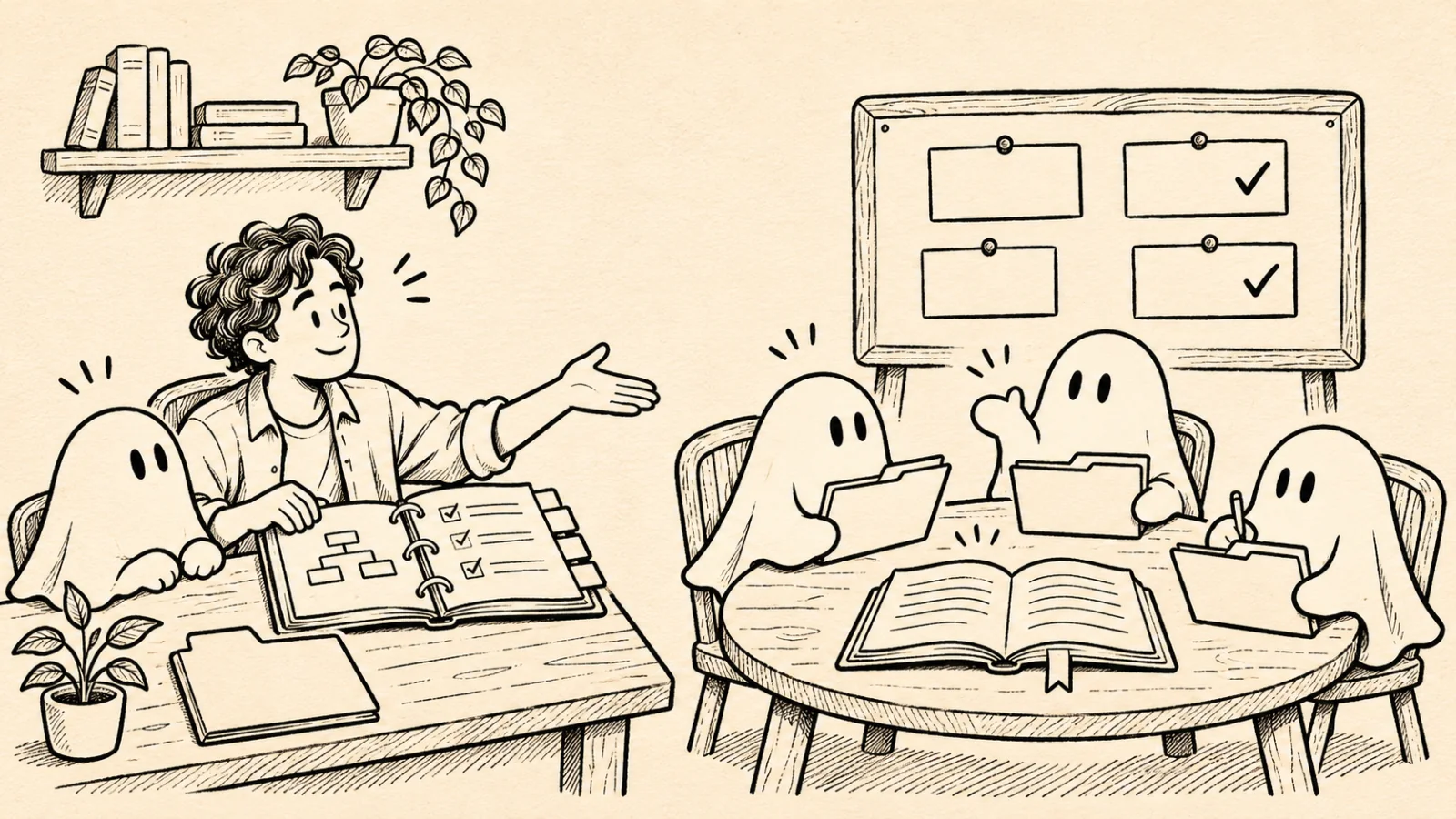
The deciding question is how you want to operate. Do you want Claude to coordinate a stream of work inside its own environment? Or do you want a native workspace around your repositories, chosen coding agents, review queues, and project records?
This article explains the difference and builds a practical release Space. We make Agentastic; this is a product comparison informed by our implementation, rather than an independent benchmark. Claude documentation and Agentastic behavior were reviewed on November 13, 2026. Beta availability and interfaces can change.
First, which Claude project do you mean?#
There are three different things people call a Claude project.
Claude chat Projects organize conversations with uploaded knowledge and project instructions. They are useful when recurring conversations need the same background. Anthropic is migrating some accounts to its newer experience, so two people can currently see different project interfaces. See Anthropic's Projects overview.
Claude Code Projects are now a real beta feature. A coordinating conversation dispatches related tasks into parallel threads, usually cloud sessions. Threads share project context; an Overview surfaces progress and requests for input. Projects can span repositories and keep memory. Individual threads can also run on your computer through Remote Control. Availability is rolling out on supported individual paid plans. This goes well beyond the older knowledge-folder model. See the current Claude Code Projects documentation.
A local Claude Code repository also has persistent context without using that cloud project feature. Repository instructions such as CLAUDE.md and supported AGENTS.md files guide sessions; auto memory preserves learned information. These are context mechanisms, not an operational project dashboard or an enforced permission boundary. See Claude Code's memory documentation and our instruction-file guide.
It would be misleading to compare Spaces only with a single Claude chat and conclude that Claude cannot coordinate parallel work. The current Projects beta does.
What Agentastic Spaces add#
A Space is a set of pages about work you care about. It can cover one repository, a release involving several repositories, or a recurring responsibility such as reviewing incoming changes.
The sidebar includes All projects. A separate project Space is created explicitly: right-click a repository and choose Open Space, or use + beside Spaces and choose its scope. Every Space starts with Today, Board, and Usage. Add your own pages beside them.
| Decision | Claude Code Projects | Agentastic Spaces |
|---|---|---|
| Main working surface | Coordinating conversation and thread Overview | Today, Board, Usage, and customizable pages |
| Work organization | Related tasks delegated to threads | Repository and label scopes, agent activity, review queues, and records |
| Context for future work | Project instructions and memory | Repository instructions plus explicitly maintained notes, records, and selected shared instructions |
| Execution | Usually cloud; local threads available through Remote Control | Agents and runs use their configured machines; a local Space does not create cloud compute |
| Strong fit | Ongoing work coordinated within Claude | A persistent workspace around different coding agents and your development environment |
The Claude column summarizes Anthropic's documented Projects model. The Agentastic column describes Spaces. Neither column means every account has the same integrations or execution permissions.
The practical advantage of Spaces is that you can shape a page around the job. A release page can show pull requests waiting for review, checks on a release branch, a launch checklist, a decision note, and an artifact. A maintenance page can show failing checks, relevant issues, and the agents working on them. You can keep these views while changing which agent handles a particular task.
Spaces do not themselves decide all the work to delegate. Use individual agents or Manager Agents for that responsibility, and use the Space to see their work and keep the project organized.
Build a release Space#
Suppose a release touches an API repository and a web application. One agent is implementing an API change, another is updating the UI, and a third is reviewing compatibility. The release needs one place to answer: what is waiting, what passed, and why did we choose this approach?
1. Choose a scope that matches the outcome#
Click + beside Spaces and select the relevant repositories. Name it for the outcome, such as “Customer export release.” Start from the Release template, or describe the page you need:
Show pull requests waiting for review, CI on the release branch, agents that need me, a launch checklist, and a note for compatibility decisions.
Agentastic's configured writing agent writes the page. Inspect the result and adjust each live block's settings, particularly repositories, labels, and branch names. A block can name its own sources; otherwise it uses the Space's scope.
Creating a separate Space for every small task adds navigation without adding much structure. A release that spans tasks is a better unit.
2. Keep live status beside explicit records#
Use a Pull Requests block for review state and checks, a Checks block for the branch you intend to ship, and a Needs You block for blocked work. Add to-dos for the release gates and a note for decisions.
These serve different purposes. A live Checks block answers “what does the service report now?” A decision note answers “why did we accept this tradeoff?” A green check cannot recover the reasoning you never wrote down.
Write decisions so a future person or agent can use them:
| Record field | Example |
|---|---|
| Decision | Keep the old export format available during the transition |
| Reason | Existing customer scripts consume its field names |
| Evidence | Link to the compatibility test and reviewed pull request |
| Owner | The person responsible for removing the compatibility path |
| Follow-up | Remove only after the migration criteria are met |
This table is a suggested writing structure, not a special enforced Space schema.
3. Start bounded tasks in separate working directories#
Give each agent a concrete task, a repository, a way to verify success, and a place to report the result. Keep concurrent edits in separate Git worktrees when they need independent branches.
A Space is an organizational boundary. It does not isolate files or restrict commands. Two agents editing the same checkout can still interfere with each other, regardless of how neatly their tasks appear on the Board.
When you use a Saved Prompt block, its prompt opens the task composer. Review the task's execution settings there rather than treating the block as a permission policy.
4. Use Today for decisions and review#
Today surfaces agents waiting on you, work ready for review, and recent events. A structured question asked in Chat can be answered there; a terminal agent's request takes you to the agent. Put away hides an item until the agent has something new.
The Today brief is a summary of observed work. Its configured model writes the prose, and Agentastic checks references and unsupported numbers before displaying it. Use it to decide where to look next; read the underlying change and test evidence before approving a release.
The Board gives another view of the same work. For local work, moving cards changes their labels. That is organization, not proof that the underlying task succeeded.
5. Update the record when work finishes#
Have the agent record what changed, the verification result, and the review link. Agents can use dev space page to read a page, tick its to-dos, and add to it. The CLI reference documents the commands and accepted fields.
A short completion record is more useful than “done”:
Compatibility tests pass on the change branch. The API preserves the old field names. Review the linked pull request before enabling the new format for customers.
That record gives the next agent a starting point without requiring it to reconstruct the entire conversation. It should point to evidence; it should not replace the evidence.
Durable records need deliberate boundaries#
Agentastic stores local Space definitions in a SQLite database on your Mac, and what is written on each page as a Markdown file beside it. Notes, links, and to-dos are that text; live blocks are redrawn from their sources each time. Changing a Space's pages or settings therefore does not rewrite what you have written.
Saved definitions have version history, and updates can detect stale revisions instead of silently overwriting newer edits. However, restoring an earlier version brings back a Space's pages and settings, not the text written on them, and it is not a promise to return any external service to an earlier state. Keep critical specifications and architectural decisions in versioned project files when they need normal code review, backups, and repository history.
The Since yesterday feed is a useful recent journal. Agentastic retains those events for 30 days, and the recorder captures changes it observes. It does not reconstruct every event that occurred while the app was absent. Do not use that feed as your only long-term project history or as a complete audit log.
Live blocks also depend on their sources. When a remote refresh fails, a block keeps its last value and says it is not up to date, with Try Again beside it. Do not base a decision about CI or review state on a block that says so.
Finally, a note visible in a Space is not automatically in every agent's context. Ask the agent to read the relevant record or file. Keep recurring repository rules in the instruction files your chosen agent actually loads. See session persistence and resume for the separate problem of recovering a task's conversation.
Sharing a Space changes where its data lives#
Local Spaces are useful for one person's work. Share with a Team adds a shared conversation, versioned files, and team tasks. Participants can bring their own agents; each agent continues to run with its owner's access on its configured machine.
This sharing is a service-backed feature. Shared pages, records, messages, and files go through Agentastic's team service, with a copy on the Mac. Sharing an artifact uploads it to Agentastic Sites. A local Space and an intentionally shared Space therefore have different data boundaries. Model-powered page drafting and summaries also use the agent provider you configure.
Team Tasks have one holder at a time, preventing two people from both claiming the same task through the shared task system. A versioned file save checks the version being edited, so a stale save can be rejected instead of overwriting somebody else's work. These help coordinate ownership; they do not make the contents automatically correct.
A teammate's request does not automatically authorize your agent to execute it. Requests wait for the owner to pass them on. If you enable Answers teammates, the agent can answer from the shared Space in a turn without tools; it does not gain blanket permission to act.
For instructions, open a shared file and choose Use Version … as Instructions for My Agents…. Your agents receive the exact version you selected. Someone editing the file later does not silently replace those adopted instructions. Review and adopt the new version deliberately. The sharing guide explains the complete flow.
Choose the project home around the work#
Claude Code Projects are worth considering when you want Claude's conversation to coordinate recurring work and use its project context. Check your account's beta availability and the execution environment your tasks require.
Agentastic Spaces are particularly useful when you want to keep multiple coding agents, local development tools, review queues, and explicit project records in a workspace you can arrange. Their strongest benefit appears when a project survives several sessions: you can return to the same page, find the next decision, and see the evidence left by previous work.
Start with one Space for a real outcome. Give it a clear scope, a review queue, a short checklist, and a decision record. Then add pages only when the work gives you a reason.
Frequently asked questions#
Does Claude Code have Projects?#
Yes. Anthropic now documents a Projects beta that coordinates related tasks through parallel threads, usually in the cloud. Availability is rolling out by account. It is distinct from older Claude chat Projects and from a local repository's CLAUDE.md instructions.
What is an Agentastic Space?#
A Space is a set of native pages for a project or stream of work. Today, Board, and Usage sit alongside custom pages containing live pull requests, CI, agents, checklists, notes, links, and artifacts.
Does creating a Space automatically give every agent its notes?#
No. A page organizes information for you and agents that explicitly read it. Keep standing repository instructions in the files your agent loads. In a shared Space, explicitly select a file version as instructions for your agents.
Are Agentastic Spaces stored locally?#
Local Space definitions and records persist on your Mac. Sharing a Space sends its shared content through Agentastic's team service; shared artifacts are uploaded to Agentastic Sites. Agent requests also use the provider you configure.
Can a Space replace a Git worktree or sandbox?#
No. A Space organizes work and records. A worktree separates working directories, while a sandbox restricts execution. Choose those boundaries separately for the agents doing the work.