How to Compare AI Coding Agents
There are more than thirty serious coding agents you can install today. They feel wildly different. Open four of them and you'd swear they were built by rival species.
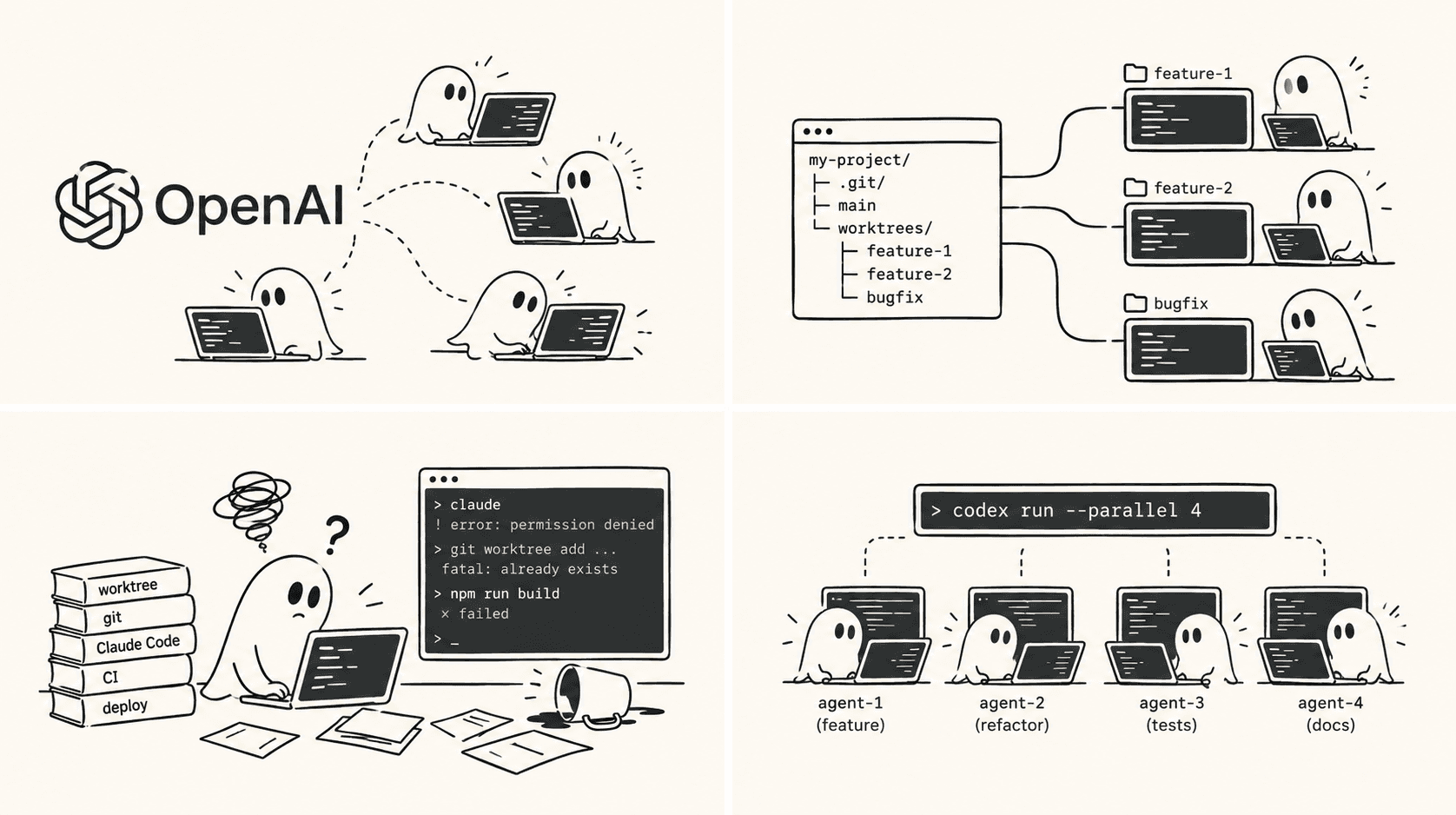
They're mostly the same five models in different costumes.
Claude, GPT, Gemini, and a short list of strong open-weight models do almost all the actual thinking. Most agents are a harness wrapped around one of them: the part that reads your repo, decides what to look at, runs commands, edits files, and recovers when a test fails. Once you see that, the question stops being "which agent is smartest" and becomes "which harness do I want to drive, on which model, for this task." That's a much more useful question, and it's the one this post is about.
Benchmarks won't pick your agent#
The standard way to compare agents is a leaderboard — SWE-bench, a terminal benchmark, a number next to each name. It's the wrong tool for this decision, for three reasons.
They measure the model, not the harness. Most of a benchmark score comes from the model underneath, and the model is the part you can swap. A ranking of agents is mostly a ranking of whichever frontier model each one happened to be pointed at that week.
They measure a task shape you don't have. The classic benchmark is "here's a GitHub issue, produce a patch that passes hidden tests." Real work is ambiguous, half-specified, spread across services, and judged by a human. An agent that tops the patch-the-issue game can still be exhausting to work with on a vague feature request.
They churn and they saturate. A new model lands, one harness gets to it first, the order reshuffles, and three weeks later it's stale. The top scores now cluster so tightly that the gaps are noise.
Use a benchmark as a coarse filter — is this model capable enough to trust with real code — and then ignore it. What you feel every day isn't on the leaderboard.
What actually differs#
Strip away the model and the score, and agents separate along a handful of axes that genuinely change how it feels to work with them.
-
Model strategy. Locked to one lab (Claude Code is Claude, Codex is GPT) or bring-your-own across many providers (opencode, Aider, Cline). Locked agents are tuned tightly to their model and tend to get new capabilities first. Open agents let you chase the best — or cheapest — model without changing tools, and let you run a model you host yourself.
-
Context strategy. How the agent figures out what to read before it acts. Naive agents grep and hope. Serious ones build an index, do semantic search, or carry a persistent map of your codebase. On a small repo it barely matters. On a million-line monorepo it's the whole game.
-
Autonomy level. Where it sits on the line from "suggests one edit and waits" to "disappears for twenty minutes and comes back with a branch." Pairing-style tools keep you in the loop on every change. Autonomous ones are leverage when the task is well-specified and a liability when it isn't.
-
Permission and safety model. What it will do without asking — edit files, run shell commands, install packages, hit the network. This is the difference between an agent that feels safe to let loose and one you have to babysit.
-
Where it runs. A terminal CLI you can script and drop into any workflow, versus something welded to one editor or living only in someone's cloud. Terminal-native agents compose. The rest you adapt to. (Every agent Agentastic launches is the provider's own CLI.)
-
State and cost shape. Whether it remembers anything between sessions, and whether you pay a flat subscription, metered tokens, or nothing because you brought your own key. These quietly decide whether you actually reach for it, so track usage and cost before you settle on one.
None of these show up in a score. All of them decide whether you keep the agent after a week.
The field, by archetype#
Here's the whole field Agentastic supports — 55 built-in definitions as of October 2026 — grouped by what kind of thing each one actually is. The takes are opinionated on purpose.
The frontier labs' own CLIs#
The model makers shipping their own harness. Locked to their model, tuned for it, usually first to a new release.
| Agent | Vendor | What sets it apart |
|---|---|---|
| Claude Code | Anthropic | The one to beat for hard, multi-file work — strong planning, sub-agents, hooks, MCP. |
| Codex | OpenAI | A tight edit-run-test loop; at its best when the job is "make the tests pass." |
| Poolside | Poolside | An ACP-native terminal agent with a built-in plan mode and flexible hosted or self-managed model access. |
| Gemini | An enormous context window and a free tier that's hard to argue with. | |
| Antigravity | A terminal-first Google client that keeps its native settings inside each isolated workspace. | |
| Grok Build | xAI | Interactive local work plus prompt-file delivery for remote and cloud machines. |
| Qwen Code | Alibaba | A lab CLI for a strong open-weight model you can also self-host. |
| Kimi | Moonshot AI | Long context on an open-weight stack; a lot of capability per dollar. |
| Mistral Vibe | Mistral | EU-hosted models — the one to reach for when data residency is the constraint. |
| MiMo Code | Xiaomi | A lab-built coding CLI with interactive, unattended, and continued-session workflows. |
| CodeBuddy Code | Tencent | A lab CLI with positional prompts, unattended runs, and session continuation. |
| Muse Code | Meta | Meta's own coding model in a terminal harness, with reasoning effort you dial per task. |
| Prime Agent | Prime Intellect | A persistent Python session and recursive subagents — built for work that runs long. |
Bring-your-own-model agents#
Open, provider-agnostic, often self-hostable. The harness is the product; you choose the brain. This is where most experimentation lives.
| Agent | Vendor | What sets it apart |
|---|---|---|
| opencode | open source | The popular open default — provider-agnostic and built for multiple sessions at once. |
| Agentastic | Agentastic | A built-in terminal agent with scriptable exec and code-review modes. |
| Open Interpreter | Open Interpreter | A general terminal agent with sandbox, resume, and non-interactive review modes. |
| Aider | open source | Minimal and git-native; commits every change, so it feels like real pairing. |
| Cline | open source | Approval-gated by default — autonomy you grant a step at a time. |
| Continue | Continue | Config-driven and customizable; bend it to your stack. |
| Goose | Block | MCP-native and extensible; built to be wired into your own tools. |
| OpenHands | OpenHands | Open and capable, runs local or in the cloud, leans autonomous. |
| Charm | Charmbracelet | The best-looking agent in the terminal, and not just for show (Crush). |
| Codebuff | Codebuff | Fast, no-ceremony terminal edits. |
| Freebuff | Freebuff | A standalone Codebuff-compatible TUI with automatic post-launch prompt delivery. |
| Pi | community | Tiny and hackable — a good base to build your own thing on. |
| fx | fx | A tiny, experimental harness written in Zig, open source and built to be embedded in larger systems. |
| YOLOP | Everruns | A small Rust agent meant to be forked, with any model down to a fully local one. |
| Kilo Code | Kilo | Provider-agnostic with a managed option if you don't want to wire keys. |
| Command Code | Langbase | Workflow- and skills-oriented; structure over free-for-all. |
| OpenClaude | open source | A Claude-shaped terminal workflow with provider flexibility and a native plan mode. |
| Oh My Pi | community | A compact terminal agent with model, thinking, approval, and session controls. |
| Zero | GitLawb | Deliberately minimal — a small TUI that stays out of the way. |
Specialists#
Each does one thing other agents treat as an afterthought.
| Agent | Vendor | What sets it apart |
|---|---|---|
| Amp | Amp | Hands the hard parts to specialist subagents: a fast code search, an "oracle" for tricky reasoning, and a librarian for outside codebases. |
| Auggie | Augment Code | A real context engine for enterprise-scale codebases. |
| Droid | Factory | Built for long-running, autonomous background work. |
| Jcode | Jcode | An open-source Rust harness built around parallelism, down to agent swarms that flag file conflicts. |
| Letta Code | Letta | Persistent memory across sessions — it remembers your repo and your decisions. |
| Hermes Agent | Nous Research | MIT-licensed and model-agnostic, with local, Docker, SSH, and cloud backends. |
| mini-SWE-agent | SWE-bench team | About a hundred readable lines — the best way to actually learn how agents work. |
| Cortex Code | Snowflake | Data-engineering and warehouse-adjacent code. |
| OB-1 | OpenBlock Labs | Autonomous on-chain and data work. |
| Autohand Code | Autohand | A ReAct loop plus a skills system. |
| Ante | Ante | A focused interactive TUI with explicit-ID session recovery. |
| OpenClaw | OpenClaw | A local orchestration TUI that can bridge coding sessions into broader personal automation. |
Agents that meet you where your work lives#
From companies whose agent plugs into a product you may already use.
| Agent | Vendor | What sets it apart |
|---|---|---|
| GitHub Copilot | GitHub | Wired into PRs and Actions; multi-model, with deep inline-editing roots. |
| Cursor | Anysphere | Cursor's agent in the terminal, with the editor's modes and a print mode for scripts and CI. |
| Devin | Cognition | An autonomous coding-agent CLI that can run beside local terminal agents. |
| Jules | Asynchronous task execution entered through Google's CLI. | |
| Junie | JetBrains | For JetBrains shops, and now part of JetBrains Air; model-agnostic. |
| Kiro | AWS | Spec-driven — it turns your prompt into requirements, a design, and tasks, then builds to them. |
| Rovo Dev | Atlassian | Work that starts from a Jira ticket. |
| Qoder CLI | Qoder | A terminal companion for Qoder's coding workspace with unattended and resumable sessions. |
| Warp Agent CLI | Warp | Warp's agent as a standalone CLI, without the Warp terminal around it. |
Review specialists#
Not builders. Point them at a diff and they tell you what's wrong.
| Agent | Vendor | What sets it apart |
|---|---|---|
| CodeRabbit | CodeRabbit | An automated reviewer on every change. |
| Greptile | Greptile | Whole-codebase-aware review, not just line-by-line. |
And anything not on this list still works — point Agentastic at any terminal CLI in Settings → Connections and it becomes an agent too.
How to choose without overthinking it#
You don't need the perfect agent. You need a small kit and the judgment to match it to the task.
- One heavyweight for hard, multi-file work — a frontier-lab CLI on its best model. This is where capability actually pays for itself.
- One open, bring-your-own agent for the long tail and anything cost- or privacy-sensitive — pointed at a cheaper or self-hosted model. Most tasks don't need the frontier.
- One specialist if your bottleneck has a name — search on a monorepo, memory across sessions, autonomous background runs.
- A reviewer on the diff before you merge.
The trap is treating this as a marriage. The best model moves every few weeks, the best harness for today's task isn't the one for tomorrow's, and the cost of guessing wrong compounds if switching means relearning your tools.
So don't marry one. The skill that actually compounds isn't picking the winner — it's orchestration: running two agents on the same problem and keeping the better diff, handing the boring half to a cheap agent while the expensive one does the thinking, reviewing output instead of babysitting it.
That's the bet Agentastic makes. Every agent runs in its own git worktree or container, so you can launch three of them on the same repo at once without them stepping on each other. Whatever produced the diff, you review it the same way — one surface, merge or delete, in a native editor we wrote for humans rather than agents. Auto-approve, latest-session resume, and plan mode are normalized where the provider supports them, and unsupported modes stay out of the picker.
The honest conclusion of any agent comparison in 2026 is that there is no winner that stays won. The developers moving fastest aren't the ones who picked right. They're the ones who never had to pick just one.
Frequently asked questions#
How do you compare AI coding agents?#
Compare the harness, not just the model. Look at model strategy (locked to one lab or bring your own), how the agent finds context, how autonomous it is, what it does without asking, where it runs, and how it remembers and charges. Use benchmarks only as a coarse filter for whether the model is capable enough.
Are coding agent benchmarks like SWE-bench reliable?#
Only as a rough filter. Most of a score comes from the model underneath rather than the harness, the classic task of patching an issue against hidden tests doesn't look like most real work, and rankings reshuffle whenever a new model ships. Top scores now cluster so tightly that the gaps are mostly noise.
What is an AI coding agent harness?#
The harness is everything wrapped around the model: the part that reads your repository, decides what to look at, runs commands, edits files, and recovers when a test fails. Most coding agents run on a handful of frontier and open-weight models, so the harness is what makes them feel different.
Should I use Claude Code or Codex?#
Use both if you can. This guide's take is that Claude Code is the one to beat for hard, multi-file work, while Codex is at its best in a tight edit-run-test loop such as making failing tests pass. Running each in its own worktree lets you compare their diffs on the same task.
How many coding agents does Agentastic support?#
Agentastic ships 55 built-in agent definitions, including Claude Code, Codex, Gemini CLI, Cursor, GitHub Copilot, OpenCode, and the CodeRabbit and Greptile reviewers. Any other terminal CLI can be added as a custom agent in Settings → Connections.
Can I run several coding agents on the same repository at once?#
Yes, if each one gets its own workspace. In Agentastic every agent runs in its own Git worktree or container, so three agents can work on one repository without touching each other's files, and you review every diff the same way.